Tech Tuesday: The Crestron Sightline Experience
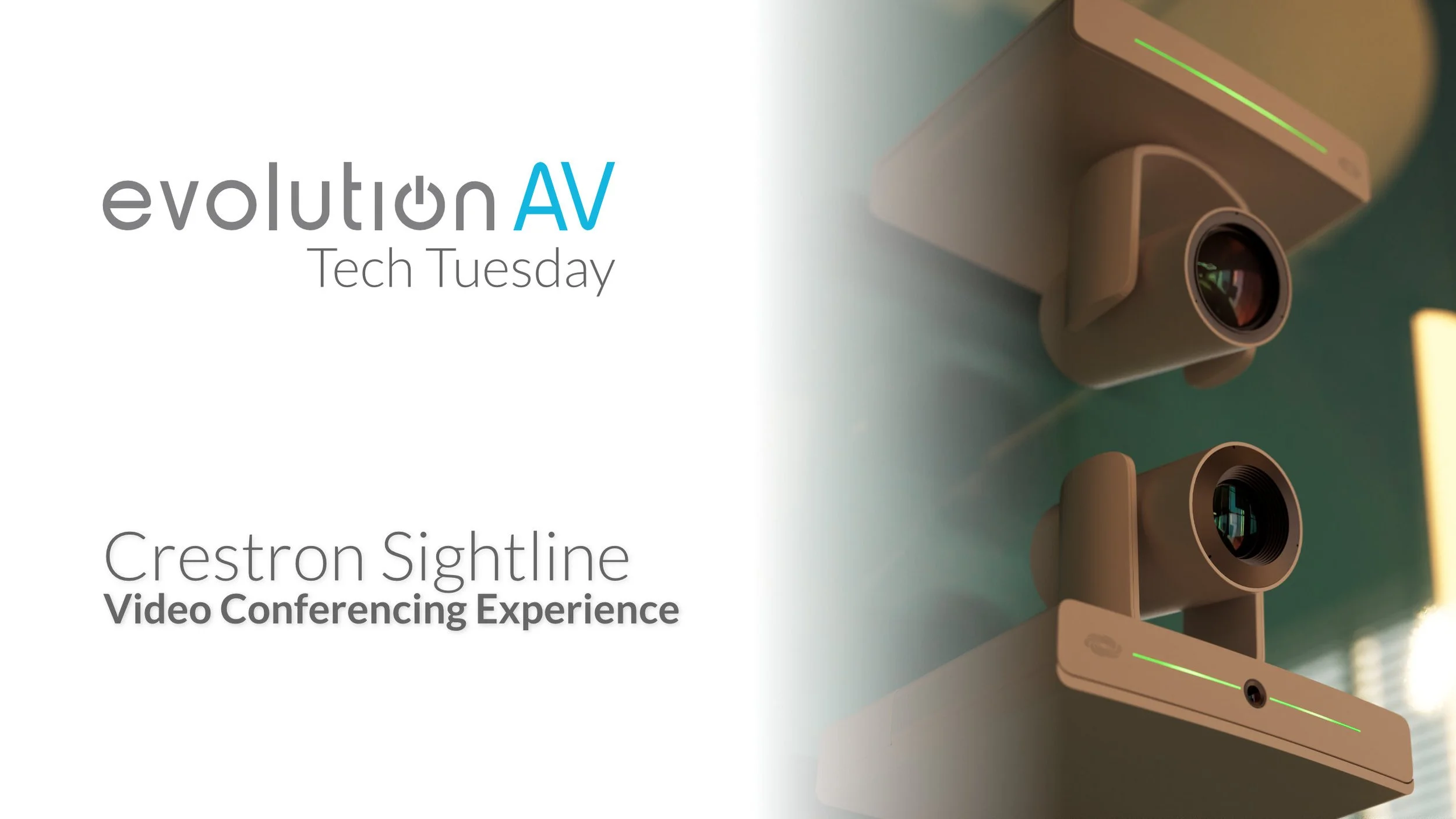
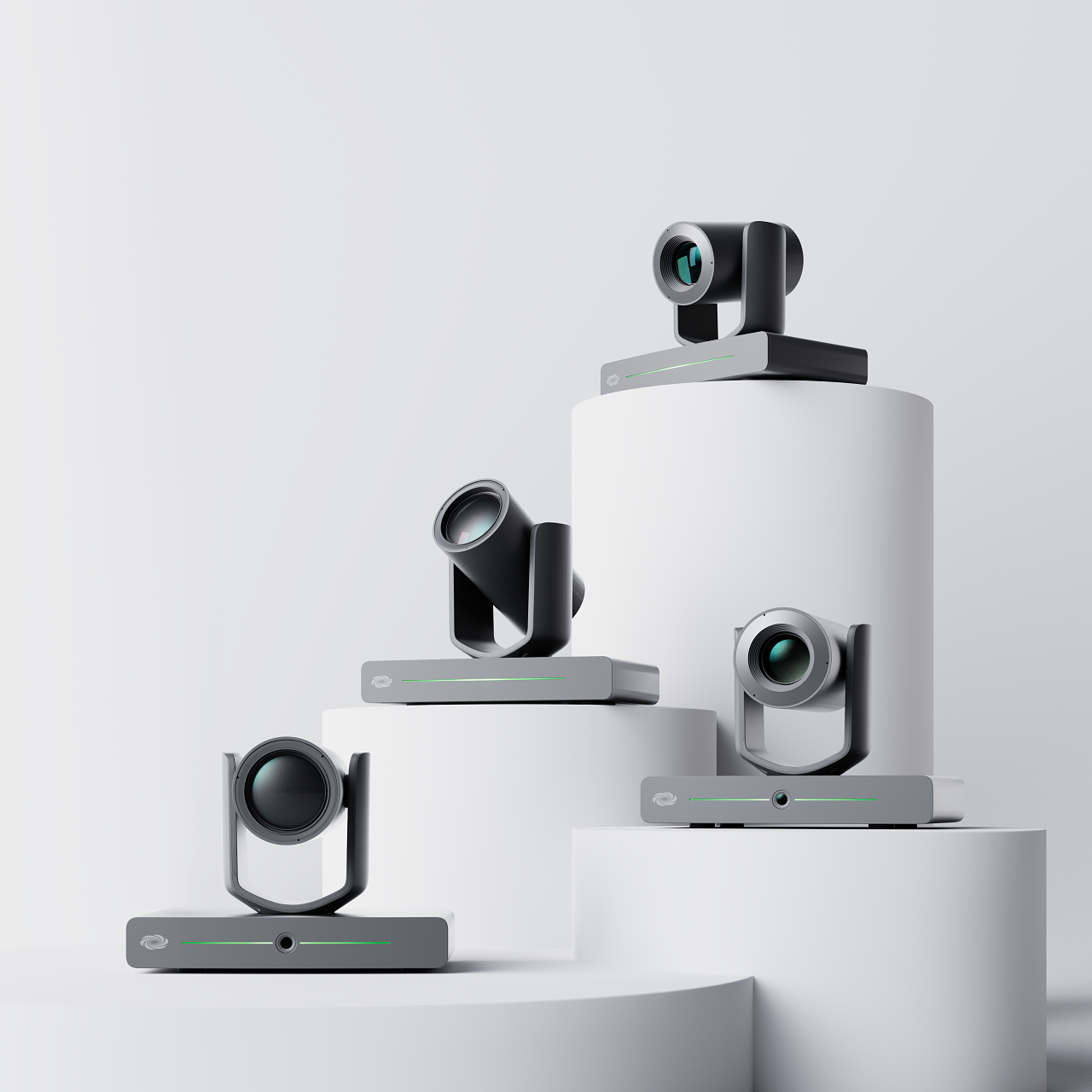
Today, we’re taking a look at Crestron’s solution for high-impact video conferencing spaces. This combines a lot of their cutting edge technologies, like their Automate VX camera framing system, NVX video and audio distribution, wireless presentation, and room control and automation systems. We’re going to take a deep dive into how each of these systems fit together, and what the end result looks like in the room, and on the other end of a video call.
Automate VX: The Brains of the Operation
What really sets the Sightline experience apart from the remote side of the call is Crestron’s Automate VX system. Designed to provide seamless switching in large boardrooms, training rooms, or unconventional conferencing spaces like courtrooms, Automate VX provides complete flexibility in managing switching between multiple cameras. Using a beamforming microphone like the Sennheiser TeamConnect, location data is sent to the Automate VX processor. Using a configuration file (built either by us or Crestron) the processor associates the camera with the audio location and automatically switches the video feed.
Beyond automated switching, Automate VX also supports several different layout modes. Using these allows you to capture reactions and follow back-and-forth conversations in a boardroom without the whiplash of multiple cuts or the motion sickness that comes from a camera trying to figure out who the active speaker in a room is. Because the Sightline Experience uses two cameras per wall, the system can track multiple speakers on the same side or different sides of the table with the same accuracy and clarity, ensuring a top-notch video conferencing experience.
Video Distribution with DM NVX

Another important part of the Sightline Experience is the use or multiple displays around the room, to ensure all attendees can easily see remote participants or presentations. Distributing video and audio around the room like this can be difficult, both in terms of system design and installation. However, the Sightline Experience uses Crestron’s DM-NVX system, making A/V distribution easy. Each endpoint is connected to the same network, and the encoders and decoders are powered over the same Ethernet cable that the data travels through. This makes installation easy, and having all your endpoints on the network makes it easy to monitor for faulty parts or room usage.
Screen Sharing in the Meeting Room
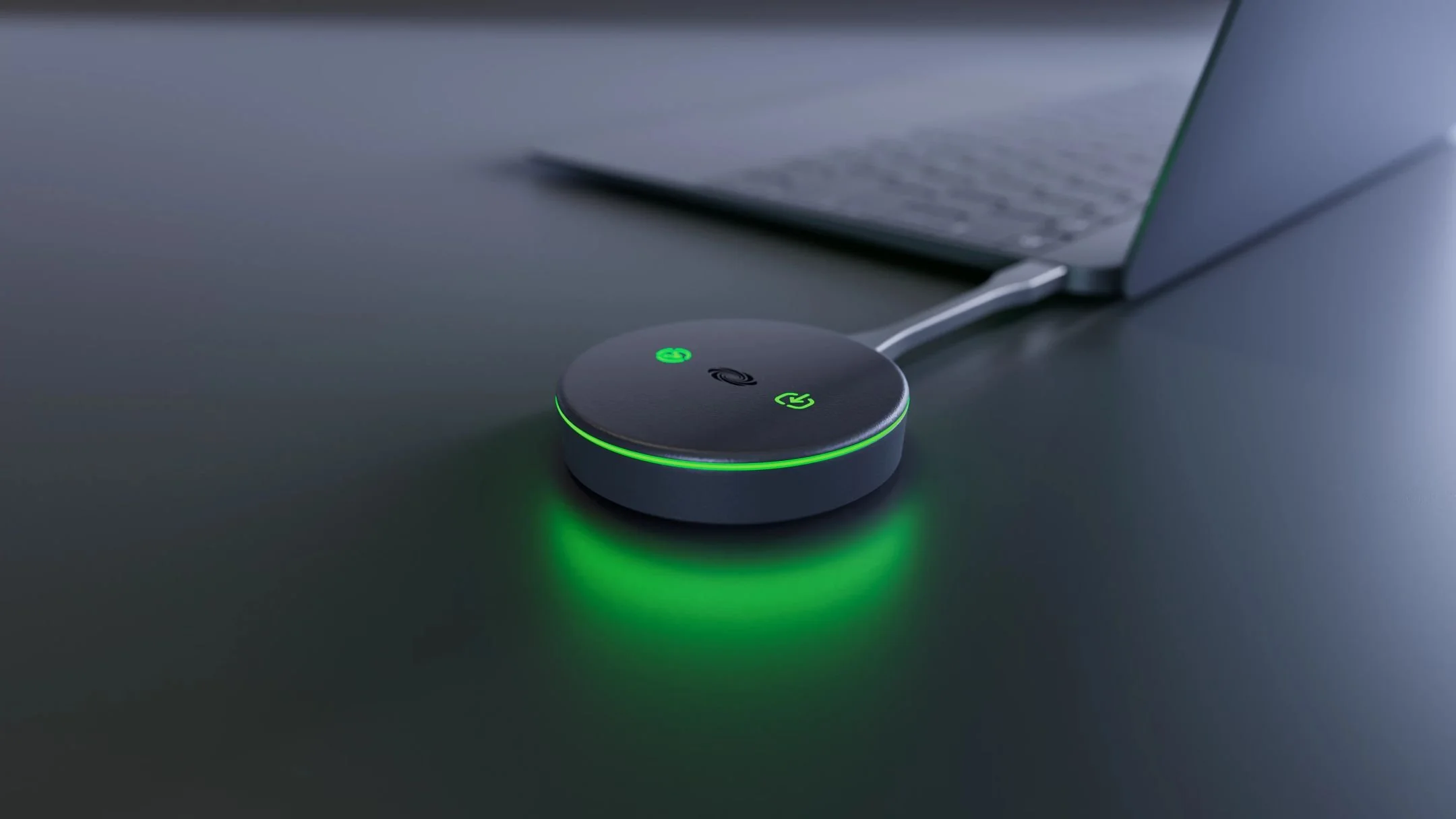
For screen sharing, the Sightline room uses Crestron’s AirMedia receiver. Meeting participants can use the AirMedia Connect Adapter to share their screen to all the displays, without needing to download drivers or run software. The receiver also supports sharing through AirPlay, Chromecast, or Miracast, making it easy for mobile devices to share to the meeting room. When not in use as a screen sharing receiver, the AirMedia doubles as a digital signage player, allowing you to broadcast information about events or other corporate communications.
All of these pieces are tied together using Crestron’s Virtual Control system. Using a Crestron touch panel, users can easily join meetings, turn content sharing on and off, adjust the volume of all the speakers in the room, or control lighting and blinds. For device management, Crestron’s XiO Cloud allows remote provisioning, updating, and monitoring of all the devices in the room—making it easy for IT administrators to identify failing or malfunctioning equipment and reducing room downtime.
The Ideal Room for The Sightline Experience
While technology from the Sightline Experience can be applied across nearly any meeting space, the full Sightline experience is designed for large “executive-style” boardrooms. In long planning or strategy sessions, having technology that makes remote collaboration as seamless as in-person can keep participants focused and keep meetings productive. However, smaller huddle spaces or meeting rooms for 2-6 people can still benefit from some of the technology included in the Sightline Experience, such as AirMedia screen sharing and Crestron control and room management.
For more meeting room design inspiration, check out the Project Highlights and Case Studies on our blog.
Looking to upgrade your meeting spaces with the latest in boardroom video conferencing technology? Get in touch—our team can design and build a solution that fits your needs and budget.