The Pros and Cons of BYOD in Corporate Meeting Spaces
What is BYOD?
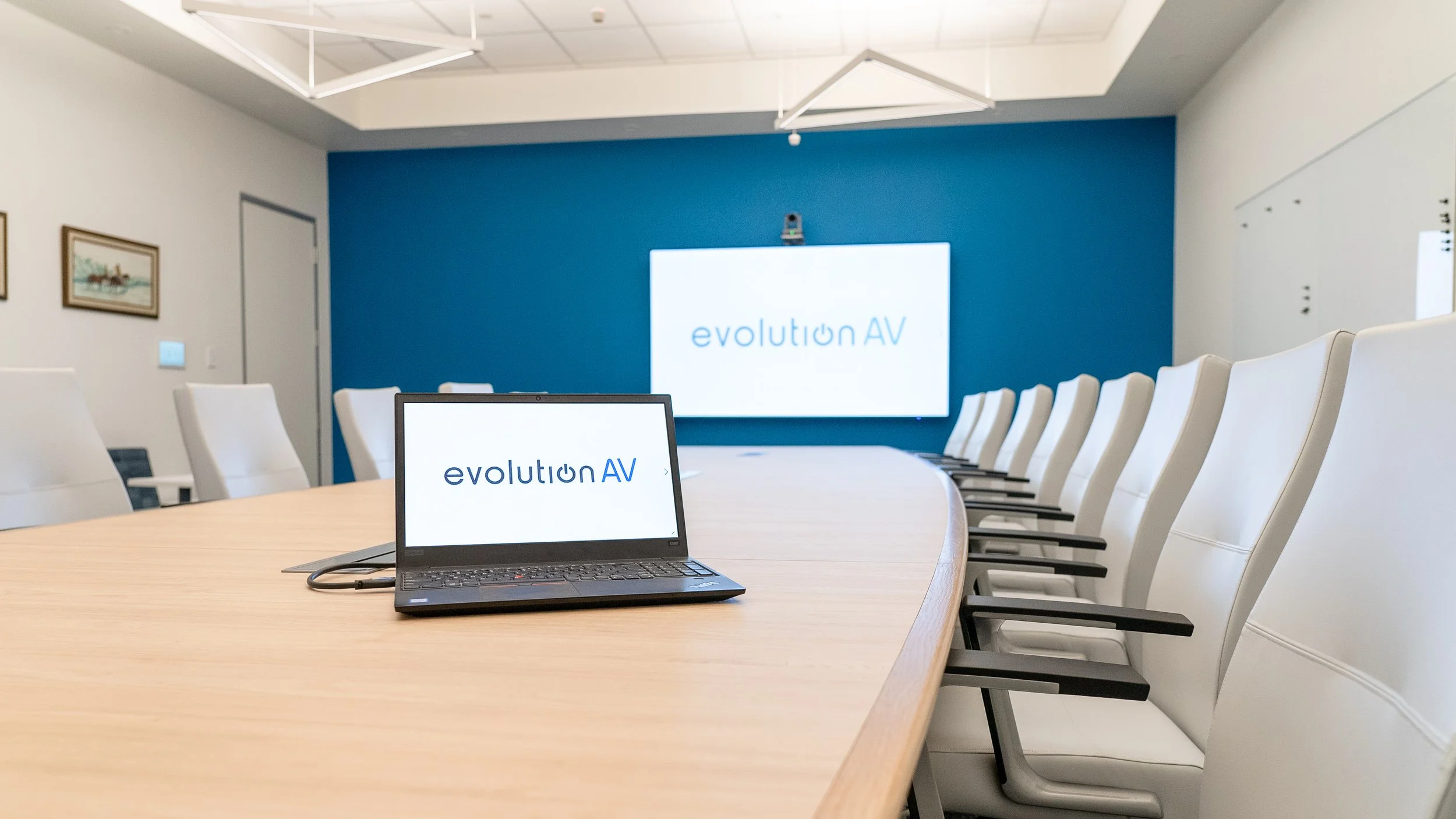
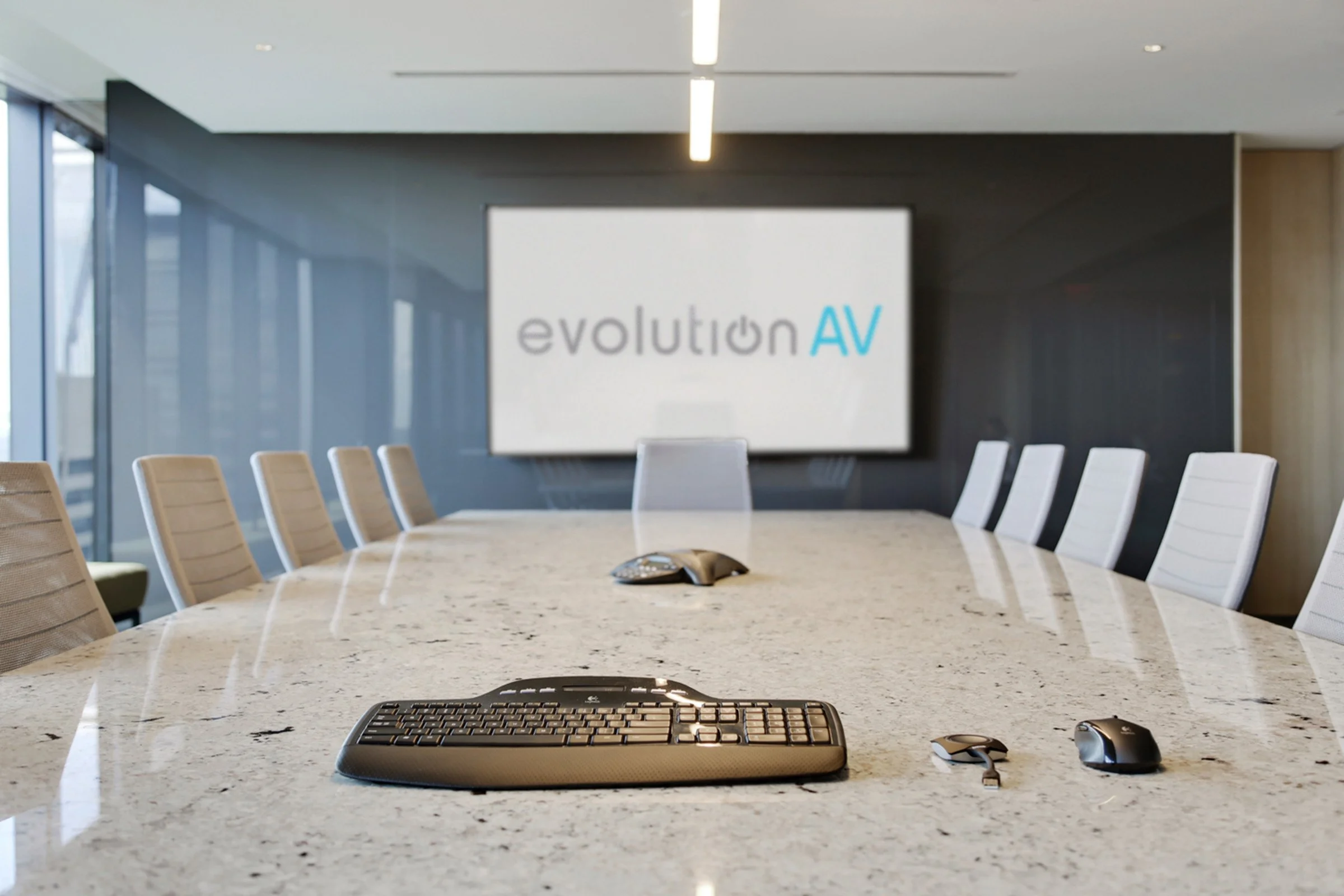
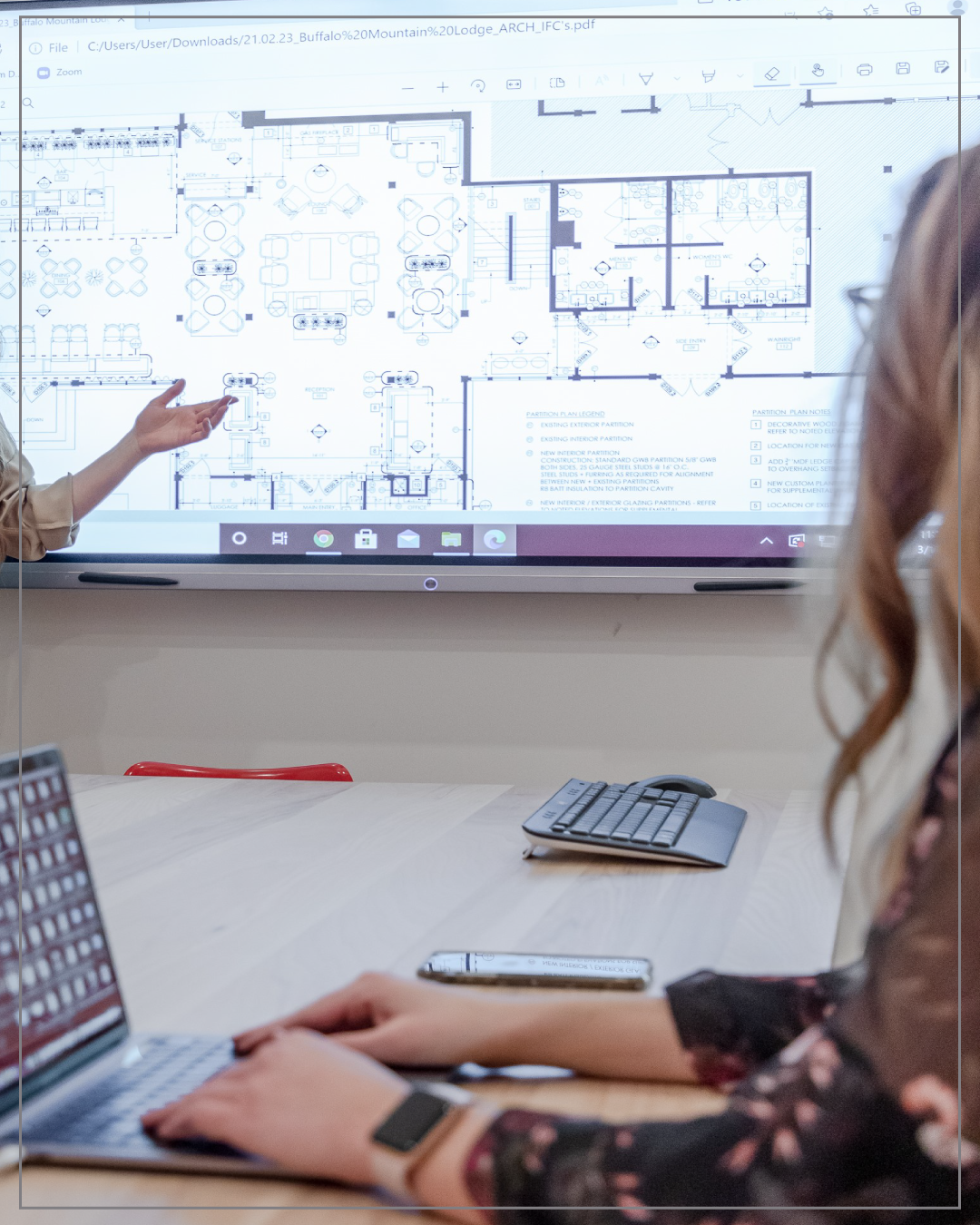
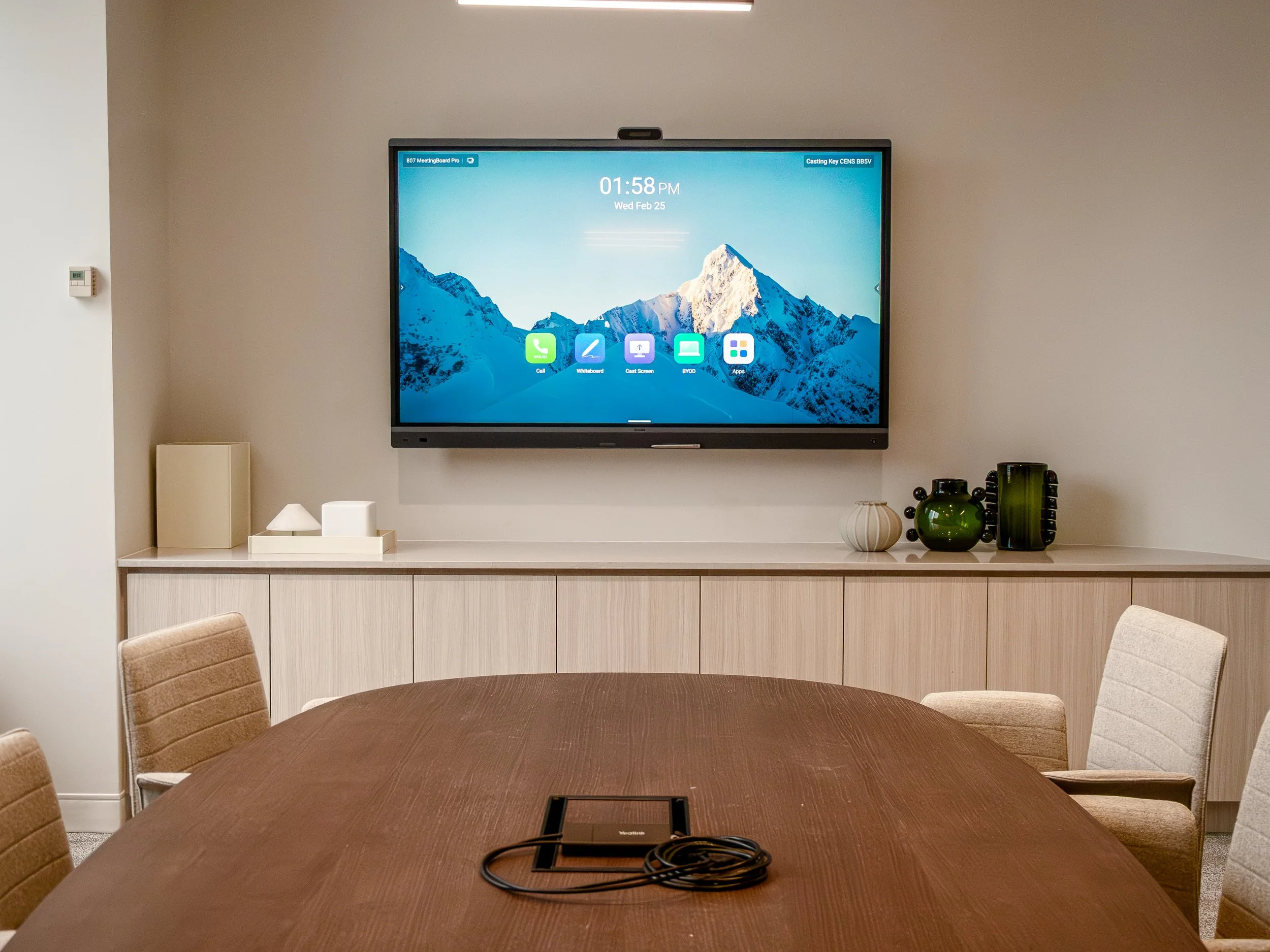
BYOD, or Bring Your Own Device, allows people to connect their personal laptop, tablet, or phone to a meeting room AV system. Once connected, either by a direct cable, dongle, or wirelessly, they can use the cameras, speakers, microphones, and displays for seamless video conferencing, content sharing, and meeting participation.
BYOD has become increasingly poplar in the past several years, contributing to the standard for hybrid-work and collaboration. These systems work best in environments where simplicity and flexibility are priorities, such as small rooms with limited participants, shared spaces with rotating participants, and presentation led meetings spaces.
Offering a cost-effective, user-friendly way for individuals to utilize the systems available on the device most familiar to them, BYOD has become a staple in many corporate environments. But is having a BYOD only set up the right choice?
What are the benefits of BYOD?
Flexibility: Unlike fixed-room systems that rely on a specific platform, like Microsoft Teams or Zoom, BYOD allows users to join meetings from platforms installed on your device. This flexibility is especially useful for organizations that frequently collaborate with external partners and use multiple conferencing systems.
User Friendly and Familiar: BYOD is an intuitive, user-friendly alternative to traditional in room PCs. The simple plug-and-play method allows for individuals to use the device most familiar to them. Unfamiliarity with new systems is a large part of why meetings get delayed. BYOD can reduce common issues, like difficulty launching calls, creating a smoother, more enjoyable experience for everyone.
Fast Startup Times: BYOD systems are designed for quick startup. Within seconds of connecting, participants can access cameras, microphones, speakers, and displays without the hassle of user accounts and file transfers.
Downsides of only BYOD
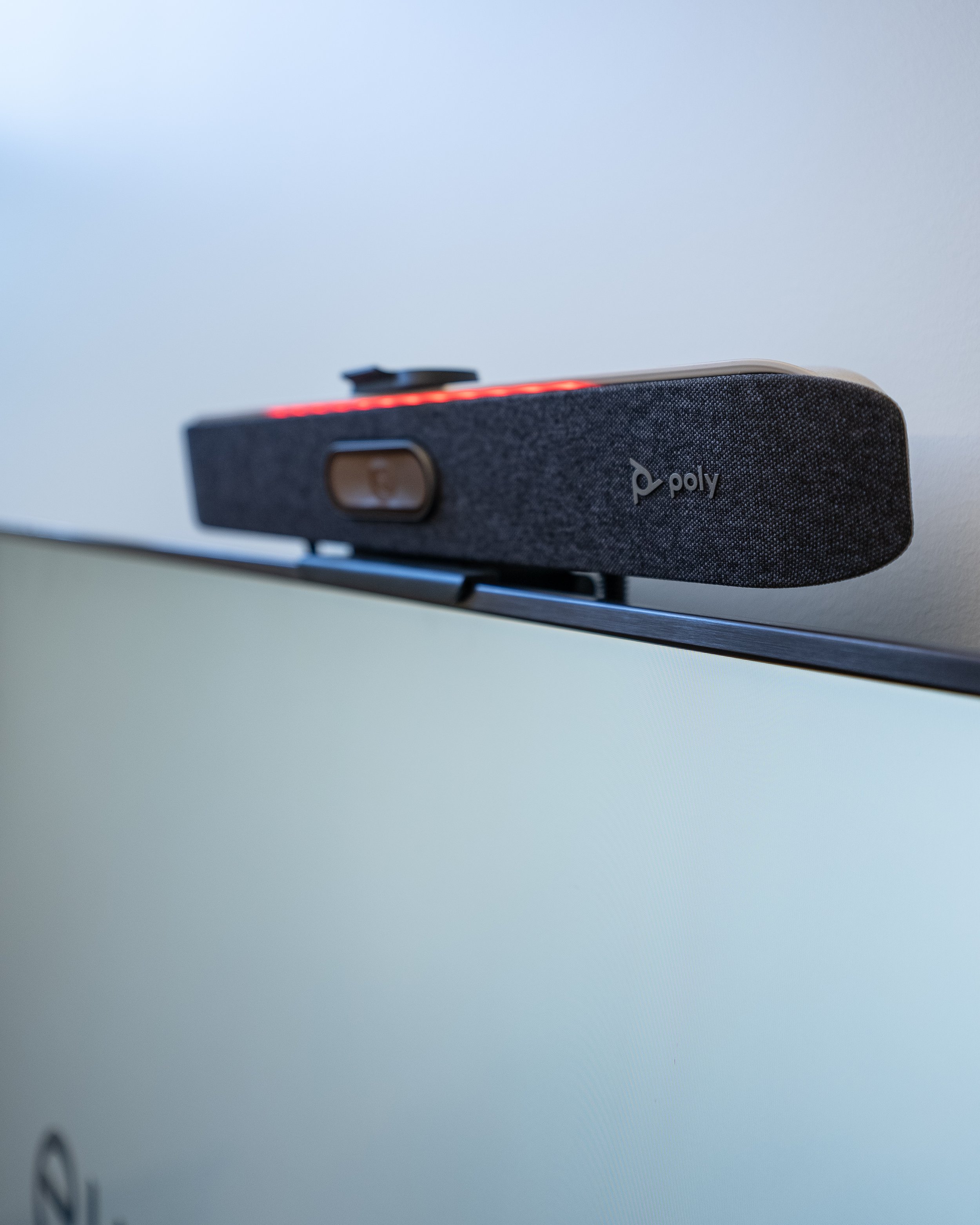
Introducing products with BYOD capabilities can be a great addition to any collaboration space, if it is paired with existing AV systems. As a stand-alone solution for larger spaces, it may fall short.
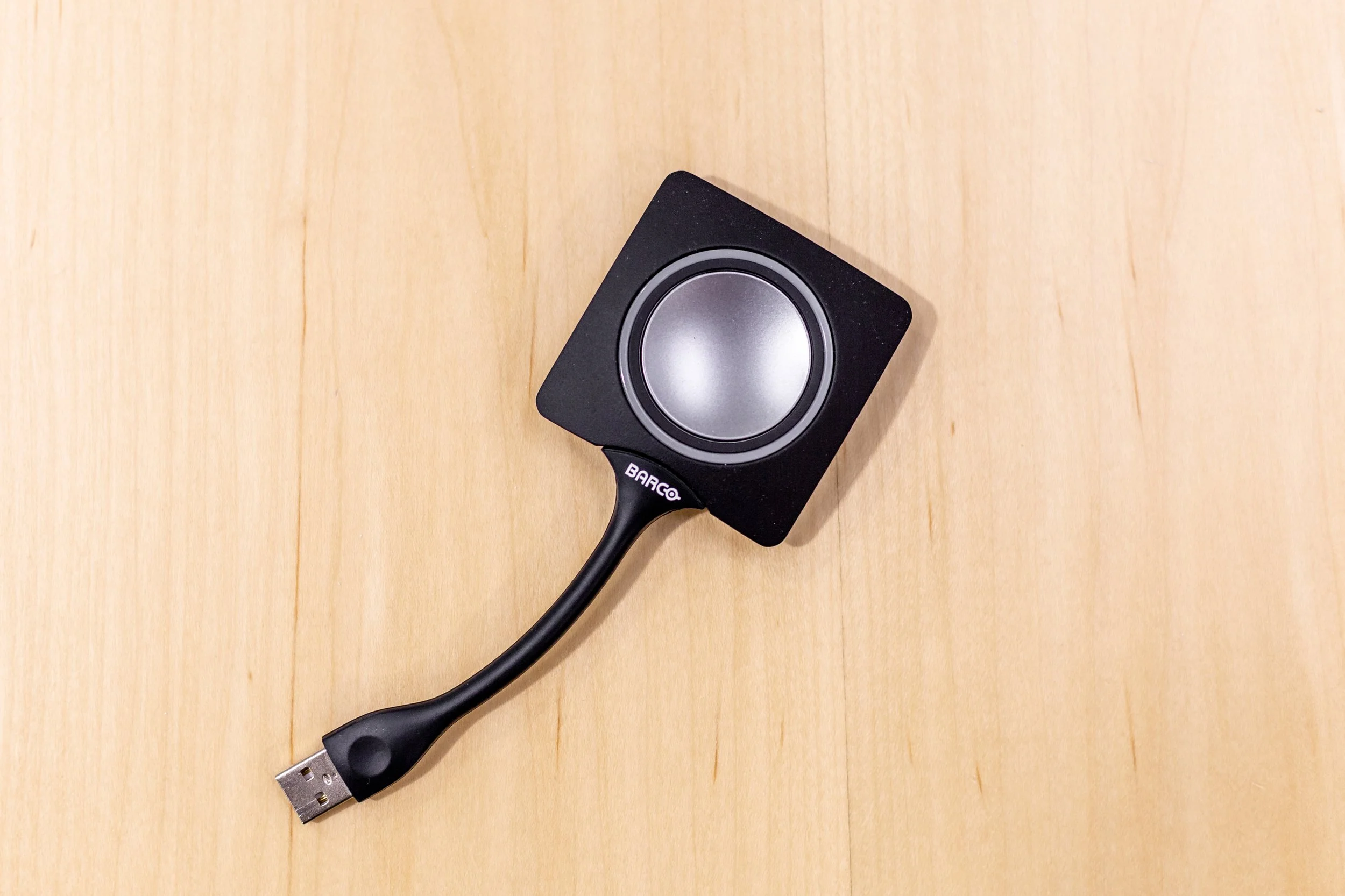
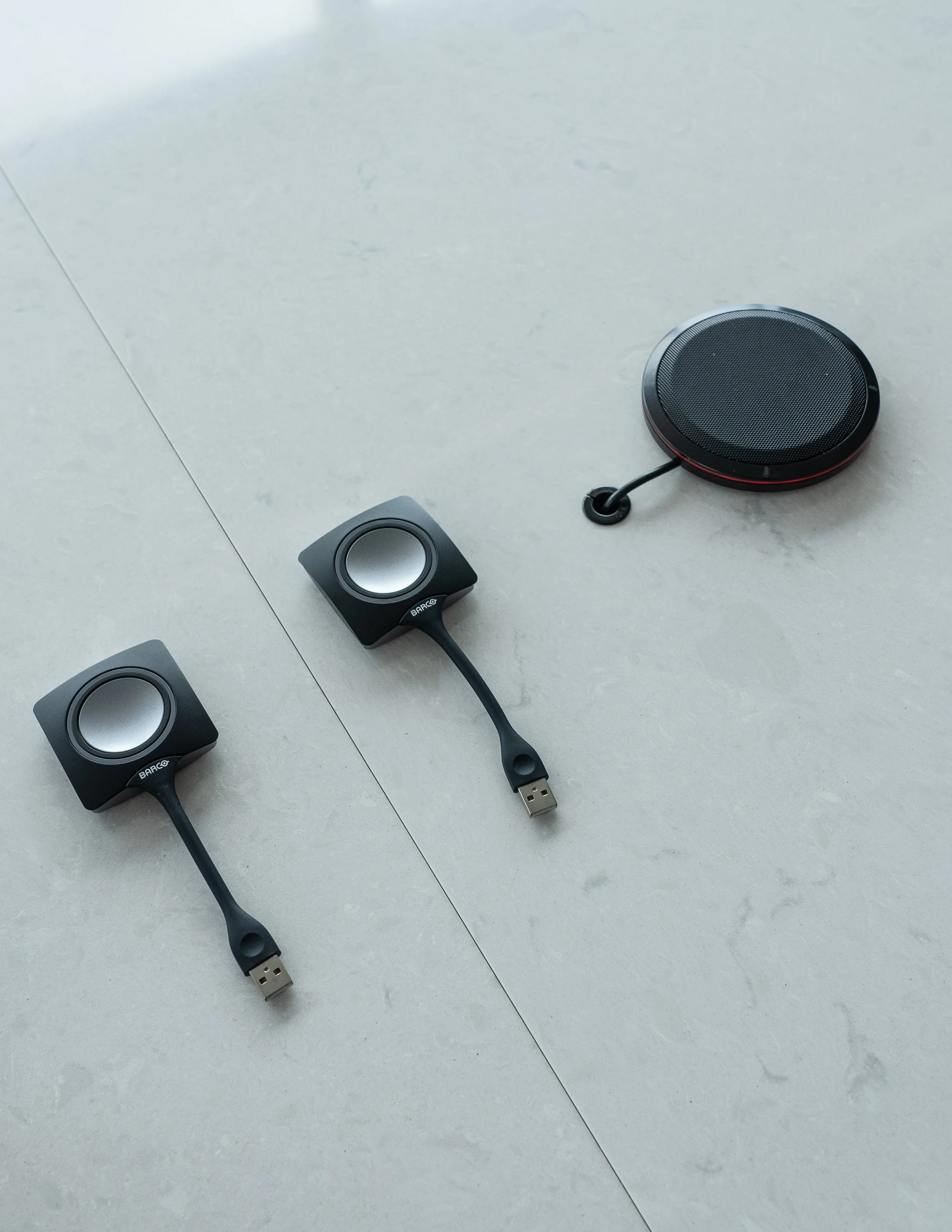
Cable Dependency: Cables and dongles are essential to many BYOD spaces. However, like many important cables, they have a habit of growing legs and disappearing. If a key cable or dongle is damaged or missing, the entire system can be rendered unusable. Fully wireless systems can help mitigate this, but that can introduce its own set of challenges depending on the environment. Because users are connecting personal devices over a wireless network, it produces more points of failure for an IT team to troubleshoot.
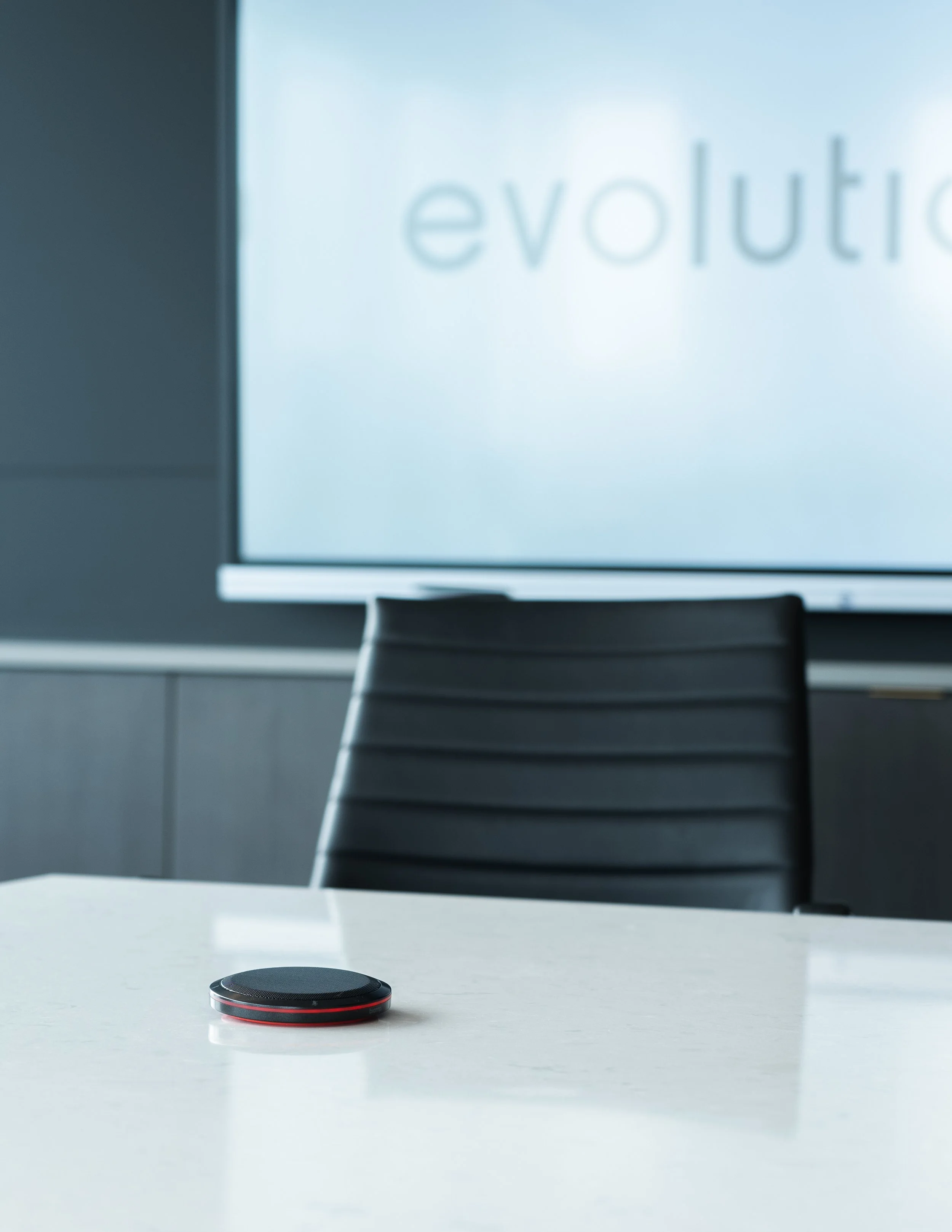
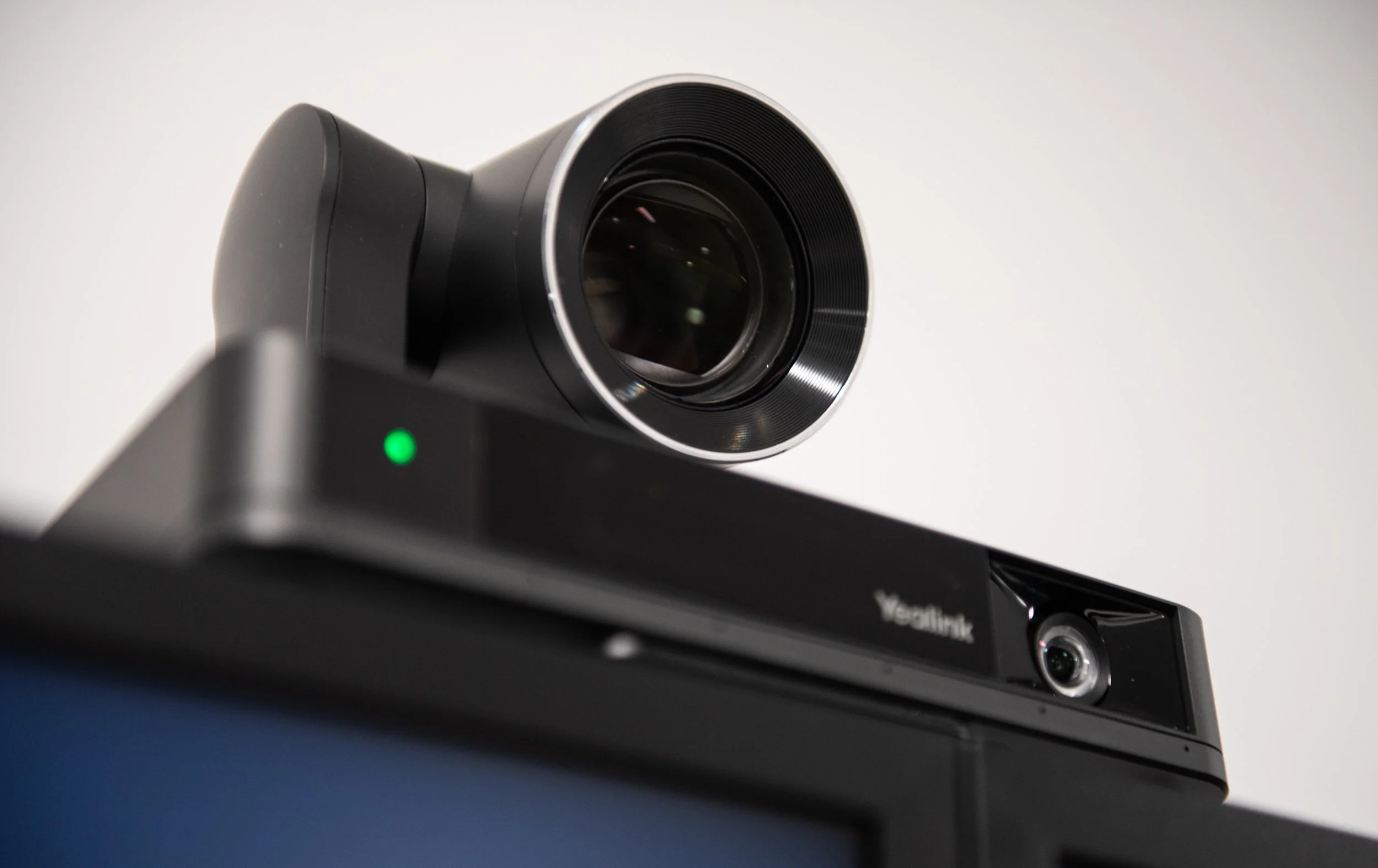
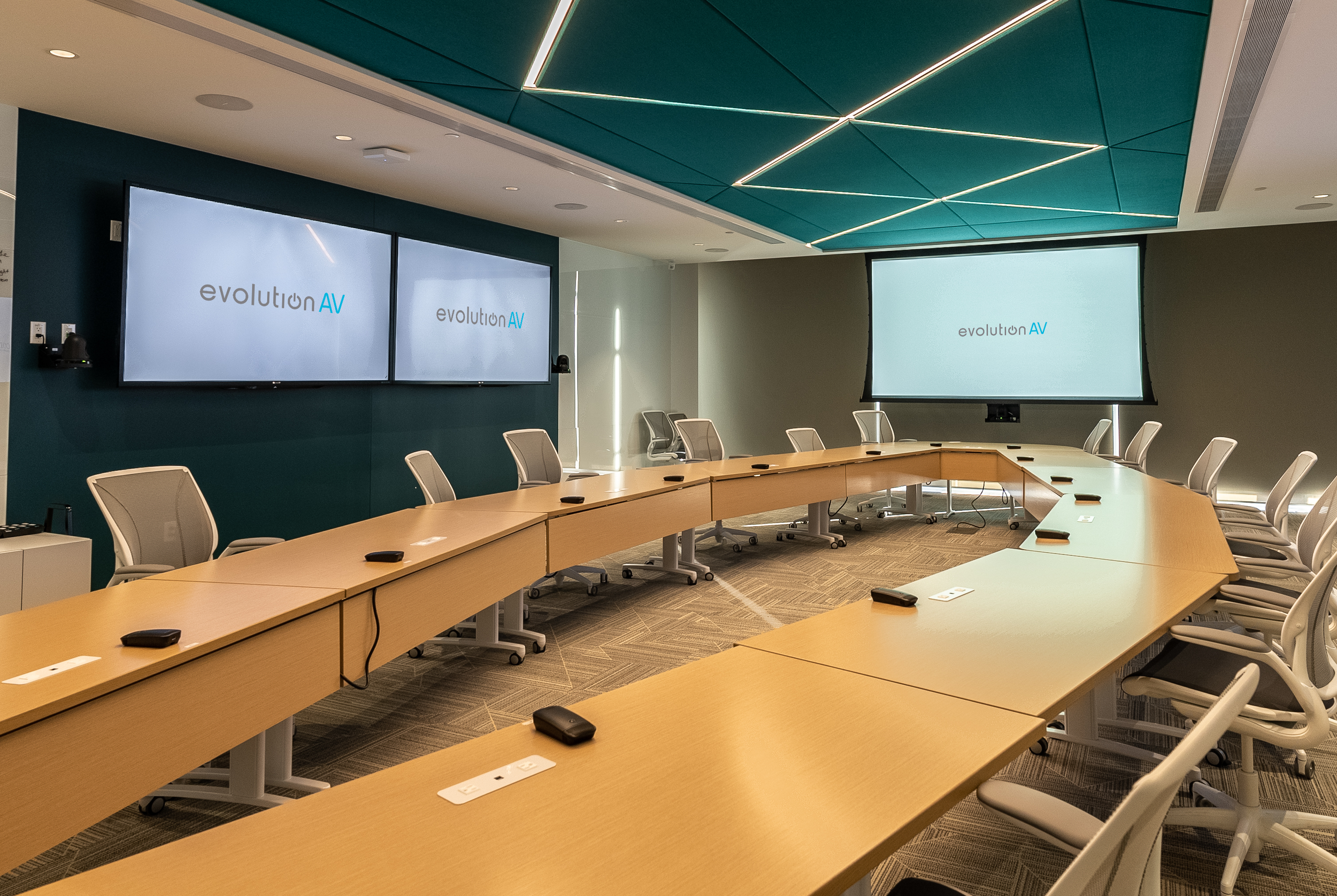
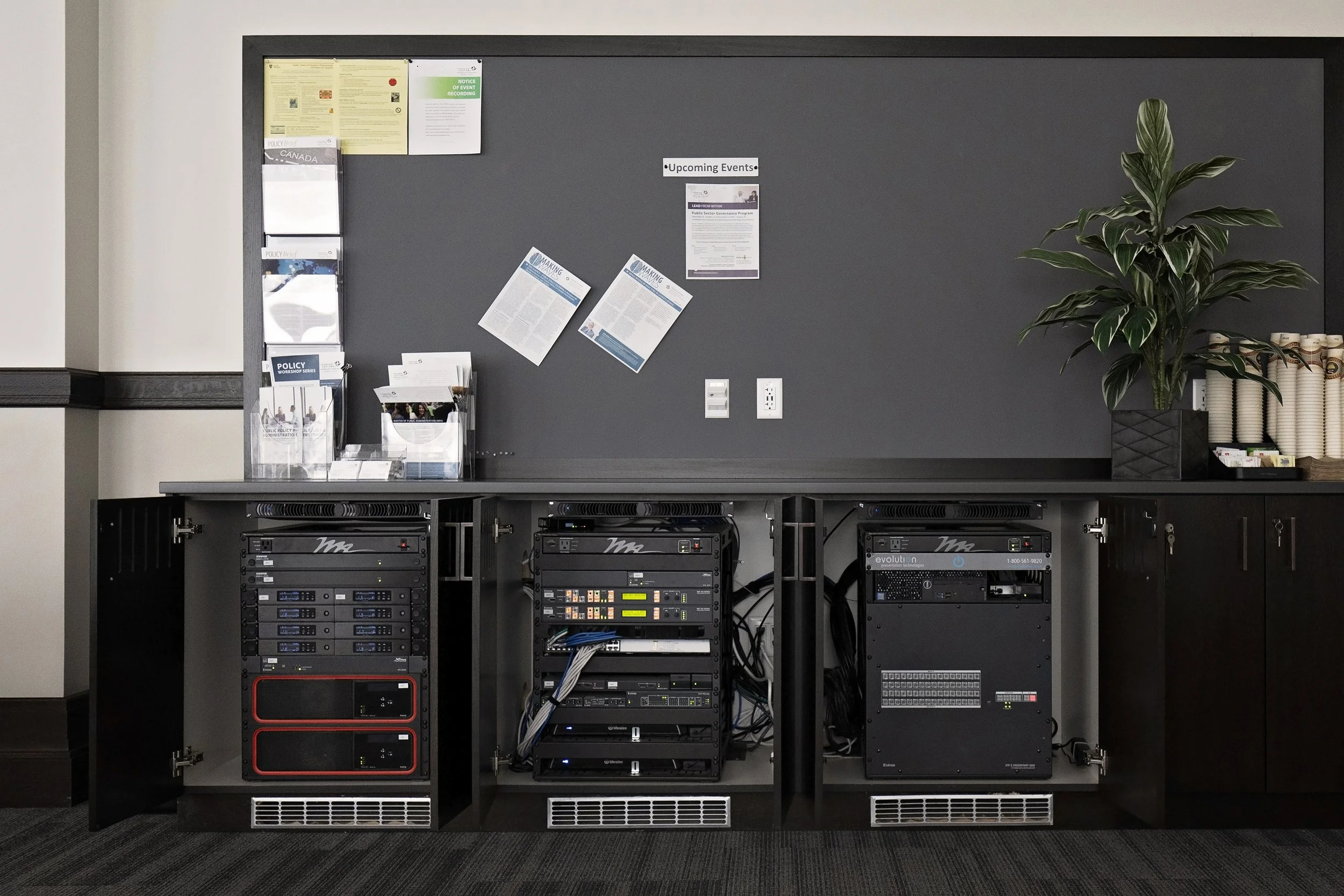
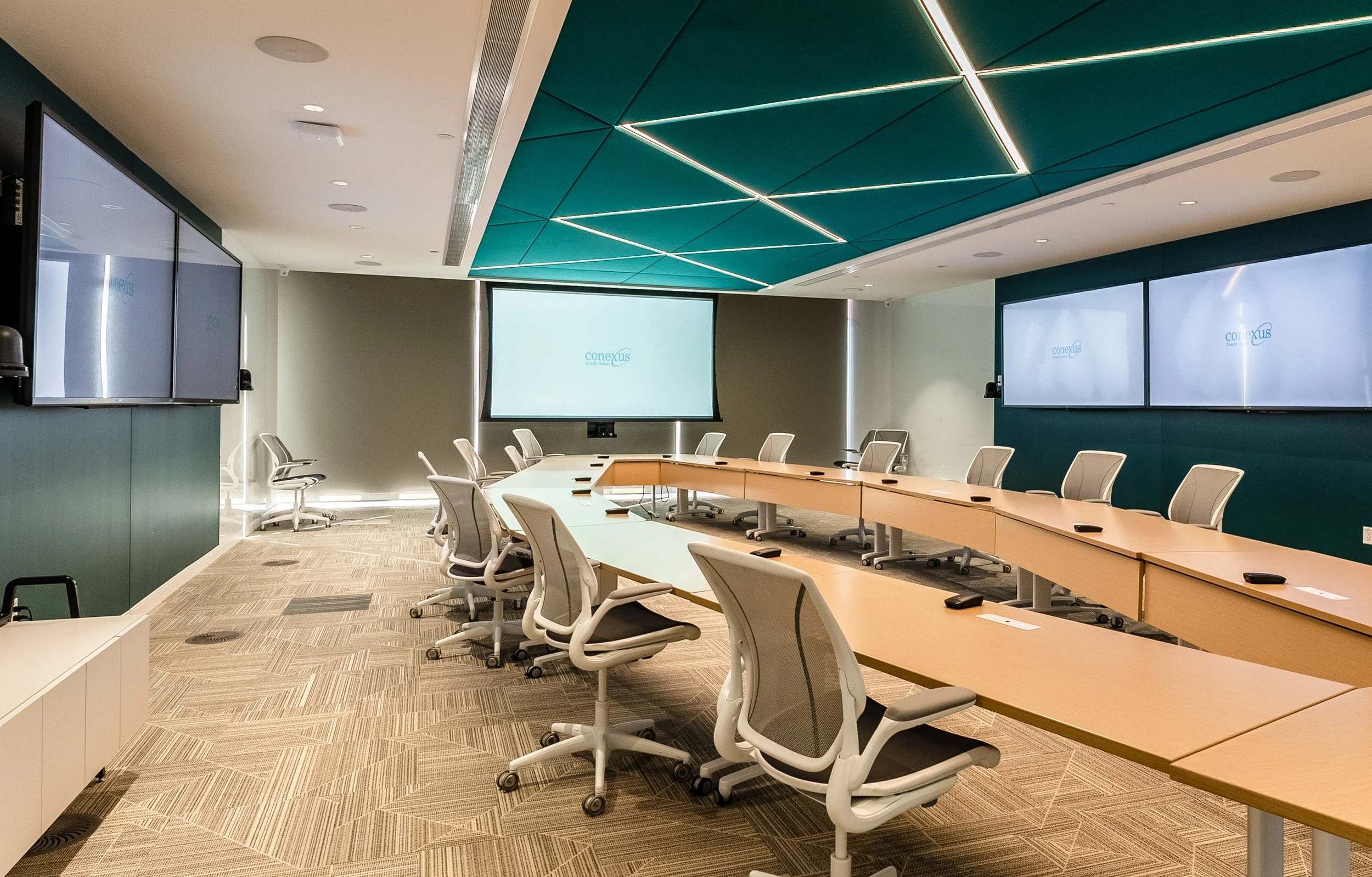
Larger Room Limitations: Managing larger spaces with multiple participants pushes the limitations of BYOD. As meetings grow in size and complexity, the clarity and performance may suffer. While some all-in-one video conferencing bars support BYOD and are great solutions for small to medium spaces, they may not deliver the same level of performance as fully integrated systems in larger, more complex rooms. Larger meeting and conferencing rooms typically require advanced, in-depth AV systems. Integrating intelligent microphones, speaker tracking cameras, and carefully tuned acoustics greatly improves the quality and efficiency of the meeting room.
Inconsistent Quality: Not all personal devices are designed to handle room-scale AV connections. Old, out of date laptops, small, personal tablets, or cell phones are not made equally, and can lead to unreliable and inconsistent audio, video, or display quality. A Chromebook, for example, is not going to be able to run multiple 4K cameras and mics as effectively as a dedicated PC. The personal device used directly correlates with the functionality of the equipment.
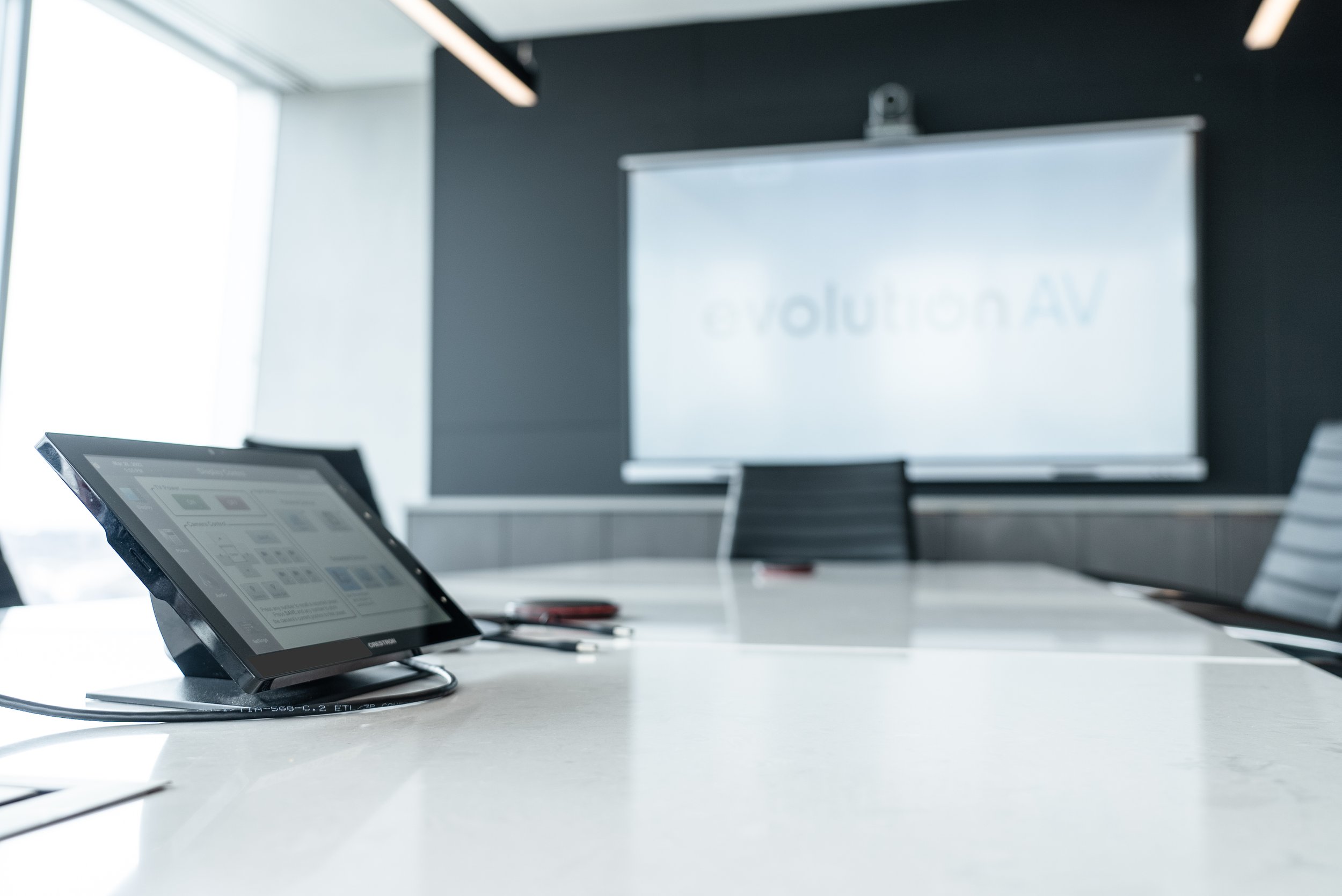
BYOD is a powerful solution for modern workplaces, offering simplicity, flexibility, and a user-friendly experience that aligns with how people naturally work. It’s especially effective in smaller, more dynamic spaces where ease of use is critical.
However, it’s not a one-size-fits-all approach. Larger rooms, higher performance requirements, and security considerations may call for more robust, dedicated systems.
Ultimately, the best meeting environments often strike a balance; leveraging BYOD where it makes sense, while integrating purpose-built technology where reliability and performance are essential.
Not sure if BYOD is the right choice? Our team of experts will help determine the best AV equipment for your space. Get in touch!

Frequently Asked Questions
-
BYOD, or bring your own device, allows people to connect their personal laptop, tablet, or phone to a meeting room AV system.
-
You can connect by a direct cable, dongle, or wirelessly, depending on the products and systems.
-
BYOD capabilities are user friendly, familiar, flexible, and fast, allowing individuals to utilize the systems available on the device most familiar to them. They can use the cameras, speakers, microphones, and displays for seamless video conferencing, content sharing, and meeting participation.
-
BYOD capabilities are great for small rooms with limited participants, flexible or shared spaces with rotating participants, and presentation led meetings where one person is driving content.
-
BYOD systems are not a one-size-fits-all approach. Larger rooms, higher performance requirements, and security considerations may call for more robust, dedicated systems.