
Meeting Rooms vs Boardrooms – Different AV for Different Needs
Most people use the terms meeting room and boardroom interchangeably. Though they may seem similar, these spaces serve very different purposes.
While both spaces are designed for collaboration, the type of meetings held in each and the expectations that come with them vary significantly. That means the audio visual technology supporting those spaces needs to be just as intentional. From quick team huddles to high-stakes executive discussions, aligning AV solutions with the room’s purpose is key to creating productive, seamless experiences.
What is the difference between Meeting Rooms and Boardrooms?
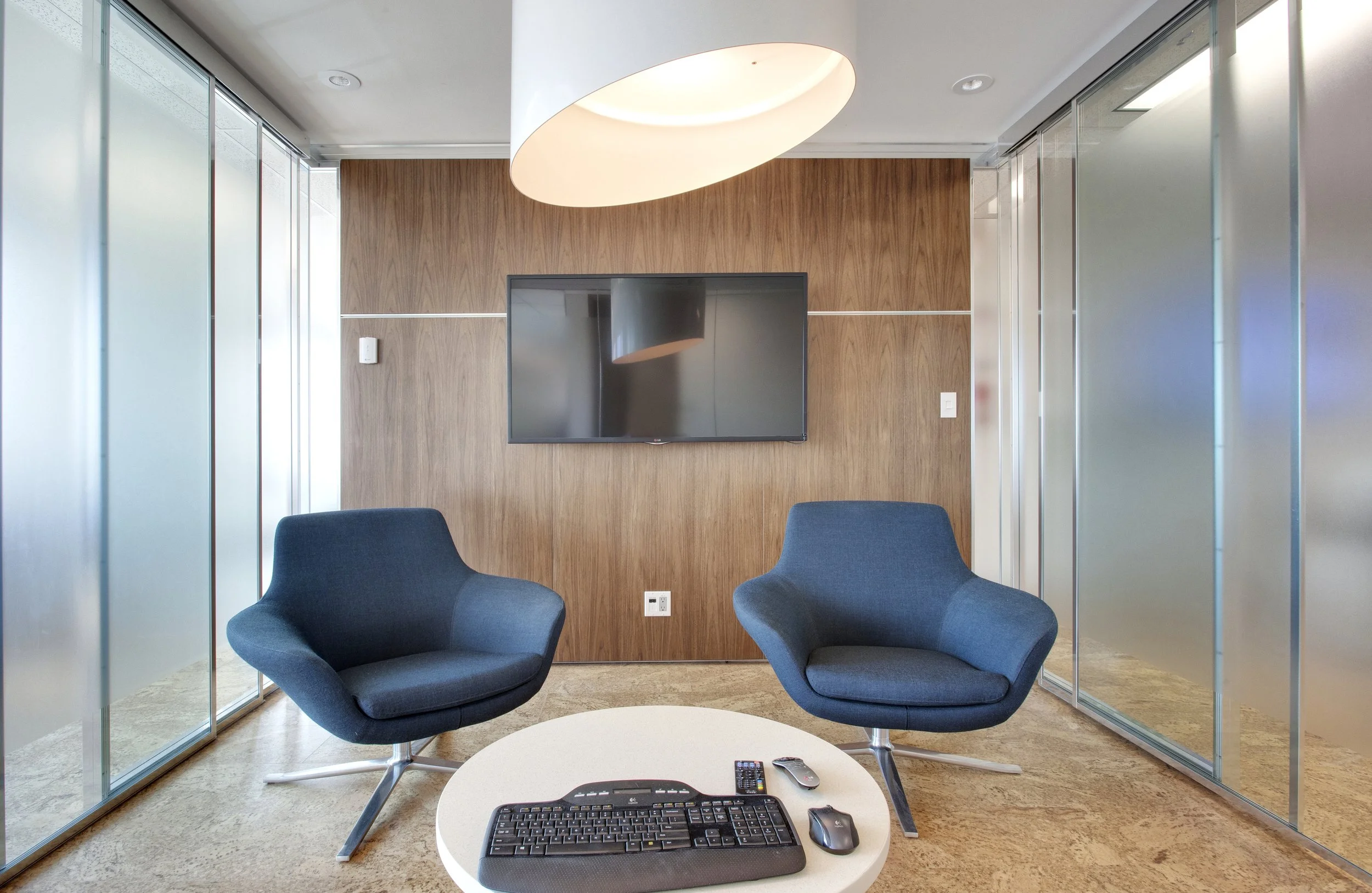
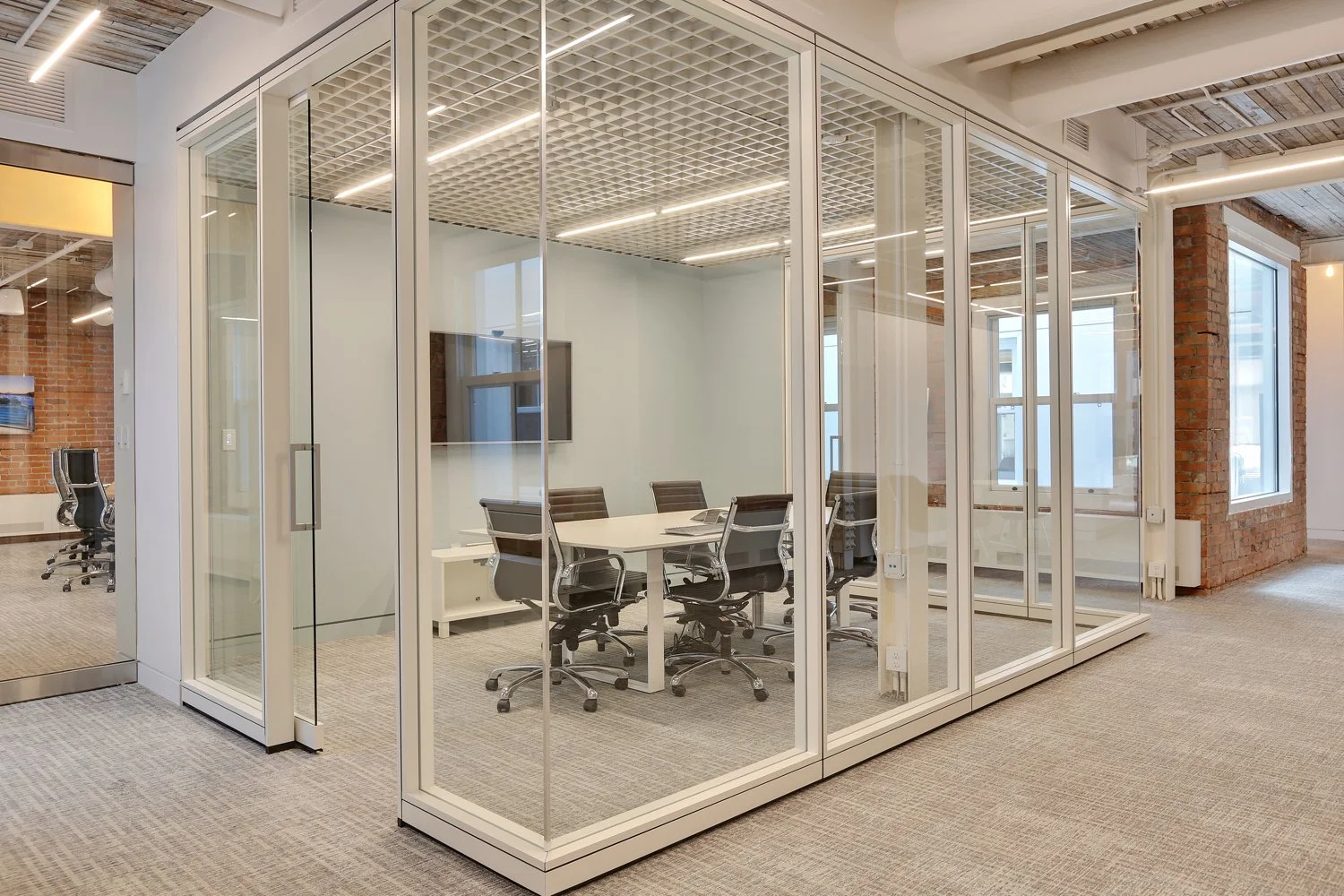
Meeting rooms are often small, informal spaces designed for collaboration and everyday use. These rooms are intended to be a private, quiet space that fosters productivity used for team check ins, client meetings, and project planning.
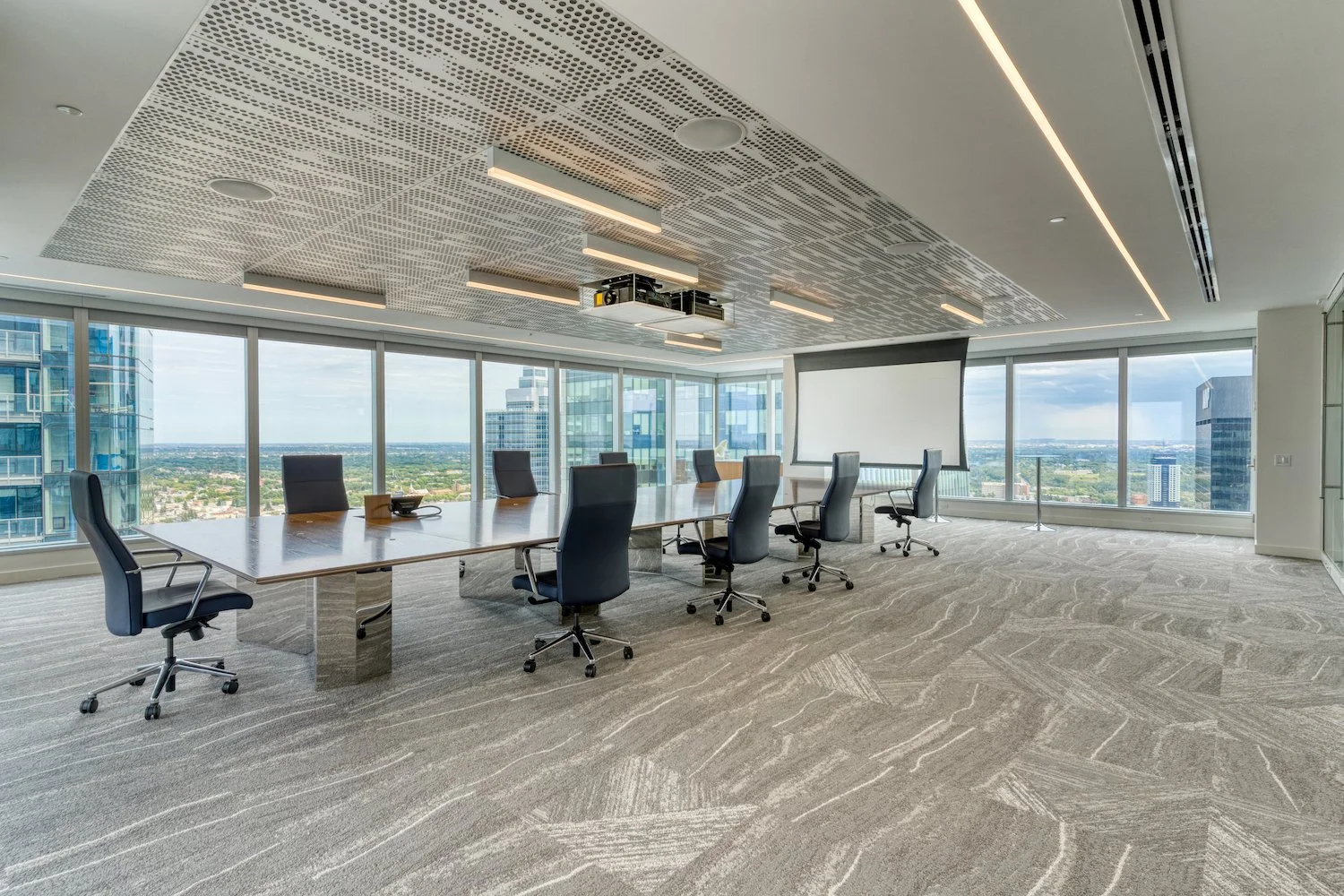
Boardrooms are typically used for high-level executive meetings. A “board” refers to a group of senior executives and directors that a company appoints to oversee the running of the organization and business, so these rooms are often designed specifically for governance and stakeholder functions.
The AV needs of a boardroom are very different than the needs of a meeting room. Boardrooms prioritize clear audio for multiple speakers, intelligent camera systems that automatically frame participants, and robust hybrid capabilities that ensure remote attendees are fully engaged. Small meeting rooms, on the other hand, prioritize BOYD (bring your own device) capabilities and easy to use systems for new and returning groups.
Different Tech for Different Needs
Conferencing Systems (cameras, audio, speakers)
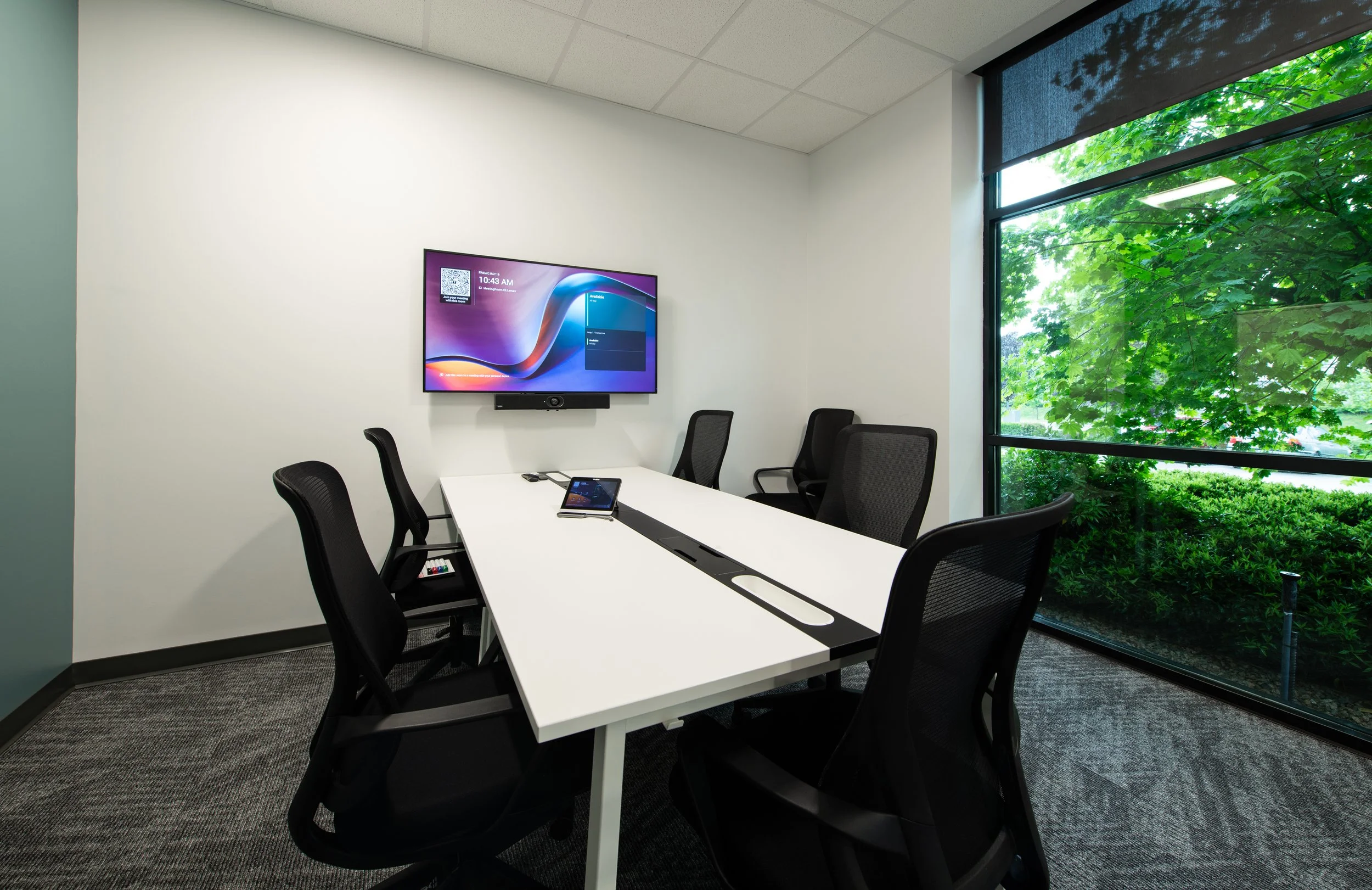
Small meeting rooms benefit from simple, all-in-one conferencing systems. Solutions like the Logitech Rally Bar are designed to deliver premium performance in one compact device. By combining microphones, speakers, and cameras, these systems are fast and easy to use, ideal for smaller bookable rooms with rotating participants.
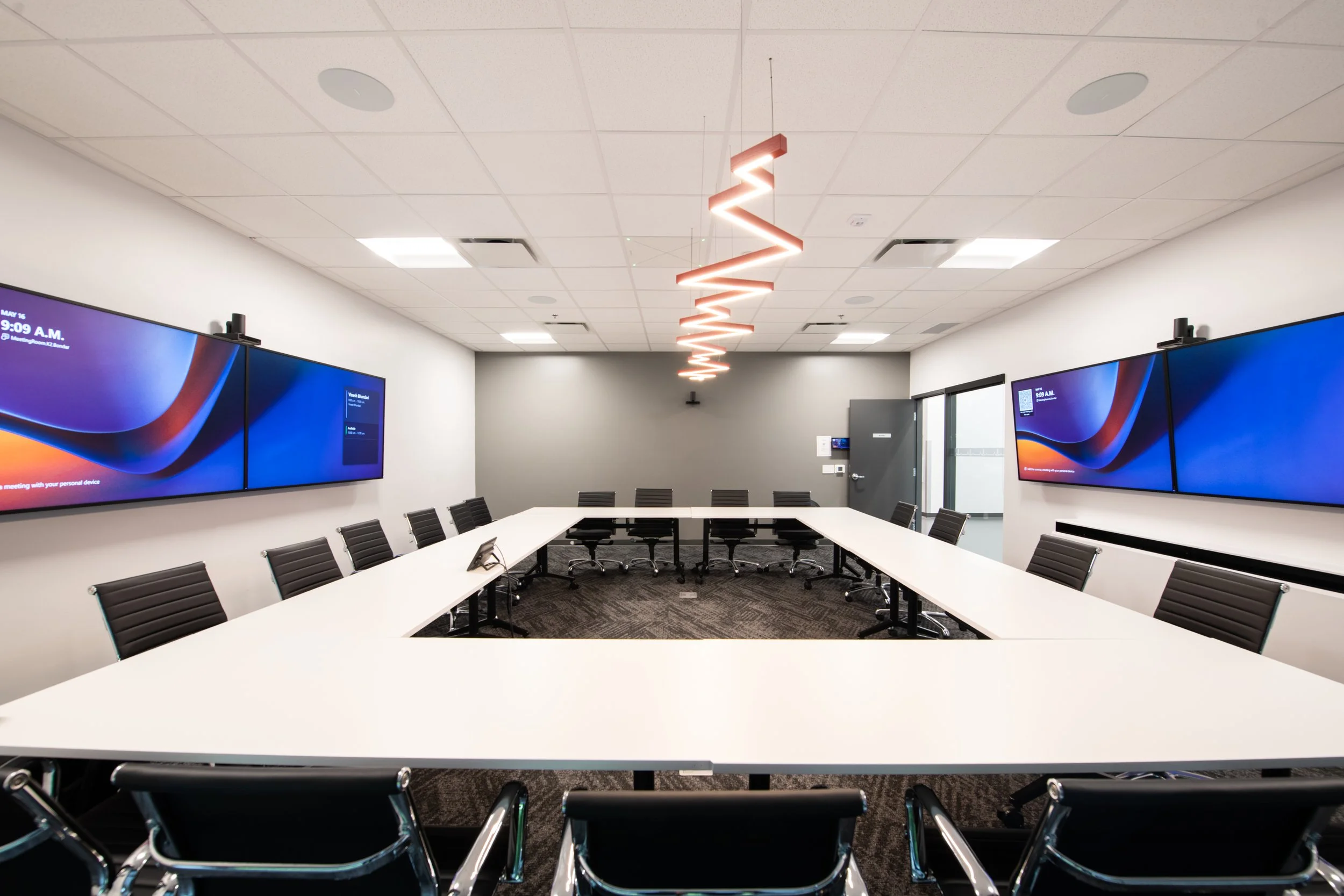
Boardrooms, on the other hand, require a more integrated approach. With more participants and dynamic discussions, a multi-camera setup is ideal. Solutions like the Crestron Automate VX use multiple cameras to automatically track and frame speakers to ensure every participant is clearly seen, whether they’re in the room or joining remotely.
Pairing these systems with high-quality microphones, options like the in-ceiling Sennheiser TeamConnect or on-table gooseneck microphones from Audio-Technica, ensures that every voice is captured clearly. Using a processor, this set up can be programmed to associate the camera with the audio location and automatically switch the video feed, making remote collaboration as seamless as in-person meetings.
Displays
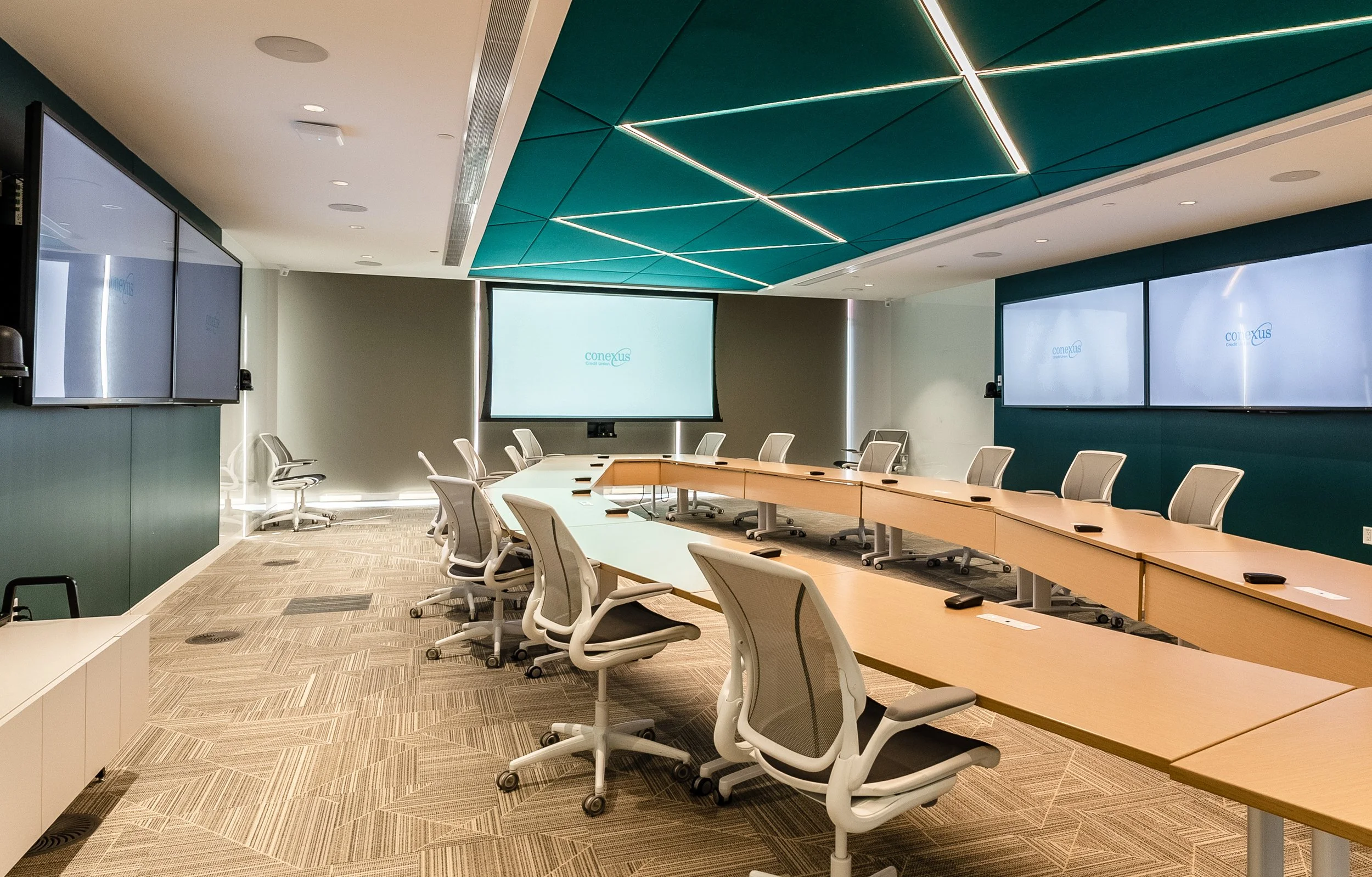
Display needs also differ based on room size and function.
Meeting rooms typically require a single display that allows participants to easily share content and collaborate. Users should be able to walk in, connect, and start presenting without issue, so simplicity is key.
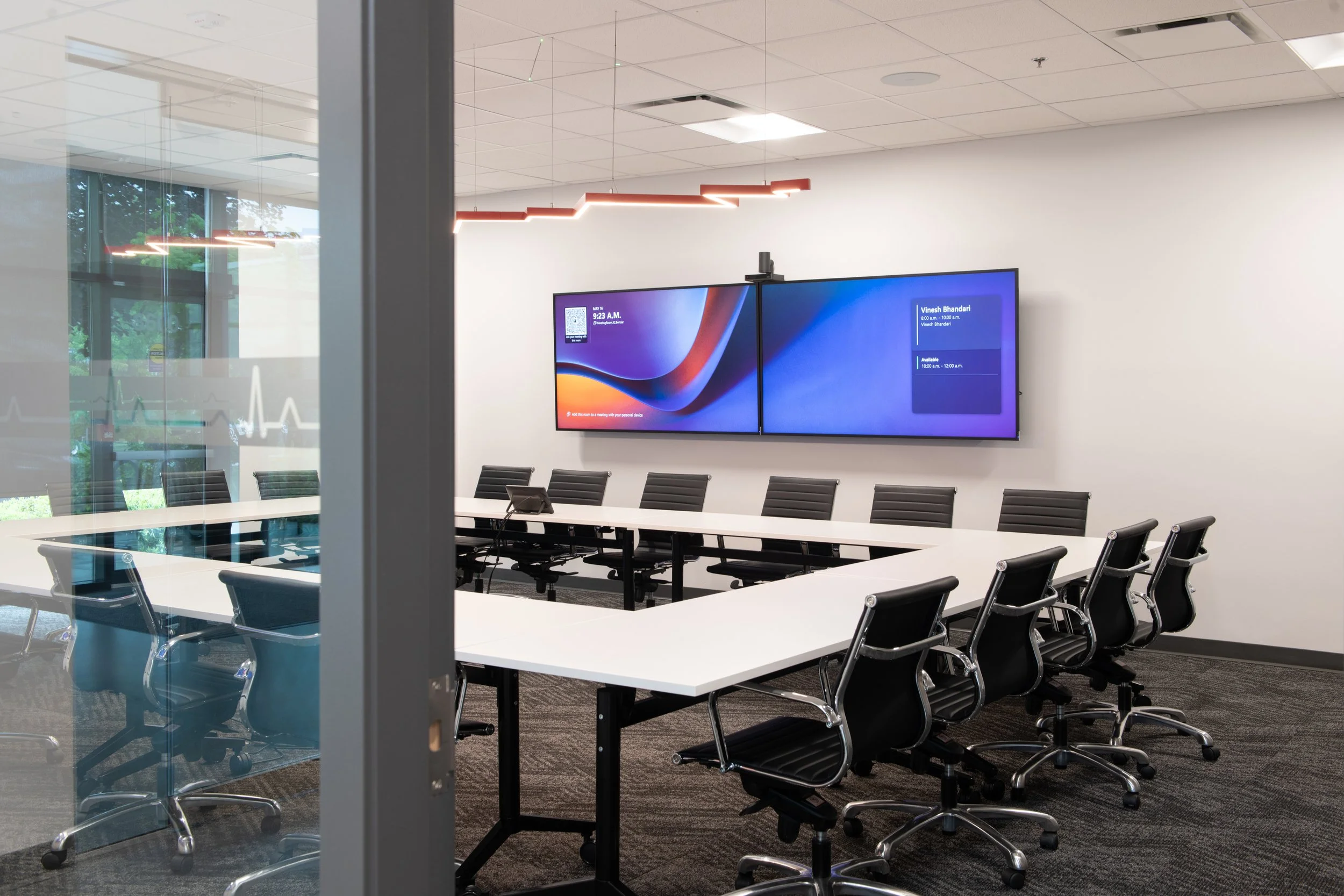
Boardrooms require display solutions that support more complex and content-heavy discussions. Rather than relying on a single screen, these spaces often incorporate multiple displays or a large-format projection system to present different types of information at once, such as video participants, presentations, and live data. This ensures everyone in the room has clear sightlines and can stay engaged without needing to switch between sources.
BOYD (Bring Your Own Device)
Flexibility is critical in meeting rooms. That’s why BOYD solutions like the WPP30 Wireless Presentation Pod from Yealink are commonly used. They allow users to connect their own devices instantly, reducing setup time and eliminating compatibility issues between different laptops, meeting platforms, and room set ups.
In boardrooms, consistency and control take priority. A dedicated in-room PC ensures meetings start on time, run reliably, and maintain a standardized experience. This is especially important for executive-level meetings where delays or technical issues can disrupt critical discussions.
Importance for Both
Room scheduling
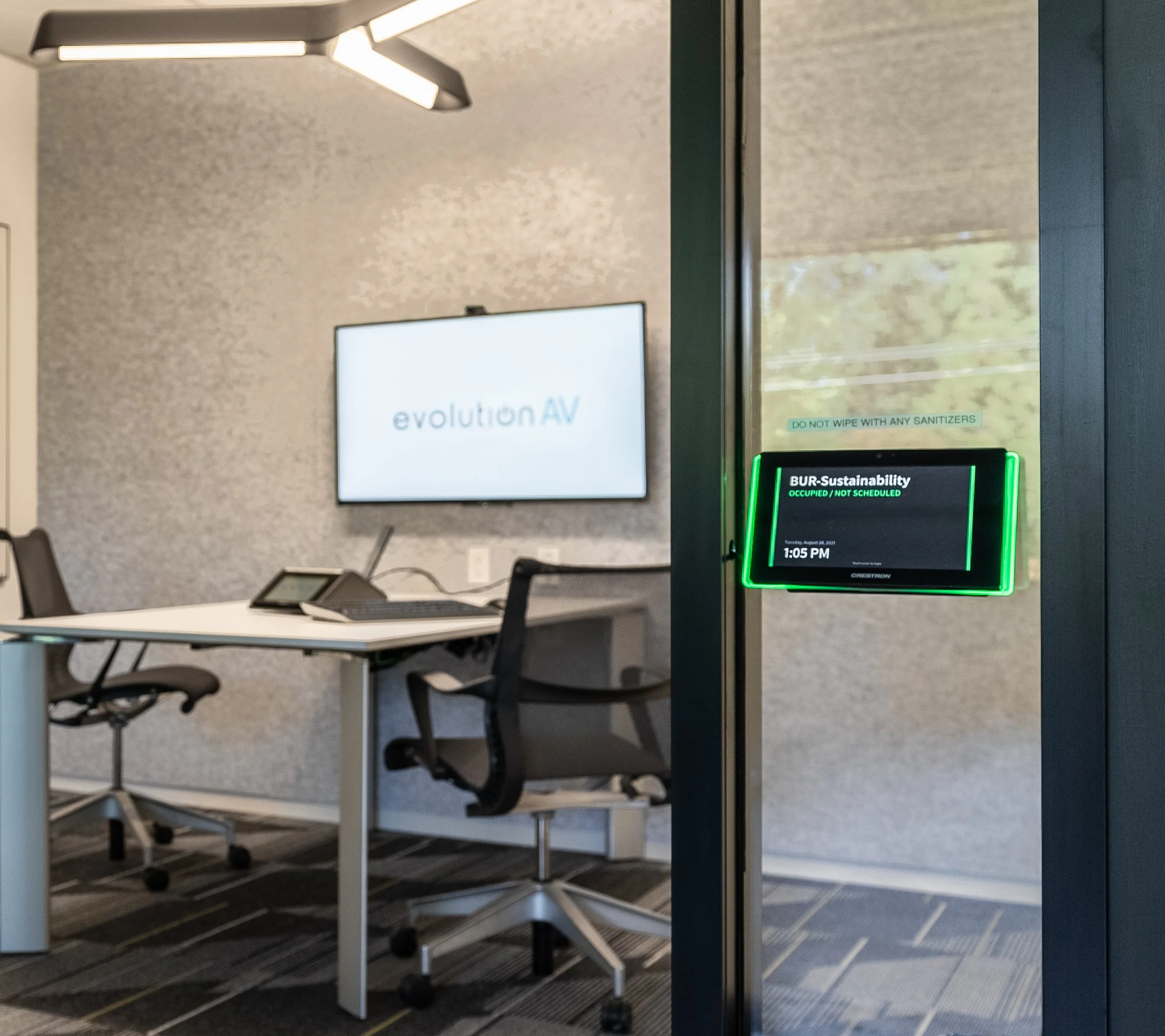
Regardless of the room type, scheduling is essential. Integrated room booking systems help prevent conflicts, streamline meeting management, and give visibility into space utilization. Whether it’s a quick meeting room or a heavily used boardroom, knowing when and how spaces are being used improves overall efficiency.
Acoustic Treatment
Acoustic treatment plays a major role in both meeting rooms and boardrooms, helping reduce echo, control noise, and improve speech intelligibility. Whether that’s adding acoustic panels within the room, or installing sound masking speakers throughout the whole area, all collaboration spaces benefit from acoustic treatments. Even the best microphones and speakers can’t compensate for poor room acoustics, making this a foundational element of any AV design.
Meeting rooms and boardrooms may seem similar on the surface, but their differences have a direct impact on the technology they require.
Meeting rooms thrive on simplicity, flexibility, and ease of use to support fast-paced collaboration with minimal setup. Boardrooms, by contrast, demand precision to create complex, immersive experiences that support important discussions and hybrid participation.
By understanding these distinctions and designing AV systems accordingly, we can ensure your space is optimized for its purpose, making meetings more productive, more engaging, and ultimately more effective. From simple meeting rooms to fully integrated boardrooms, we’ll help you choose the right AV.

Frequently Asked Questions
-
A meeting room is a small, informal space for everyday collaboration such as team check-ins, client calls, and project planning. A conference room is a mid-sized space designed for larger group discussions and cross-departmental meetings, typically seating between 10 and 20 people. A boardroom is a formal executive space reserved for governance, stakeholder meetings, and high-stakes decisions. Each serves a distinct purpose, and the AV technology supporting each should reflect that.
-
Meeting rooms need simple, easy-to-use systems that support fast setup and rotating participants. All-in-one conferencing bars combine camera, microphone, and speakers into a single compact device, making them ideal for smaller bookable spaces. BYOD solutions let participants connect their own laptops instantly without cable compatibility or software issues, keeping the experience quick and consistent.
-
Conference rooms need a wide field-of-view conferencing camera, a microphone array to cover a larger seating area, dual displays for showing content alongside video participants, and a room control panel for source switching. The system should be reliable enough to handle recurring scheduled meetings without technical disruptions.
-
Boardrooms need a fully integrated AV system built for precision and reliability. A multi-camera setup with automatic speaker tracking ensures every participant is clearly seen, whether they are in the room or joining remotely. High-quality ceiling or table microphones capture every voice clearly, and multiple displays or large-format projection keep video participants, presentations, and live data visible simultaneously.
-
BYOD stands for Bring Your Own Device. BYOD solutions let participants connect their own laptops and start presenting immediately without configuration or cable compatibility issues. This reduces setup time and removes one of the most common friction points in back-to-back meetings, making it especially valuable in meeting rooms and conference rooms with rotating users.
-
Most boardrooms benefit from at least two displays. Boardroom meetings regularly involve showing multiple types of content at once, including remote video participants, slide decks, and live data. A single display forces constant source switching which interrupts discussion, while multiple displays or large-format projection keep everything visible simultaneously.
-
Yes. Even high-quality microphones and speakers will underperform in a room with poor acoustics. Echo, background noise, and sound reflection reduce speech intelligibility, particularly for remote participants joining a call. Acoustic panels and sound-dampening materials are a foundational part of any well-functioning AV installation, regardless of room type.
-
Automatic speaker tracking uses multiple cameras and audio detection to identify and frame whoever is speaking in the room, switching the camera feed in real time. This gives remote participants a natural viewing experience that follows the conversation without anyone needing to manually control cameras during the meeting.
-
Yes. Room scheduling systems prevent double-bookings, provide visibility into how spaces are actually being used, and can integrate directly with AV systems so rooms are ready when meetings begin. This applies to meeting rooms, conference rooms, and boardrooms alike.