
AV Security: A Checklist for Canadian IT Teams
October is Cyber Security Awareness Month in Canada. Most IT teams already have the basics covered for laptops, servers, and phones, but it’s worth taking a look at what else is connected to the corporate network.
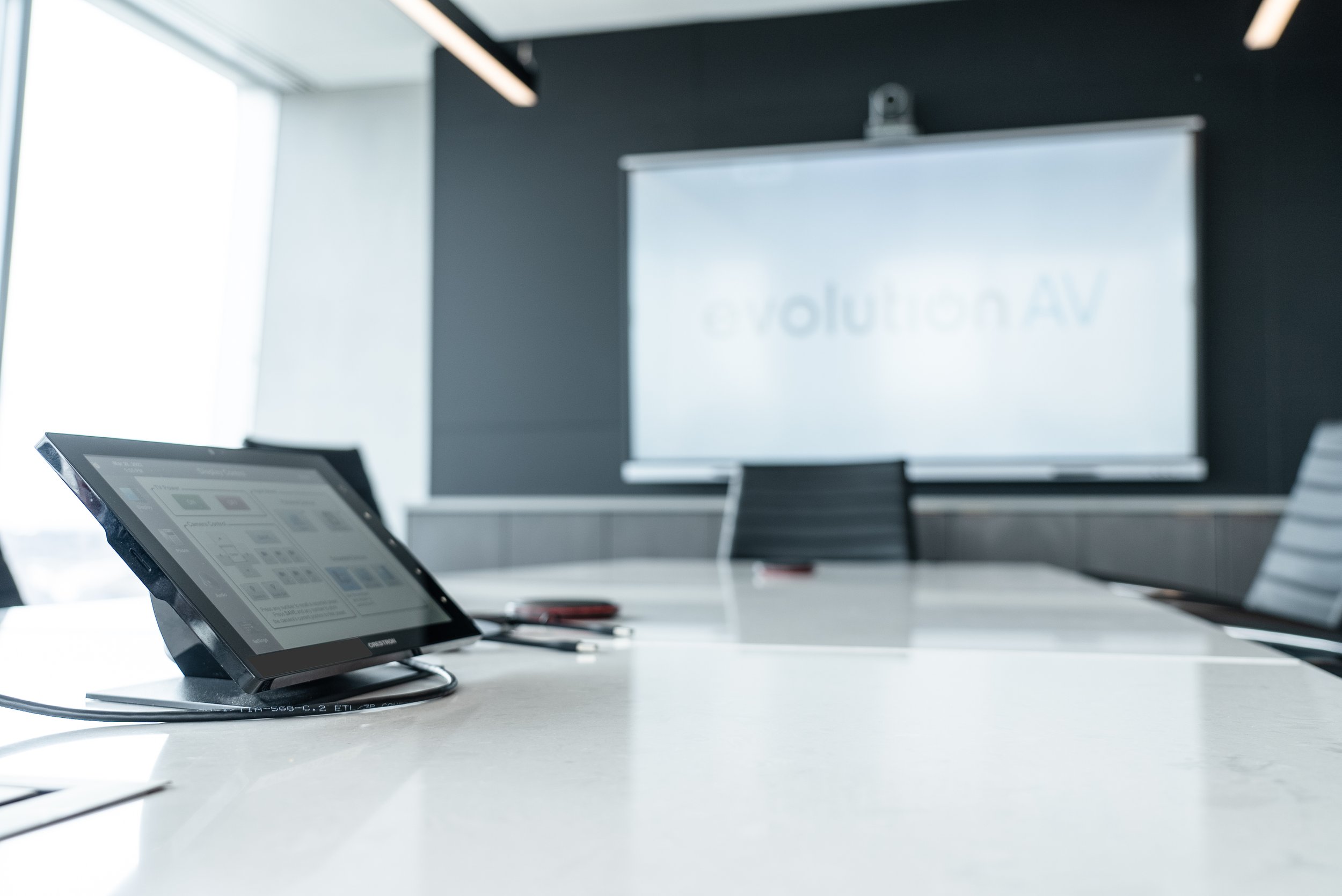
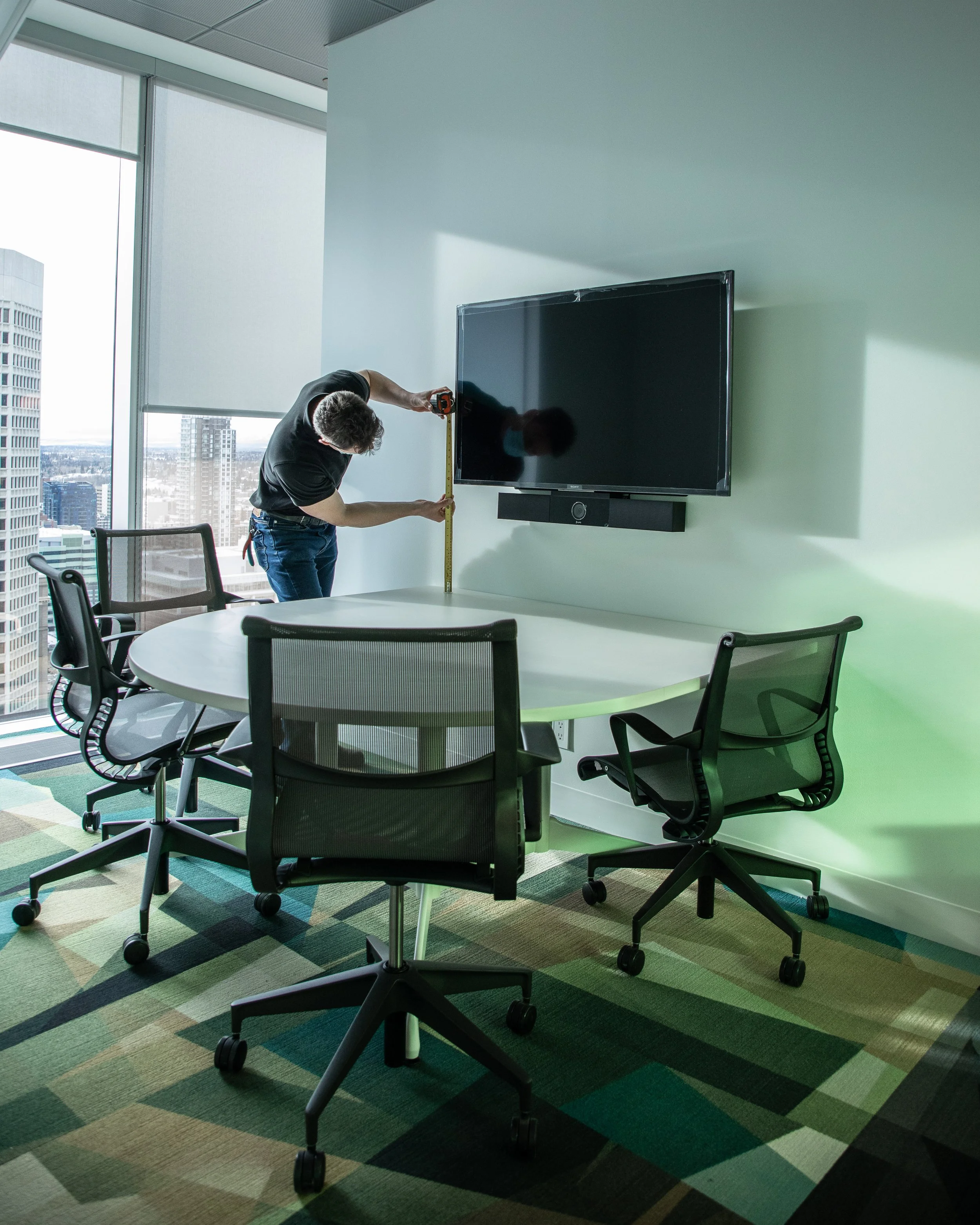
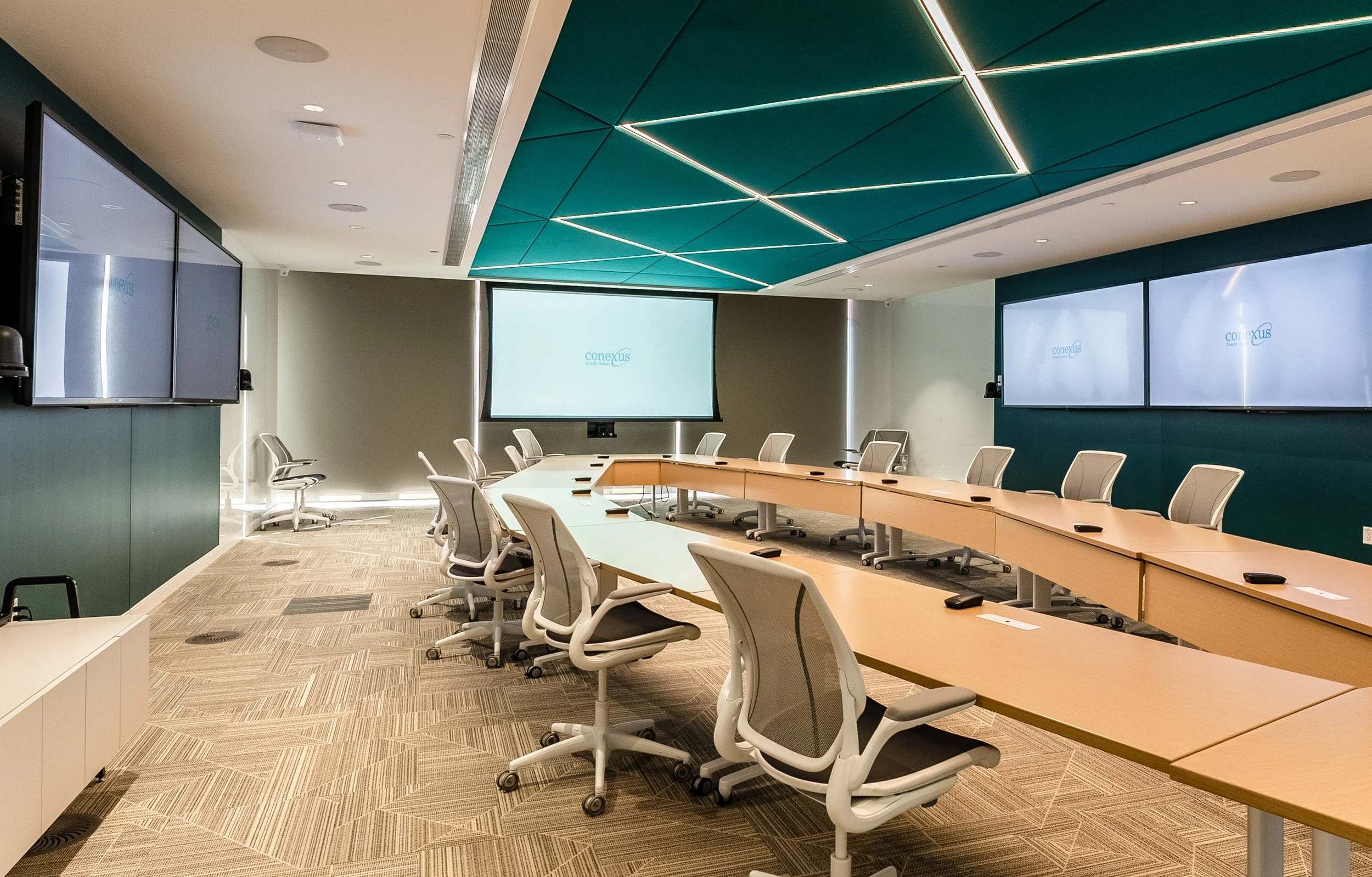
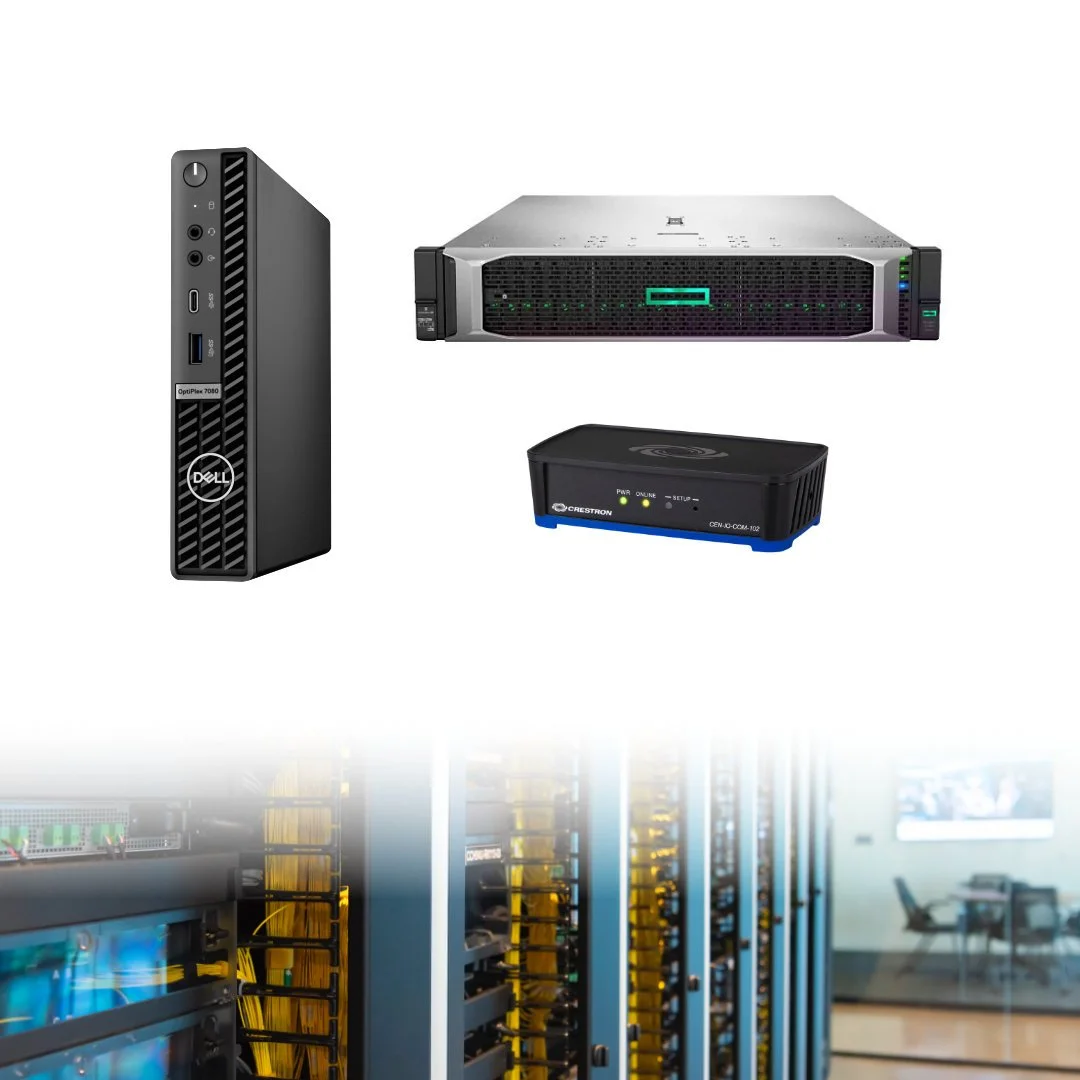
The video bar above the display, the touch panel on the table, and the control processor in the ceiling all rely on network connectivity. Depending on the size of the organization, there could be dozens, if not hundreds, of these devices across boardrooms, huddle rooms, classrooms, and training spaces.
That doesn’t mean meeting room technology is an inherent risk, but it does deserve the same care as everything else on the network. Here are a few things IT teams should look at, and how an AV integrator can help.
1. Start With an Inventory of Your AV Equipment
A modern meeting room can have several network-connected devices, each with its own IP address, administrative interface, software, and security requirements. Many connect to cloud services like Microsoft Teams or Zoom, receive firmware updates over the internet, or have their own web-based management pages.
The challenge is that AV equipment doesn't always make it onto the same asset lists as computers and other IT endpoints. An up-to-date inventory also helps identify unsupported devices and makes it easier to trace network issues back to specific equipment.
Start by documenting the equipment in each room, including the manufacturer, model, serial number, MAC address, IP address, firmware version, and any cloud-based or remote management services the devices use.
2. Check the Basics: Passwords, Updates, and Network Access
Many AV security gaps come down to routine maintenance. The same basic precautions used for other network-connected equipment apply to meeting room systems.
Default passwords: Most modern commercial AV equipment uses passwords or web-based logins to access setup and control menus. It’s important to replace each factory-default password with a unique one, store it in an approved password manager, and limit access to those who need it.
Outdated firmware: Establish a process for reviewing security advisories, testing updates where necessary, and applying firmware updates on an agreed schedule. Keep track of manufacturer support dates so older equipment doesn’t get overlooked.
Network segmentation: Consider placing AV equipment on dedicated VLANs or appropriately segmented network zones. Restrict access to administrative interfaces and allow only the network traffic required for each device to operate.
Remote access: Remote support can make troubleshooting easier, but IT should know which tools are in use, who can access them, and how that access is controlled. Disable unnecessary services and remove access that is no longer needed.
The right approach will depend on the equipment and the organization's existing network policies. These requirements are best discussed before installation, rather than after the rooms are already in use.
3. Meeting Room Privacy: Cameras, Microphones, and AI Tools
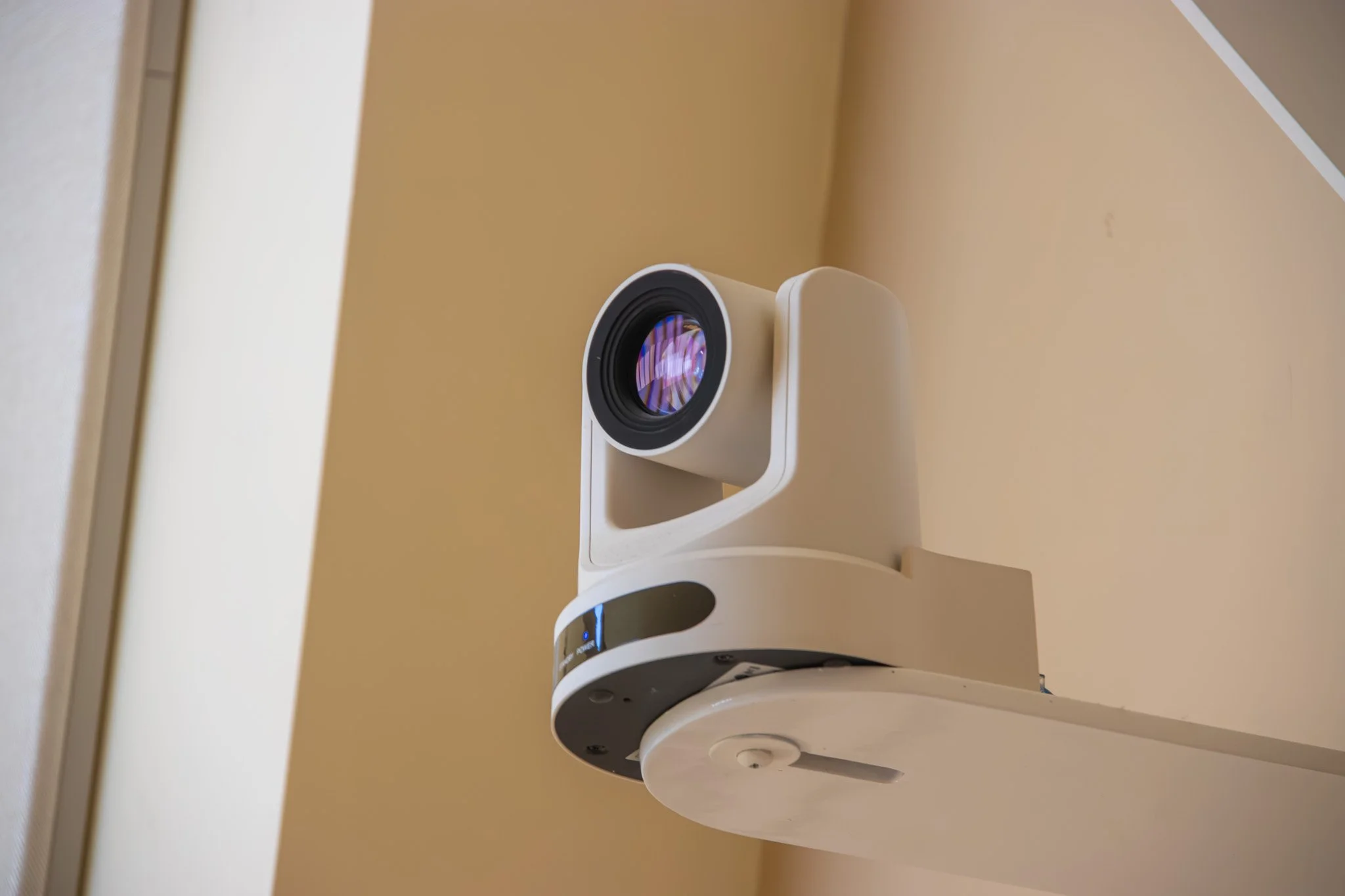
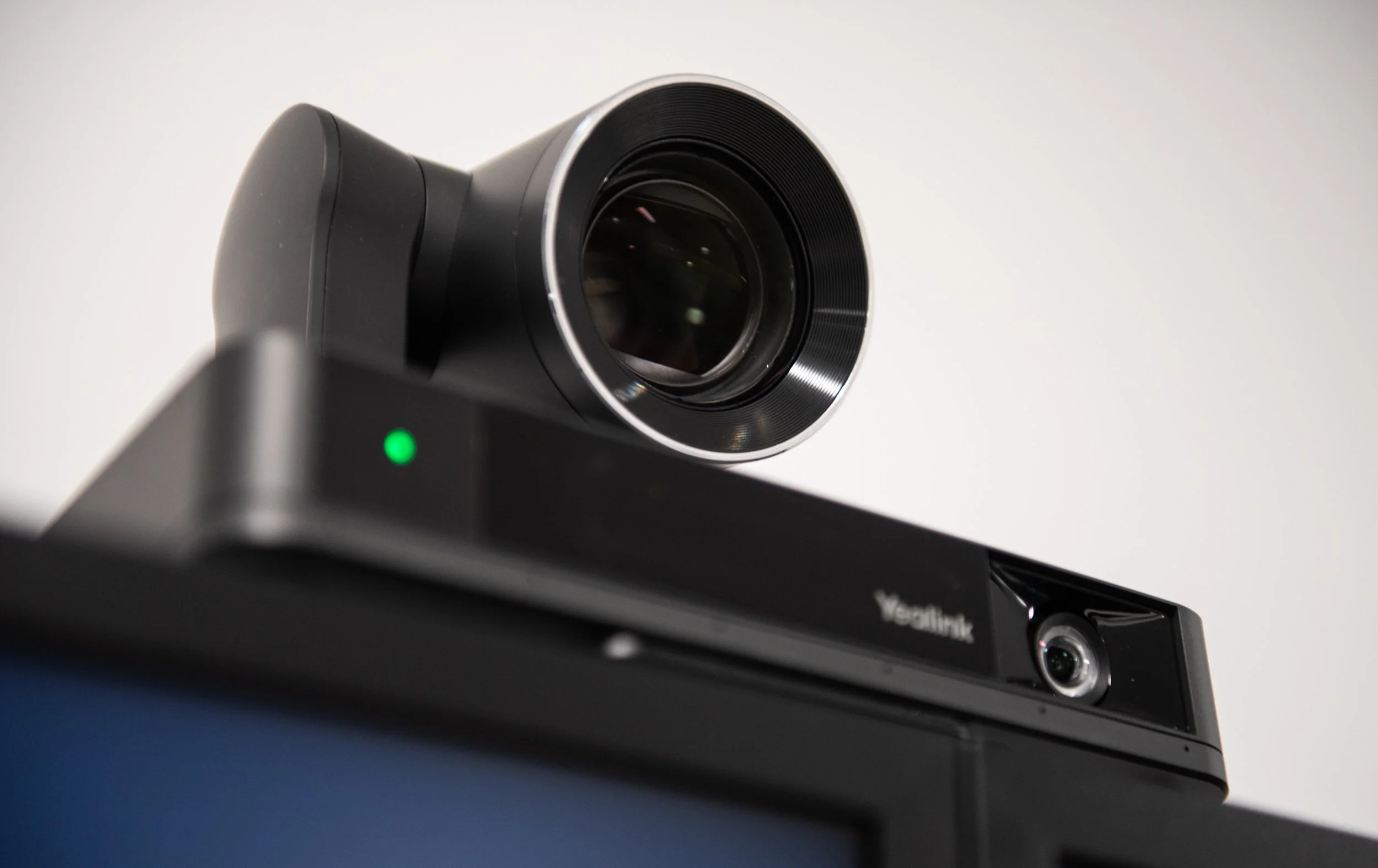
A lot of meeting room AV equipment is designed to have multiple functions. All-in-one video bars combine microphones, speakers, cameras, audio processing, and network connectivity. Even a stand-alone conferencing camera can have a built-in microphone, speaker tracking, auto-framing, face detection, and other automated processing features.
Between these automated features, company approved meeting recordings, AI transcripts and note-takers, and external wearable recorders, this technology helps meetings run smoother but also raises some serious questions about what gets captured, where the data goes, and who can access it.
The answers will vary by product and configuration, but reviewing manufacturer documents and device settings can help identify which features are enabled, which connections are required, and which capabilities can be restricted.
It’s also worth checking the privacy controls available. Physical camera shutters, clear microphone mute indicators, and visible recording notifications help people understand when a room system is capturing audio or video. Recording, transcription, and AI-generated meeting summary settings should be reviewed in the conferencing platform’s admin centre, too.
Document which meetings can be recorded or transcribed, which tools are approved, and how long the resulting data can be retained.
4. The AV IT Handoff
After any new piece of AV technology is installed, it’s crucial that the IT team understands how it connects to the network, how it’s managed, and what’s required to keep it running.
An AV integrator should provide documentation of the installed devices, relevant network requirements, and any cloud services or remote access tools the system relies on. It’s also worth confirming who is responsible for firmware updates, security advisories, and ongoing access management. AV equipment can stay in service for years, so knowing how it will be maintained helps prevent older systems from being overlooked.
These responsibilities will vary between organizations, but they should be clear before a project is considered complete. A reliable system is easier to manage when IT isn't left tracking down documentation or figuring out who has access after installation.
5. Including AV in the IT Security Plan
Cybersecurity expectations continue to evolve across Canada, particularly for organizations in regulated sectors like finance, telecommunications, energy, and transportation. Federal cybersecurity laws and legislation, like Bill C-8 and others concerning cyber systems, work towards adding security to critical infrastructure and digital systems.
Even where specific regulations don't apply, AV equipment deserves a place in cybersecurity planning. Manufacturer support, software updates, access controls, and supplier security are all worth considering when purchasing new equipment or reviewing existing systems.
Network requirements, device access, and ongoing maintenance should be agreed on before installation, while there's still time to address gaps in the design.
Make AV Security Part of the Plan
Meeting room security doesn't have to be complicated. Start with a clear picture of what's installed, understand how those devices connect to the network, and make sure someone is responsible for keeping them up to date.
The easiest time to address these questions is before a project begins. Bringing IT and the AV integrator together early helps identify network requirements, plan access controls, and establish what documentation and support will be needed once the rooms are in use.
Planning a new boardroom or upgrading existing meeting spaces? Bring Evolution AV into the conversation early. Our team can work with IT to identify equipment and network requirements, coordinate the installation, and make sure the documentation and hand-off are part of the plan from the start.



FAQ
-
AV security refers to the measures used to protect audiovisual equipment, its network connections, and the data it handles. In commercial environments, this includes securing video conferencing systems, displays, control processors, microphones, and wireless presentation devices through access controls, firmware updates, network segmentation, and appropriate privacy settings.
-
Modern meeting room equipment often connects to corporate networks and cloud services. Devices may have their own operating systems, administrative accounts, and firmware requirements, making them another part of the organization's IT environment that needs to be documented and maintained.
-
Start by maintaining an inventory of connected devices, changing default passwords, applying firmware updates, and restricting administrative access. Network segmentation can also help limit unnecessary communication between AV equipment and other corporate systems. The right approach depends on the devices and the organization's existing security policies.
-
A dedicated AV VLAN or other form of network segmentation can help restrict communication between audiovisual devices and other parts of the corporate network. However, the network design needs to account for the requirements of each system, including video conferencing platforms, device management tools, and remote support services.
-
They can, depending on the device, its configuration, and how recordings or other data are handled. Organizations should understand when cameras and microphones can be activated, what information is processed or transmitted, and who can access recordings. Privacy controls and clear policies for meeting recordings, transcription, and AI note-taking can help manage these risks.
-
IT should be involved during the design stage, before equipment is selected and installed. Early coordination helps identify network requirements, authentication needs, security restrictions, and cloud connectivity requirements before they become installation or support issues.