
Microsoft Teams Rooms: The Complete 2026 Guide
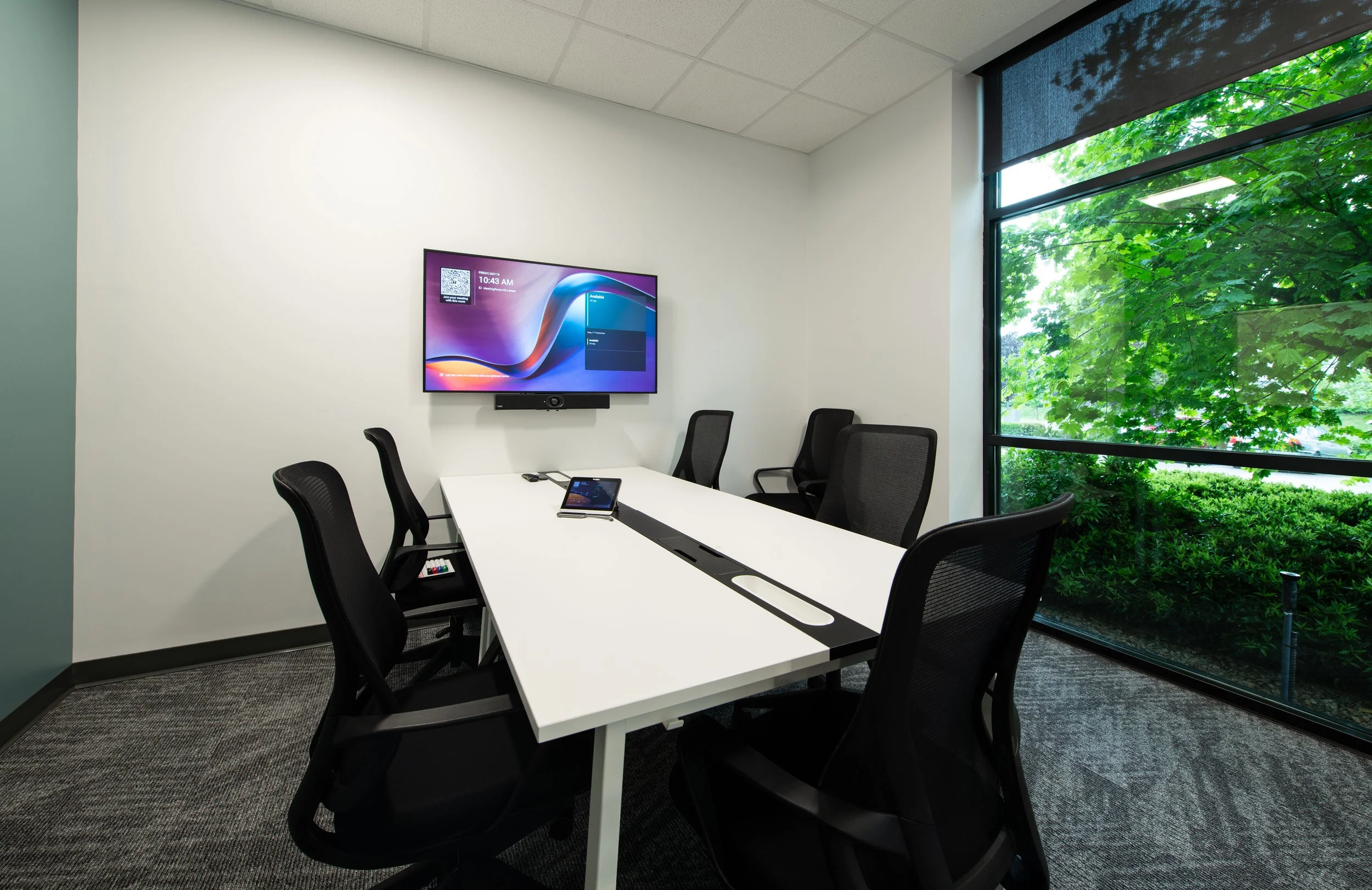
Microsoft Teams has become one of the primary platforms’ organizations use for meetings, file sharing, and workplace collaboration. Most meetings include a mix of in-room and remote participants, which makes the hybrid meeting room one of the most important spaces in any office. As a result, meeting rooms are being designed specifically for Teams.
Choosing Teams is the first step. The bigger question is what comes next?
Should you rely on a bring-your-own-device (BYOD) setup? Is a dedicated Microsoft Teams Room worth the investment? Which hardware makes sense for different room sizes? Is the Teams Rooms Pro license worth it?
Those questions have become even more relevant as Microsoft continues to expand Teams Rooms with new AI-powered capabilities, automated room management tools, and multilingual meeting features that are particularly useful for Canadian organizations.
Before comparing hardware, licensing, and room types, it's helpful to understand what a Microsoft Teams Room actually is.
What is a Microsoft Teams Room?
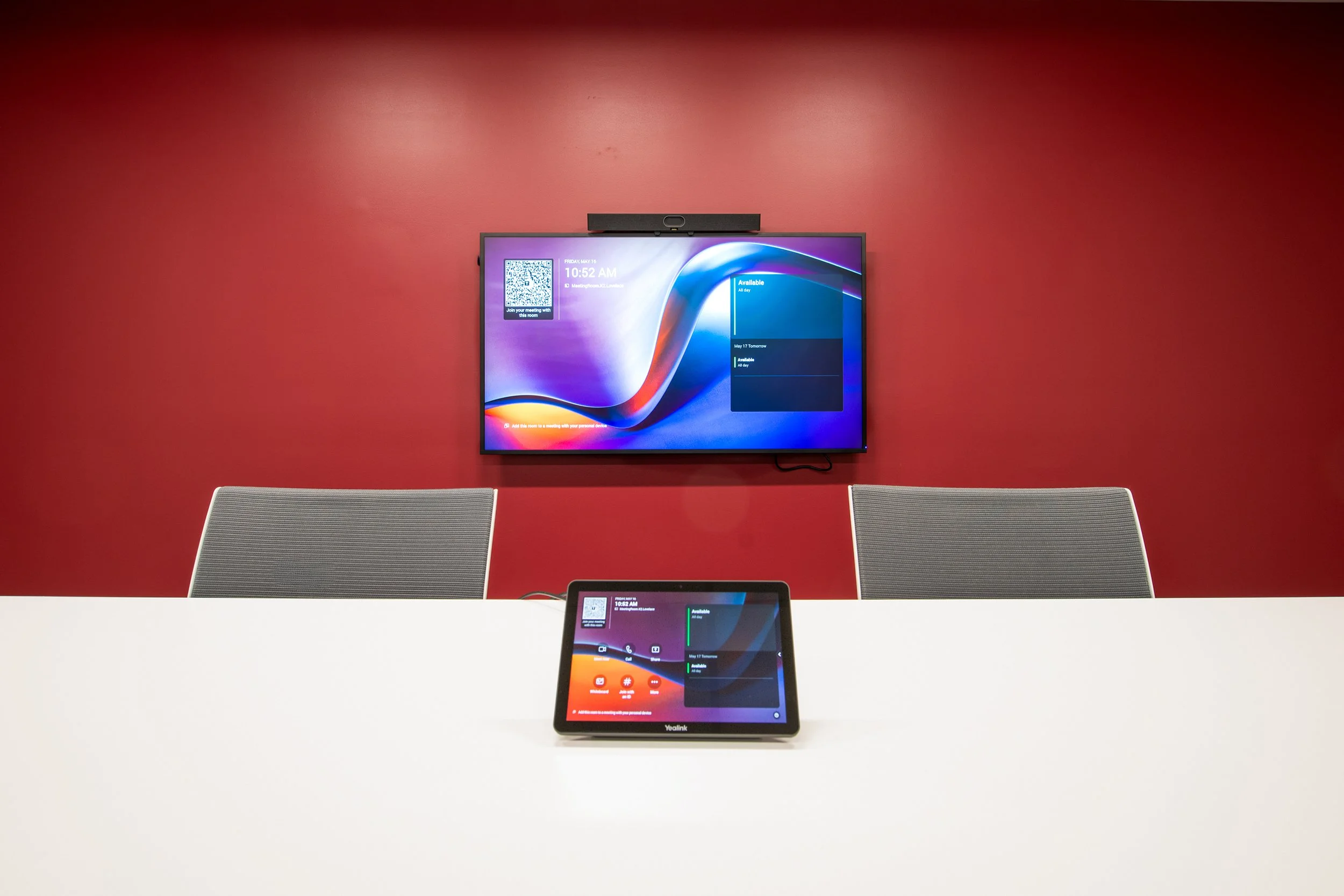
While a laptop webcam at the end of a boardroom table might technically allow people to join a meeting, it rarely creates a good experience. Remote participants struggle to see who is speaking, audio quality suffers, and collaboration becomes more difficult.
Teams Rooms were designed specifically to solve these challenges. A Microsoft Teams Room, also known as an MTR, is more than a meeting room that happens to run Teams. It’s a dedicated conferencing system built using Microsoft-certified hardware and software that allows the room itself to join meetings, manage scheduling, and operate independently from individual users' laptops.
By integrating professional cameras, microphones, speakers, and intelligent software, Teams Rooms help create a balanced experience between participants in the room and those joining remotely. Users can simply walk into the room, press Join on the touch panel, and the room automatically handles the rest.
Teams Rooms vs. BYOD
Just because an organization primarily uses Teams doesn’t necessarily mean they need a dedicated Teams Room. A Bring Your Own Device (BYOD) approach allows users to connect their own laptops to the room's camera, microphones, speakers, and display, offering flexibility and a lower upfront cost.
For smaller spaces with occasional video conferencing, a BYOD setup can work well. However, as room usage increases, so do the challenges. Since each meeting relies on an individual device, different operating systems, software updates, and connection methods can have compatibility issues.
One of the biggest advantages of a Teams Room is consistency. Every room works the same way, regardless of who schedules the meeting or which laptop they bring because the room itself is the meeting device. Users can join meetings with a single touch, IT teams can manage rooms remotely, and the experience remains consistent from one space to the next.
Not Every Teams Room Should Be the Same
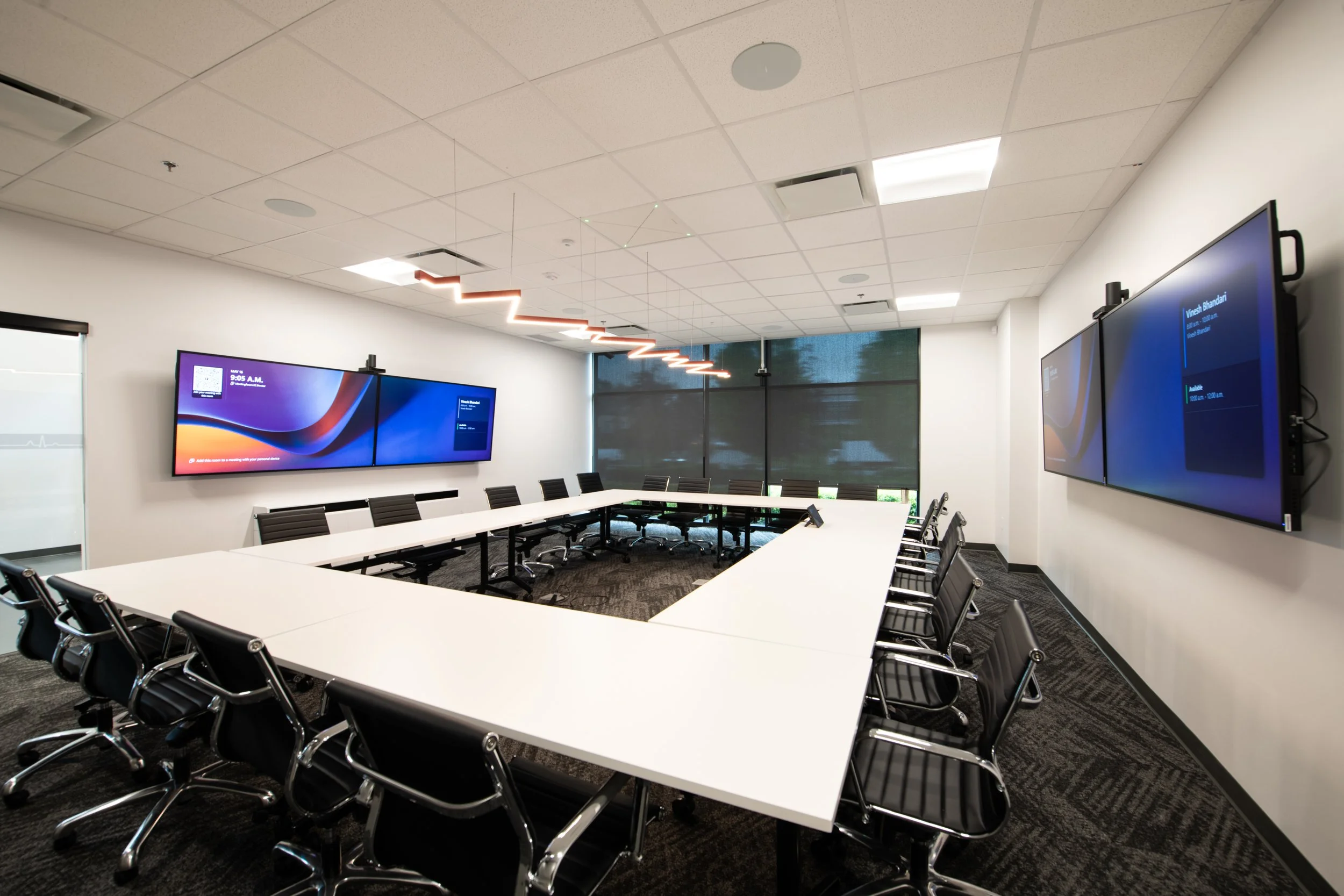
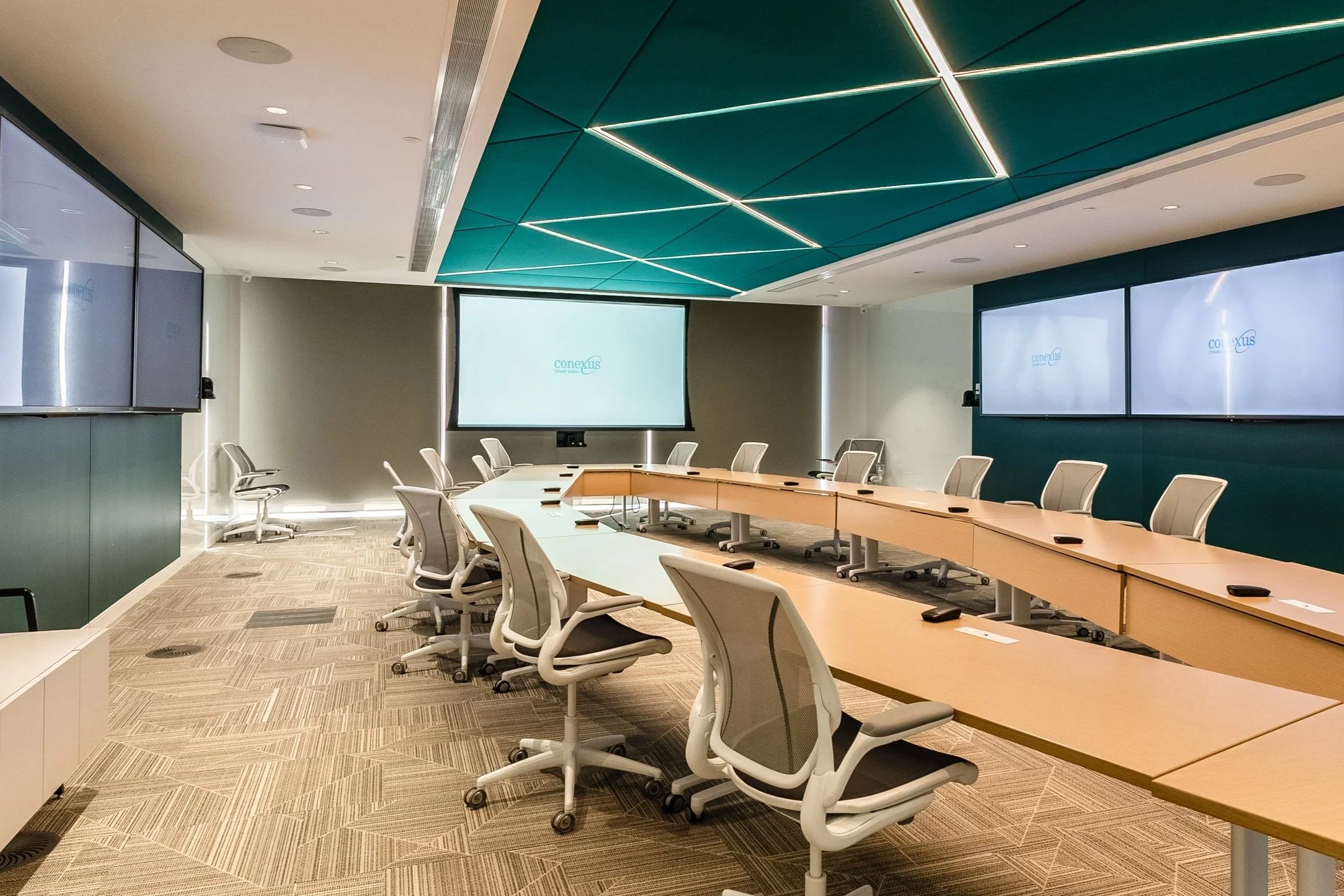
While every Teams Room relies on the same core AV technologies, there's no one-size-fits-all solution. The right combination of cameras, microphones, speakers, and displays depends on the size of the space, how many people use it, and the types of meetings that take place there. A four-person huddle room has vastly different AV requirements than a twenty-person boardroom.
Microsoft certifies hundreds of compatible devices from a wide range of manufacturers, making it possible to build solutions that are tailored to each specific space.
Small Meeting Rooms
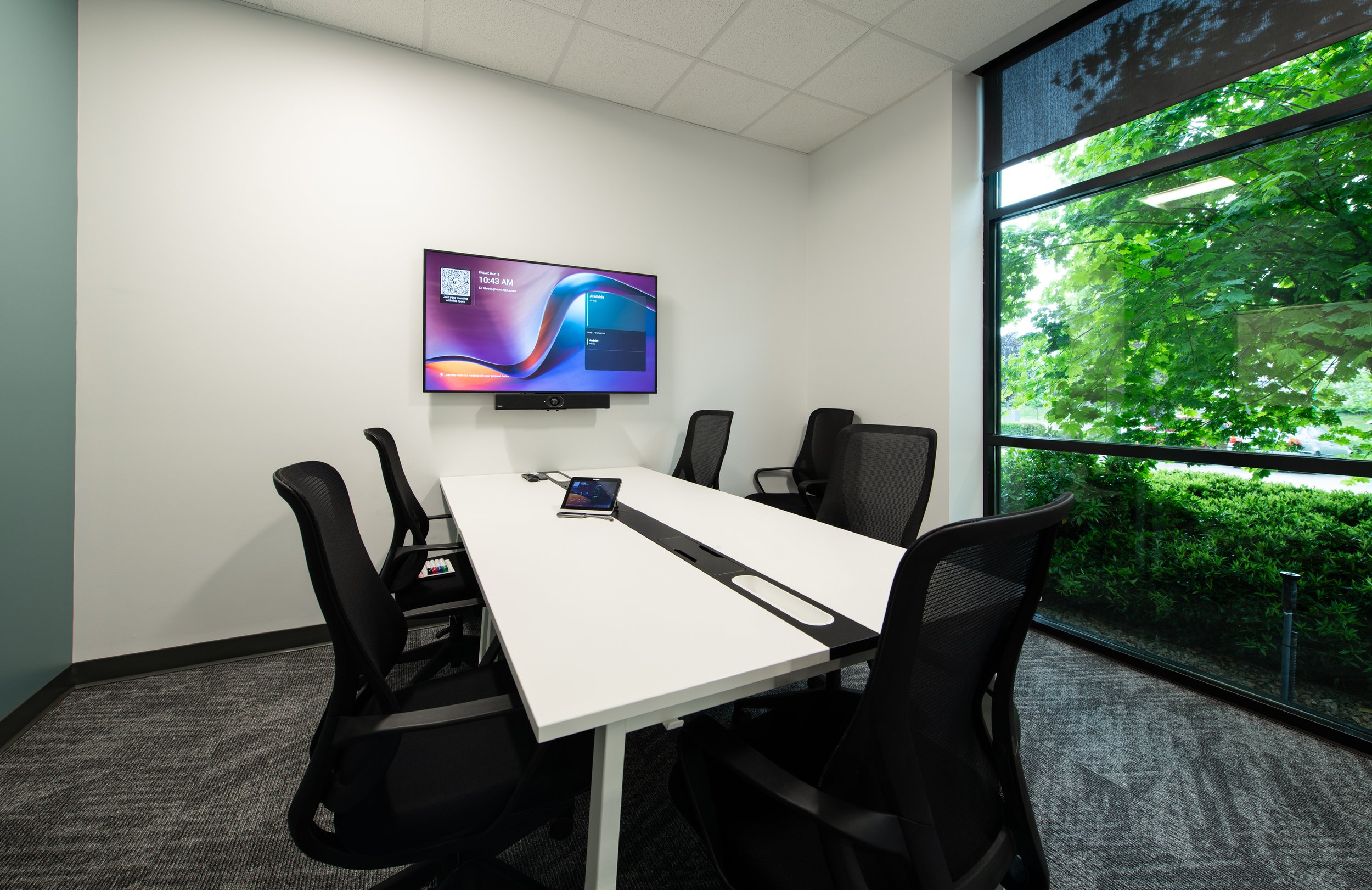
All-in-one conferencing bars work great in small meeting rooms and huddle spaces. By combining the camera, microphone, speaker, and processing into a single unit, these devices are designed to provide high quality video and audio capabilities in one small, easy to install package. Products like the Biamp Parlé Conferencing Bar series, Logitech Rally Bars, and countless others offer a compact solution for small to medium sized meeting spaces without the complexity of multi-unit systems.
Medium Meeting Rooms
As meeting rooms grow in size, so do the AV requirements. Medium-sized spaces often benefit from larger collaboration bars or modular systems that provide improved camera coverage, better microphone pickup, and support for dual displays. Depending on the room layout, additional microphones or dedicated speakers may also be needed to ensure everyone can be seen and heard clearly.
Large Meeting Rooms and Boardrooms
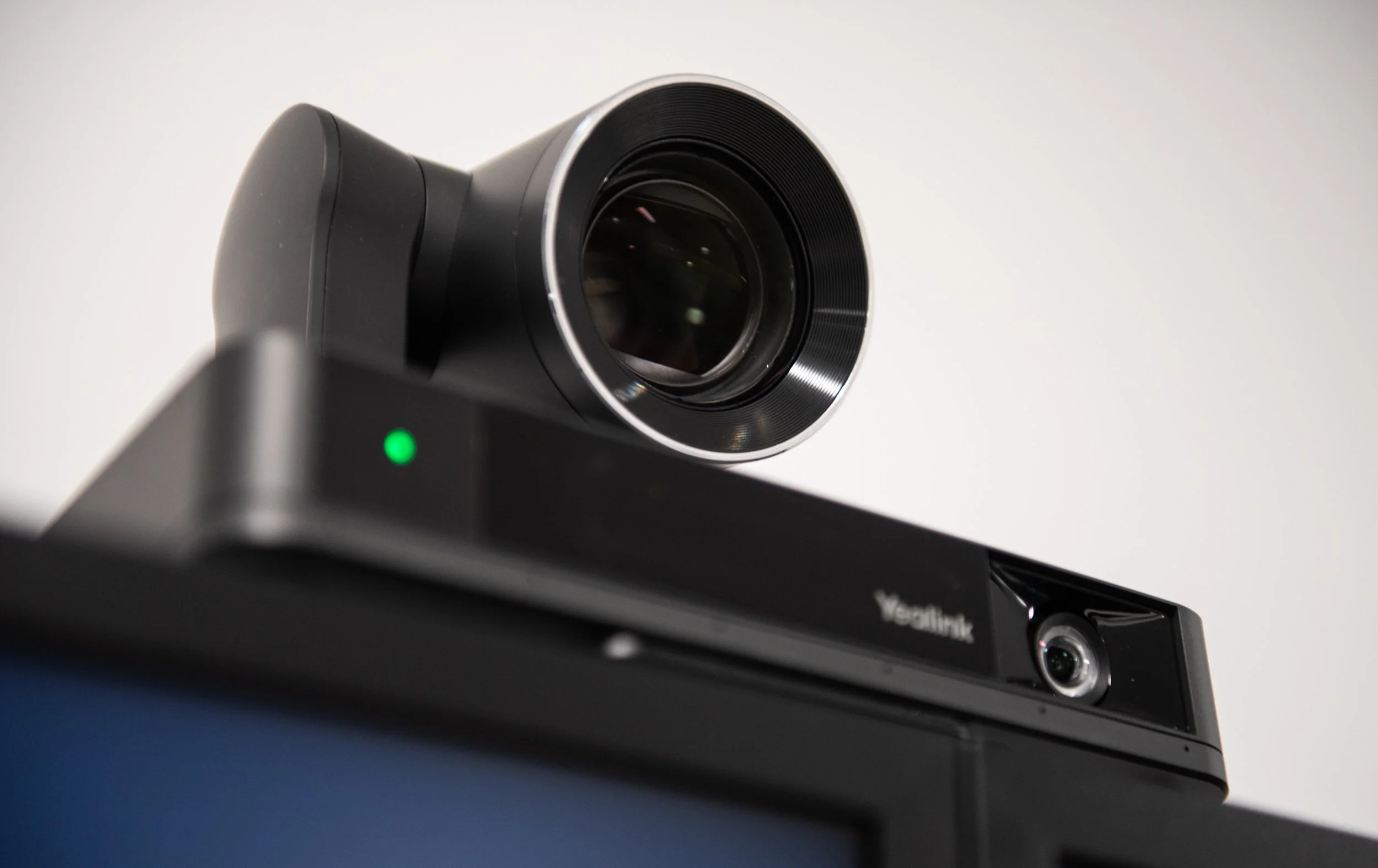
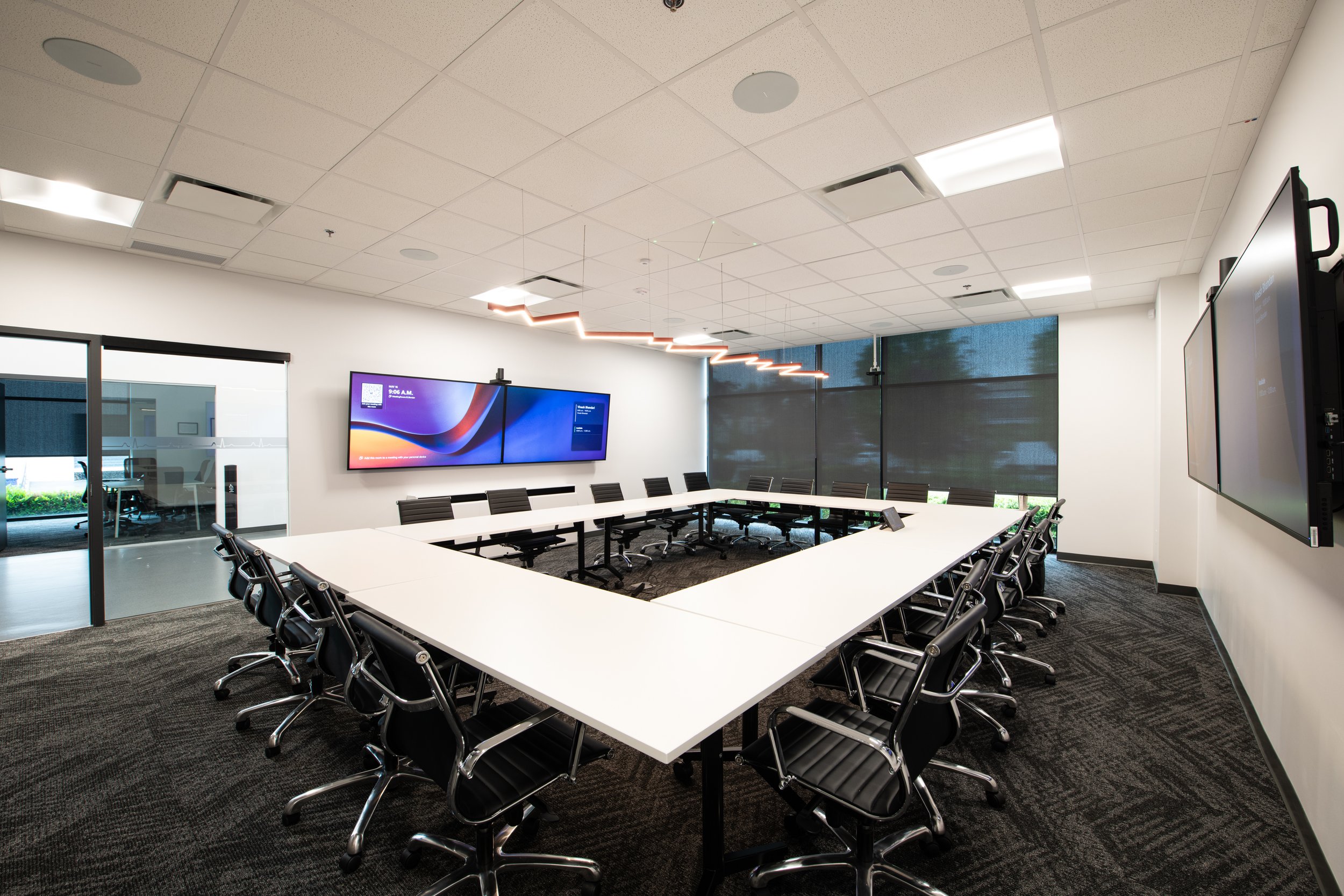
Larger conference rooms and boardrooms typically require a more customized approach. Separate PTZ cameras, ceiling or table microphones, dedicated speakers, digital signal processing (DSP), and purpose-built compute devices all work together to create a consistent meeting experience throughout the room. Systems like Crestron's Flex series or Yealink’s MVC series paired with various speakers, microphones, and cameras from companies like Sennheiser or Audio-Technica provide the flexibility needed to support larger groups with more complex needs.
Interactive Meeting Spaces
Not every Teams Room needs to be designed around traditional video conferencing. Collaborative environments such as classrooms, training rooms, and huddle spaces can benefit from interactive displays that combine conferencing, wireless presentation, and digital whiteboarding into a single device. Products like the Yealink MeetingBoard Pro and SMART Board QX Pro series make it easy for teams to present content, annotate documents, and collaborate in real time, whether participants are in the room or joining remotely.
Teams Room Basic vs Teams Room Pro Licensing
Teams Rooms licensing comes in two tiers: Basic and Pro. Understanding the difference matters before you start designing a room around features that might not actually be included.
Teams Rooms Basic
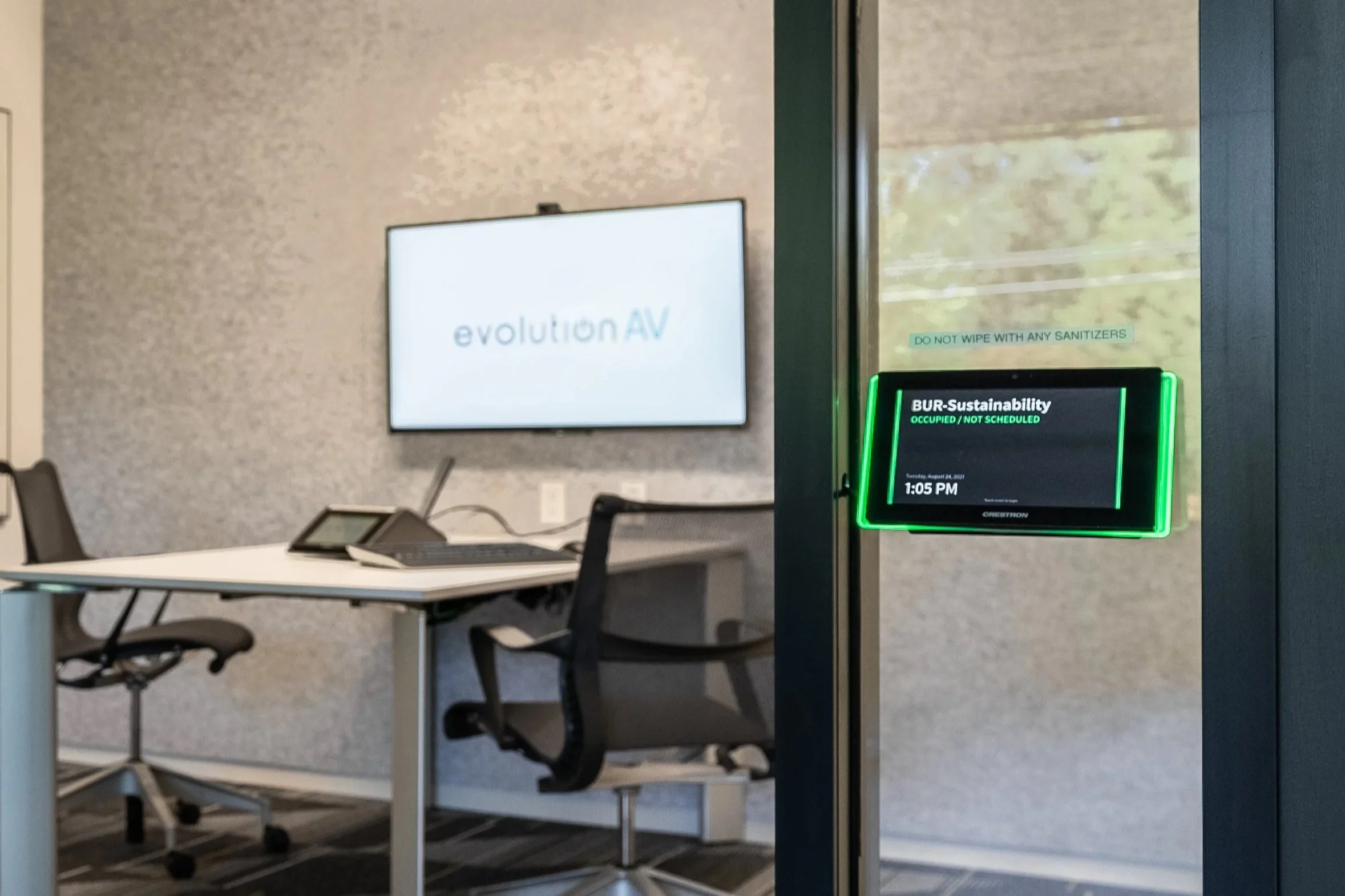
The Basic license comes free with any certified device and covers the essentials like scheduling, one-touch meeting join, content sharing, and whiteboard collaboration as well as basic security and management capabilities. There is a limit of 25 licensed Teams Room systems per organization, and any additional spaces need to have Pro licenses.
Teams Rooms Pro
The Pro license costs around $55 CAD per room per month paid yearly but unlocks many of the advanced capabilities that organizations are looking for, like multi-camera and dual screen support, AI noise suppression, intelligent audio and video, and front row and large gallery view. It also grants access to the Teams Rooms Pro Management Portal with features like remote device management, advanced reporting, automated monitoring, and detailed device analytics that help keep rooms operational and reduces and support tickets.
While a Basic license can be great for smaller companies with straightforward requirements, the features that make meetings easier, solve day to day frustrations, and help IT teams manage rooms long term are found in the Pro tier.
New Microsoft Teams Room Features in 2026
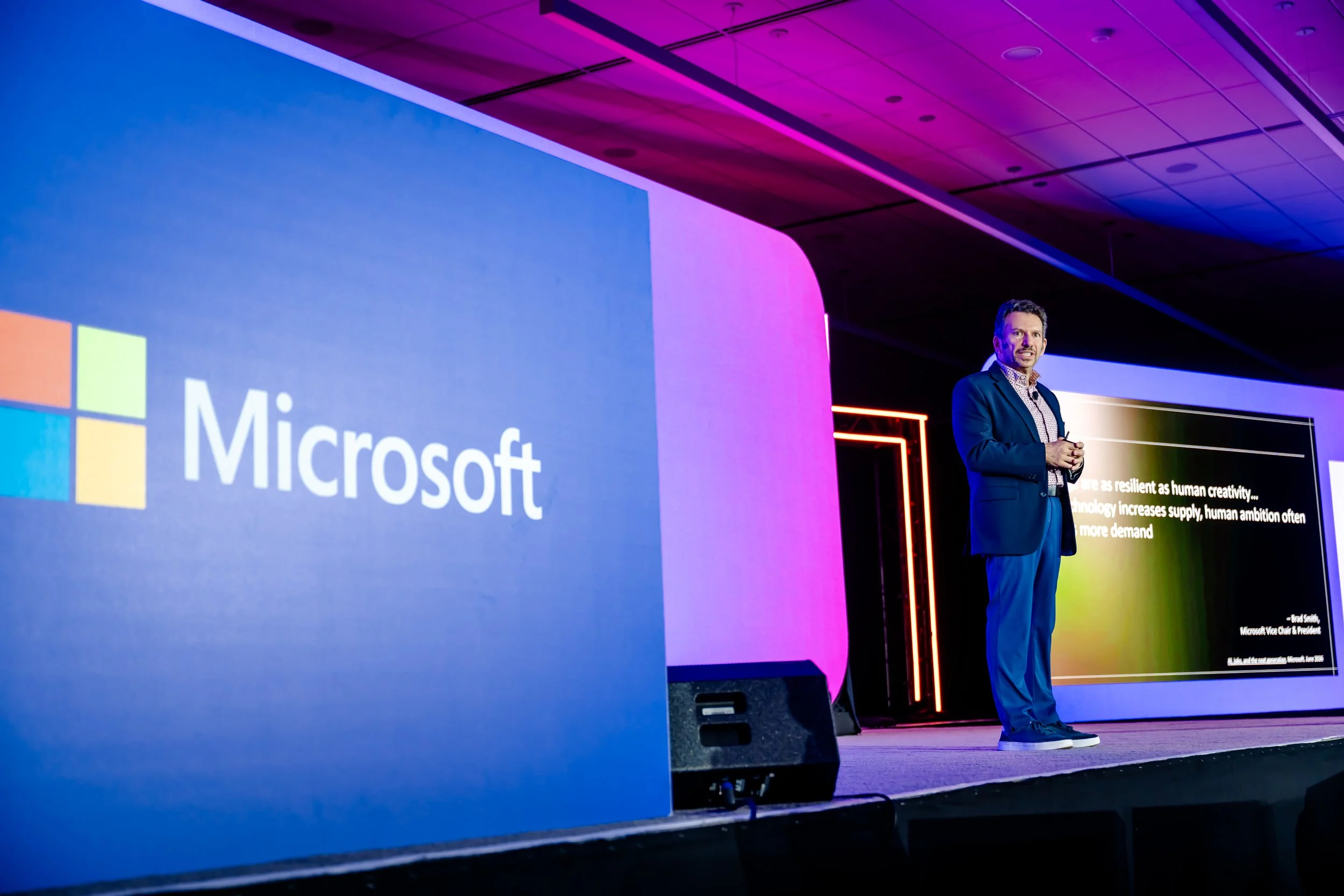
Ilya Bukshteyn, Corporate Vice President for Teams Calling, Meetings, and Devices, discusses new Microsoft Teams Room features during InfoComm keynote presentation. Photo by Lotus Eyes Photography
Artificial intelligence continues to shape the future of Microsoft Teams Rooms, with many of the latest updates focused on improving both the meeting experience and room management. Whether it's helping IT teams identify issues before they disrupt a meeting or giving participants more accurate transcripts and meeting summaries, these new features are designed to make hybrid collaboration more seamless.
1. Microsoft 365 Copilot Integration

With the integration of Microsoft Copilot, Teams can generate meeting recaps, summarize discussions, identify action items, and provide more detailed transcripts. These capabilities can reduce the amount of time spent reviewing notes and help ensure important decisions are not missed.
2. Monitoring and Health Reports
Teams Rooms can now perform automated health checks that can identify issues with the software and hardware. This feature provides an overview of each room and creates a service ticket with device ID and location whether the device status is healthy, non-urgent, critical, or offline. It also shows the most and least reliable rooms based on health and usage, making it easy for IT teams to upkeep or upgrade the technology. These health checks now surface directly to users, too. When a critical issue affects room functionality, a banner notification appears on both the front-of-room display and the console, so problems are visible in the moment rather than buried in an admin report. With a Teams Rooms Pro Management license, many of these issues can also be auto-remediated overnight, often resolving before anyone sets foot in the room the next morning.
3. IntelliFrame
Microsoft has continued to improve how remote participants experience meetings. Features such as Cloud IntelliFrame can automatically create individual views of participants sitting in a room rather than showing a single wide-angle shot, making meetings feel more natural. Alongside Cloud IntelliFrame's automatic framing, Microsoft has also introduced IntelliFrame people labels. Using enrollment-based recognition, the feature puts names to faces for everyone joining from a Teams Room, so remote participants can hover over an in-room attendee and see who they are. It's a small addition, but it solves a familiar hybrid-meeting problem: remote participants who can see the room but don't know who's speaking.
4. Intelligent Speaker
Originally, this feature required unique hardware but is now supported by all Teams Rooms devices. By using voice profiles and AI processing, Teams can identify individual speakers within a room and accurately attribute comments within meeting transcripts. This improves meeting summaries while making records more useful and actionable.
5. Facilitator Agent
Teams Rooms are also gaining a persistent, voice-activated AI presence called the Facilitator agent, now in public preview. Rather than living only inside the meeting itself, Facilitator understands the room, runs readiness checks before anyone walks in, and can be invoked simply by speaking to the room. If a camera is obstructed, the space is cluttered, or there aren't enough seats set up for the meeting size, Facilitator flags it before it becomes a problem. Once in a meeting, it can act as an in-room expert, answering questions about how the space is set up or how to share content wirelessly, and it can even pull answers from the web to settle questions on the spot. For organizations managing dozens or hundreds of rooms, this shifts room readiness from something IT discovers after a complaint to something the room checks on its own.
6. Interpreter Agent
This new enhanced translation and interpretation tool helps participants speak and listen in their preferred languages during meetings in real-time. This is a game changer for bilingual teams and organizations that span across multiple regions.
Building a Teams Rooms Strategy That Works

Microsoft Teams Rooms continue to evolve from simple video conferencing systems into intelligent collaboration environments. Features such as Copilot integration, intelligent framing, speaker recognition, and advanced system monitoring are helping organizations create better meeting experiences for everyone involved.
Whether it’s upgrading a handful of meeting rooms or standardizing hundreds of spaces across multiple locations, taking the time to build a consistent Teams Rooms strategy is key. The right approach starts with understanding how each space gets used, integrating the right AV solution, and choosing the licensing tier with features that best supports your team.
If you're planning a Teams Rooms rollout or are trying to make sense of which rooms need Pro licensing, our team can assess your space and help you design a system built around your specific needs.




Frequently Asked Questions
-
A Microsoft Teams Room (MTR) is a dedicated meeting room solution built using Microsoft-certified hardware and software. Unlike a traditional conference room that relies on individual laptops, a Teams Room uses a dedicated system with integrated cameras, microphones, speakers, and a touch controller, allowing users to join meetings with a single touch while delivering a consistent meeting experience.
-
Teams Rooms Basic includes the core features needed for smaller meeting spaces, such as one-touch meeting join, scheduling, content sharing, and basic management. Teams Rooms Pro unlocks advanced capabilities like intelligent audio and video, multi-camera support, AI-powered meeting features, remote device management, and the Teams Rooms Pro Management Portal, making it a better choice for organizations with multiple meeting spaces or more advanced collaboration needs.
-
Yes. Microsoft Teams Rooms support Direct Guest Join, allowing users to join compatible Zoom and Cisco Webex meetings directly from the room without requiring additional hardware. This makes it easier for organizations that regularly collaborate with clients, partners, or vendors using different video conferencing platforms.
-
The cost of a Microsoft Teams Room depends on the size of the space, the hardware selected, licensing, installation, and any additional AV components required. A small huddle room with an all-in-one conferencing bar will cost significantly less than a large boardroom with multiple cameras, ceiling microphones, DSPs, and dual displays. The best solution starts with understanding how the room will be used rather than choosing hardware based on price alone.
-
A BYOD (Bring Your Own Device) meeting room relies on users connecting their laptops to the room's AV equipment each time they meet. A Microsoft Teams Room uses a dedicated conferencing system that's permanently installed in the room, providing a more consistent experience, faster meeting starts, and centralized management for IT teams.
-
Most Microsoft Teams Rooms include a camera, microphones, speakers, a display, a touch controller, and a Microsoft-certified compute device or collaboration bar. The exact hardware depends on the size of the room and how it will be used, with larger spaces often requiring additional microphones, multiple cameras, and dedicated audio processing.
-
In many cases, yes. Existing meeting rooms can often be upgraded by replacing or adding Microsoft-certified hardware while reusing compatible displays, speakers, or other AV equipment. An assessment of the existing room is the best way to determine what can be reused and what should be upgraded.