6 New Video Conferencing & Collaboration Technologies You Might Have Missed in 2026
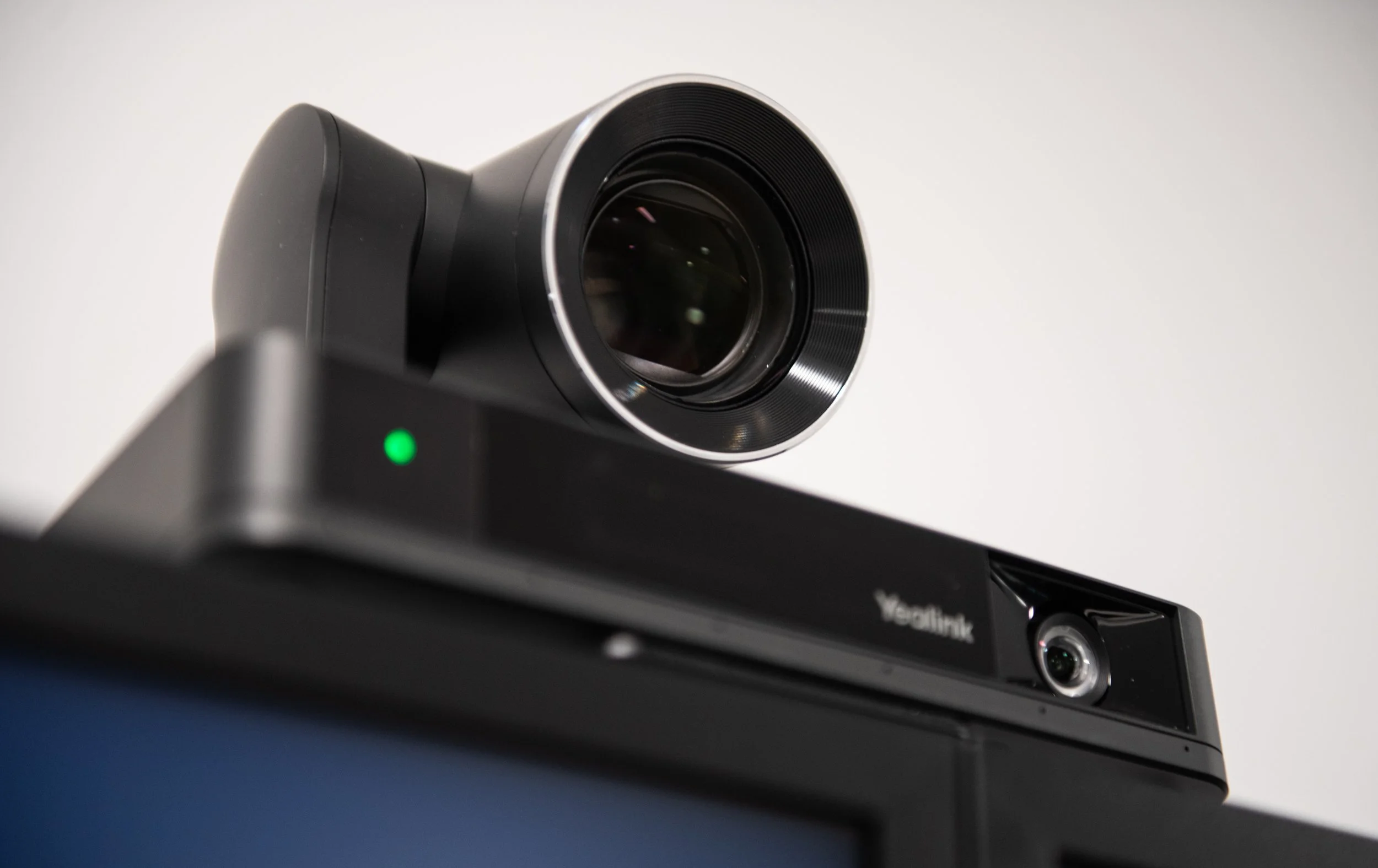
Technology is constantly advancing. Whether its new cameras, room systems, collaboration platforms, or management tools, these innovations are changing how meeting spaces are designed, used, and supported.
Each year, thousands of people travel across the globe to attend conventions like InfoComm to learn more about the newest products and technologies in the audio-visual industry. Over the past few months, several of our manufacturing partners have introduced new products and updates shaping the future of AV. Some bring new intelligence to cameras and meeting rooms, while others are focused on making collaboration systems easier to deploy, manage, and integrate with the technology organizations already use.
Meeting rooms are more than just a camera, microphone, and display. Video, audio, control, wireless collaboration, and centralized management are being designed to work together as one system.
Here are six new video conferencing and collaboration technologies you might have missed:
Microsoft Teams Rooms
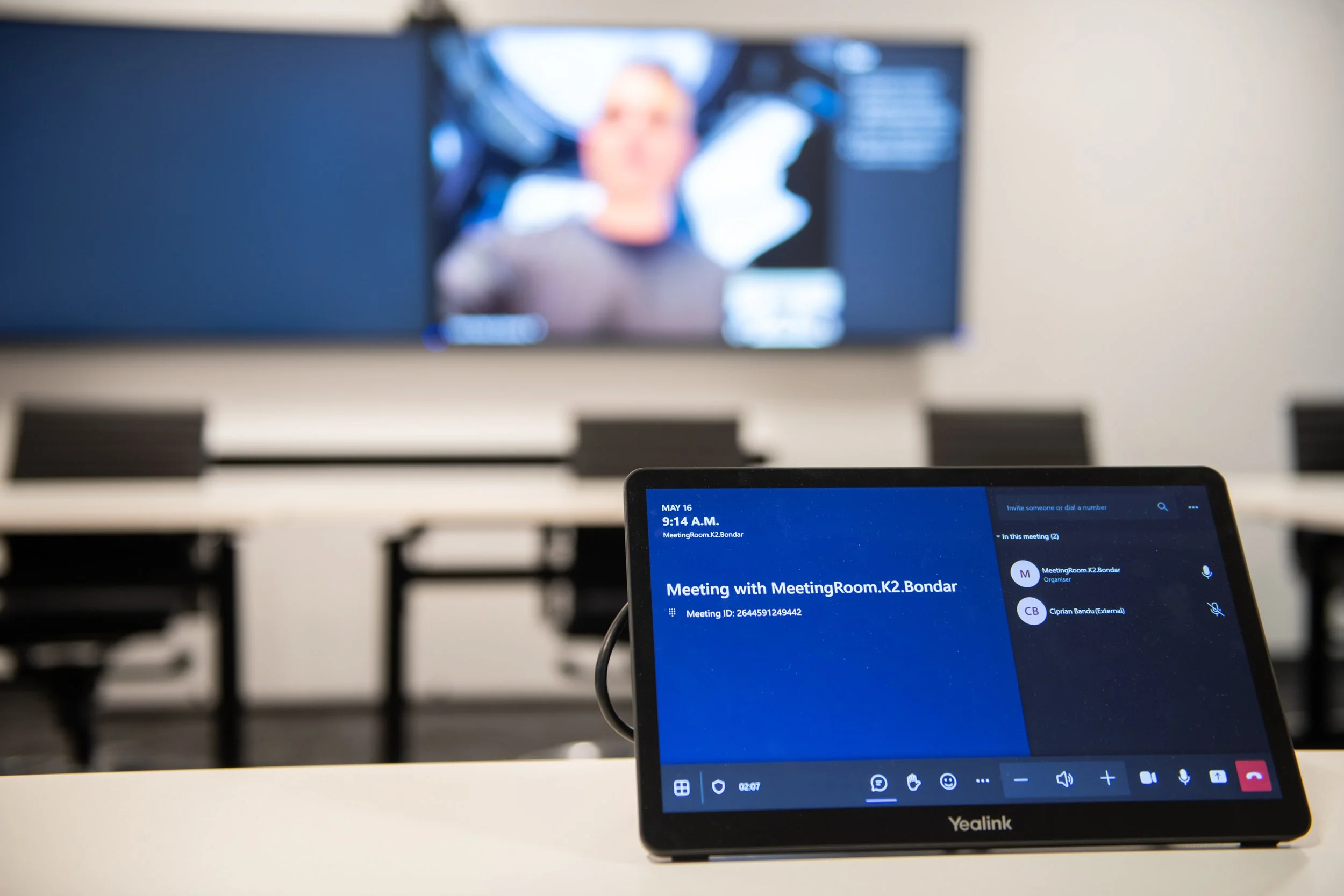
Microsoft continues to expand the capabilities of Teams Rooms, particularly around AI and room intelligence. New Copilot features can automatically generate meeting notes, action items, and discussion summaries, helping reduce the administrative work that comes after a meeting. IntelliFrame can identify individual participants in a meeting room and display their names alongside their video feeds, giving remote participants a clearer view of who is in the room and who is speaking. Real-time translation capabilities have also been added to the list of features, removing some of the barriers of multilingual collaboration.
Microsoft also introduced updates to the Facilitator agent, which can monitor room health, notify users about equipment issues, respond to voice commands, and help users troubleshoot and manage their meeting spaces.
These updates are part of a broader shift toward meeting rooms that can do more automatically, reducing the amount of manual interaction required from users and IT teams.
To learn more about the new Microsoft Teams Rooms capabilities, check out our in-depth overview Microsoft Teams Rooms: The Complete 2026 Guide
Logitech
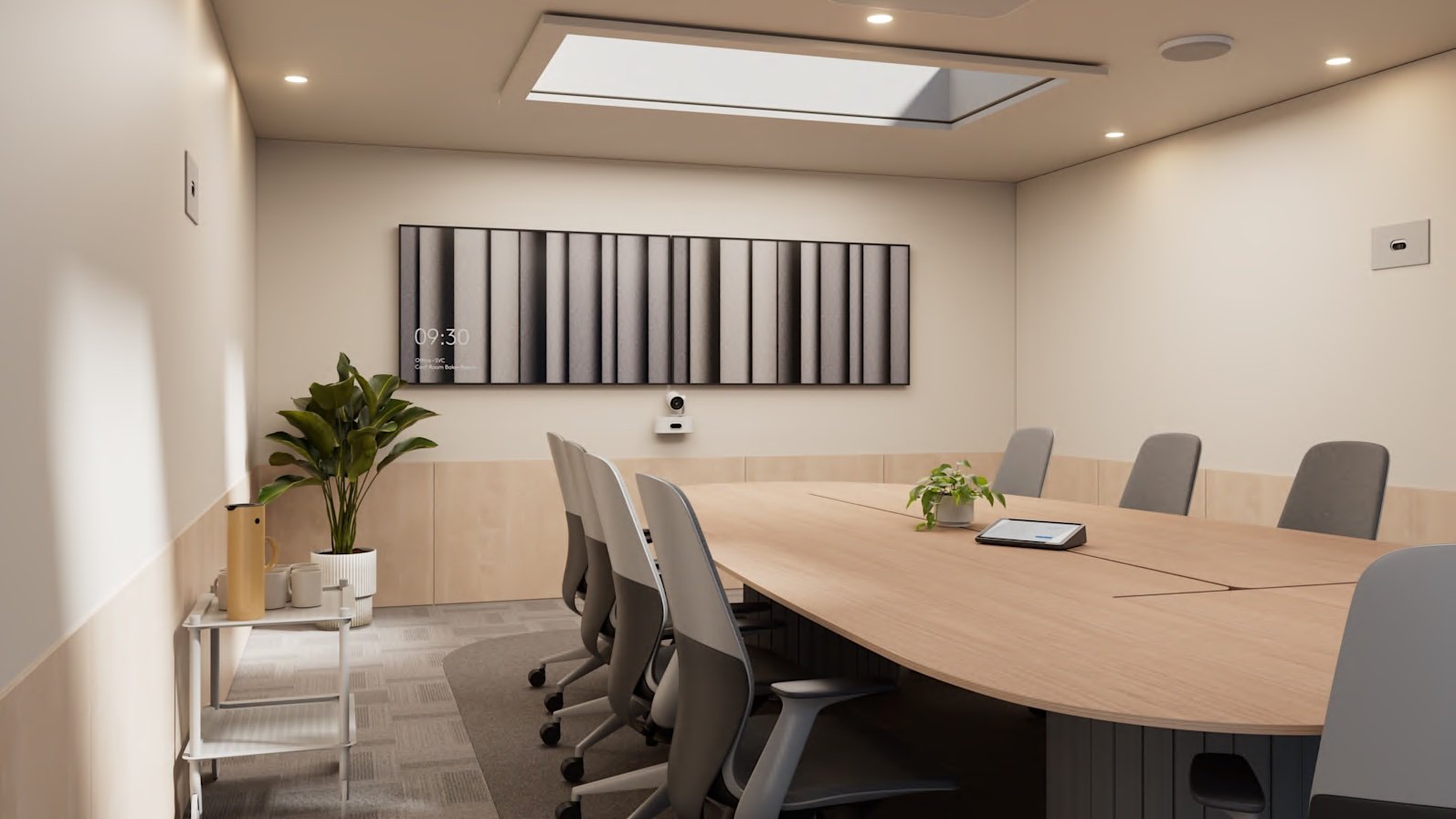
Logitech multi-camera deployment with the Rally AI Camera and Rally AI Camera Pro.
Logitech recently expanded its conferencing portfolio with the new Rally AI Camera and Rally AI Camera Pro.
Both cameras use Logitech's RightSight 2 technology to intelligently frame groups, individuals, and speakers. Camera Zone eliminates distractions happening outside of glass walls and large windows by allowing administrators to specify who should and should not be framed using right, left, and depth limits.
The Rally AI Camera Pro adds optical zoom and a presenter view, making it better suited to medium and large meeting rooms. By using intelligent tracking, the speaker stays in frame as they move throughout the room, keeping remote participants engaged.
Compatibility with partner audio systems, like Biamp or Shure, allows for more flexibility when designing these collaborative meeting spaces. The cameras also integrate seamlessly with both Zoom Rooms and Microsoft Teams Rooms for both single and multi-camera setups.
Yealink
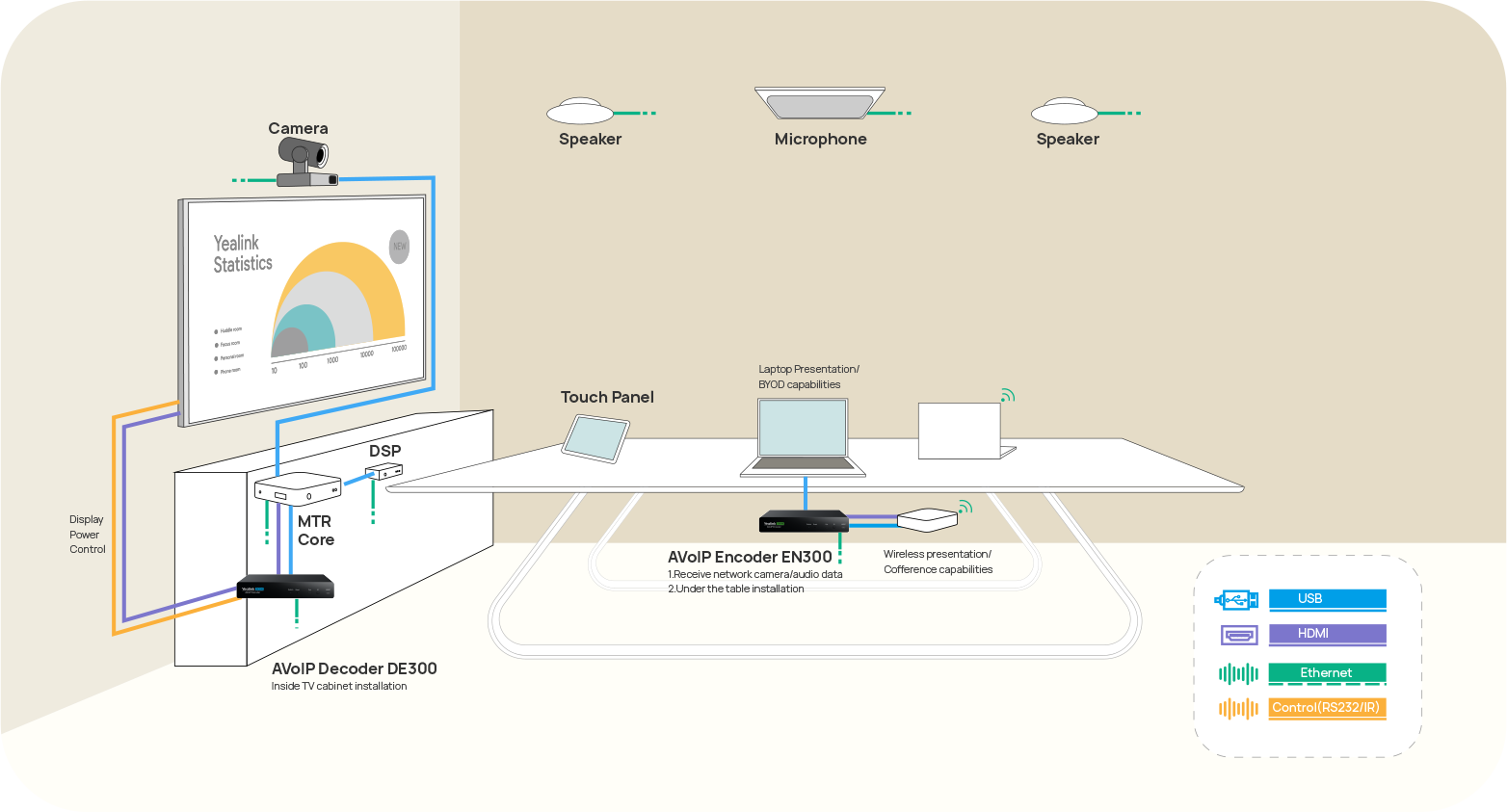
Yealink’s AV ONE ecosystem.
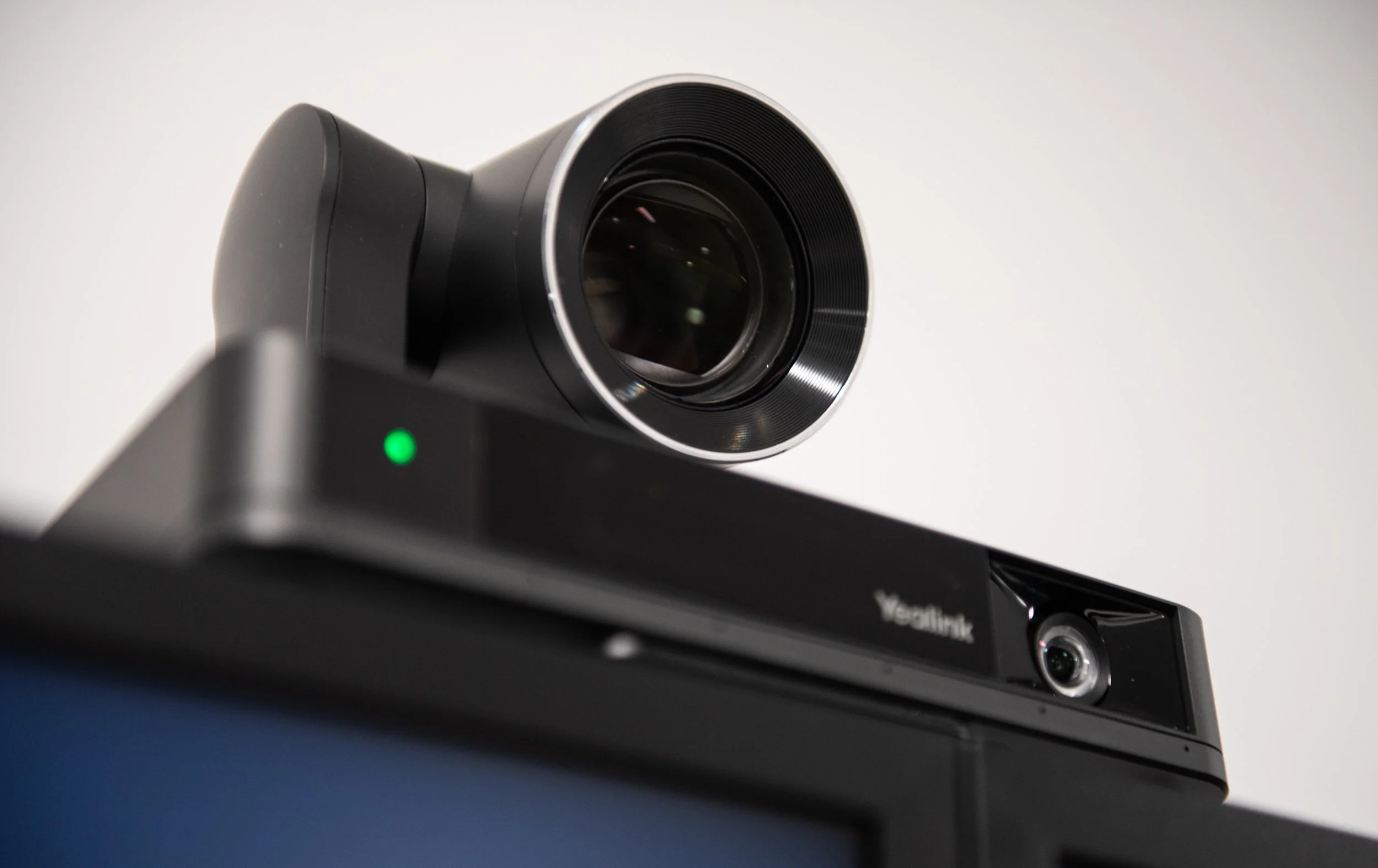
Yealink continues to expand its AV ONE ecosystem with a comprehensive range of conferencing cameras, video bars, microphones, DSPs, touch controllers, scheduling panels, and centralized management tools.
The goal is to simplify not only everyday use, but installation and long-term support as well. The ecosystem can scale from small huddle rooms to larger divisible spaces while supporting Microsoft Teams Rooms, Zoom Rooms, and BYOD environments.
Rather than requiring IT teams to troubleshoot individual rooms, AV ONE includes a cloud-based management system that allows administrators to remotely monitor device health, firmware updates, room status, and system performance.
For those managing several meeting spaces across multiple locations, this type of centralized visibility can make a big difference. A problem with a camera, microphone, or other room device can be identified remotely before it becomes a larger issue.
Barco
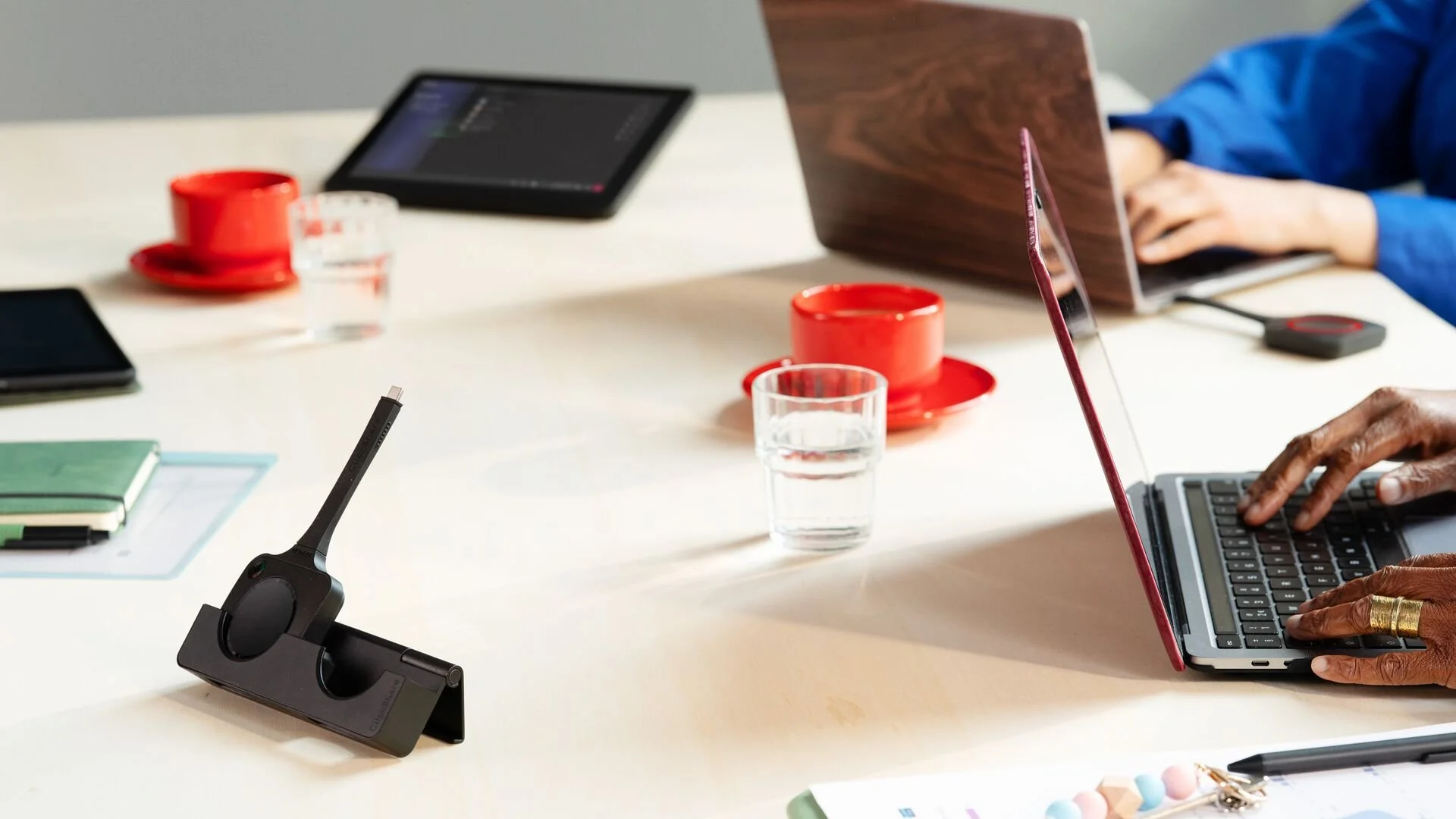
Barco’s ClickShare Hub with Wireless BYOD capabilities.
This summer, Barco launched Wireless Bring Your Own Device (BYOD) for the ClickShare Hub, its modular video conferencing room system.
While the ClickShare Hub was first introduced at InfoComm 2025 as one of the first modular room systems built on the Microsoft Device Ecosystem Platform (MDEP), the addition of Wireless BYOD means it can now support meetings on third-party video conferencing platforms.
Users can run a Zoom, Webex, or Google Meet call from their own laptop using the room’s display, camera, microphone, and speakers. This provides a standardized solution for common challenges like mismatched platforms, last-minute room changes, and guest-led meetings without the need for extra hardware or system reconfiguration.
Crestron
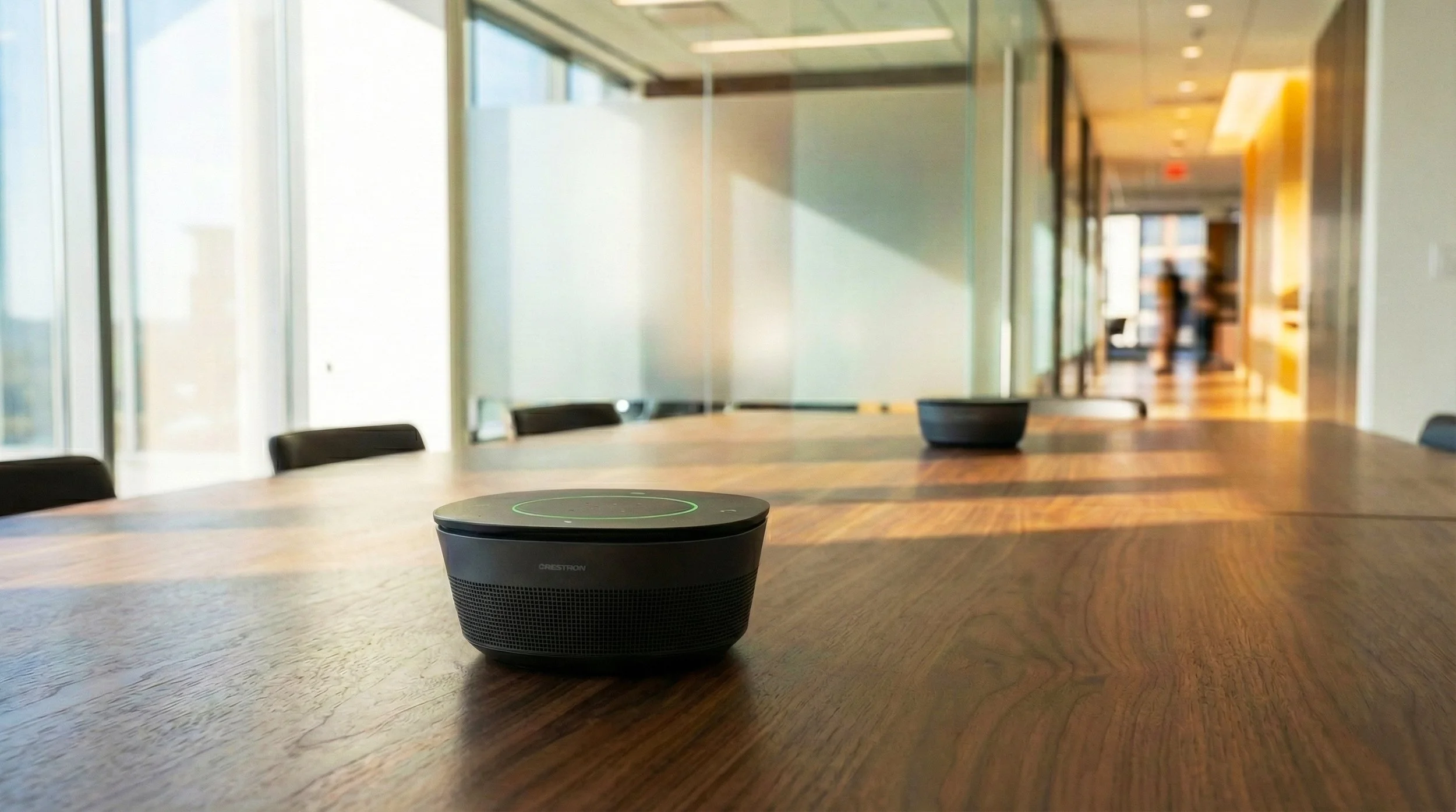
Crestron’s DM NAX Intelligent Audio.
Earlier this year, Crestron released its latest collaboration collection, which includes Collab Compute, 80 Series Touch Screens, the 1 Beyond i12D Intelligent Camera, Automate VX, and DM NAX Intelligent Audio.
One of the latest additions, Collab Room Builder, is a planning tool aimed to help simplify meeting room design. Taking factors into account such as room size and application, the tool recommends the technology best suited for the space, helping organizations develop standardized room designs across multiple locations.
Crestron has also introduced Automate VX 6.5, which includes AutoMeasure. The new feature simplifies camera calibration during installation, reducing the amount of manual setup required when deploying intelligent camera systems.
Read more about Crestron's Engineering a Culture of Collaboration collection in our Tech Tuesday.
Q-SYS
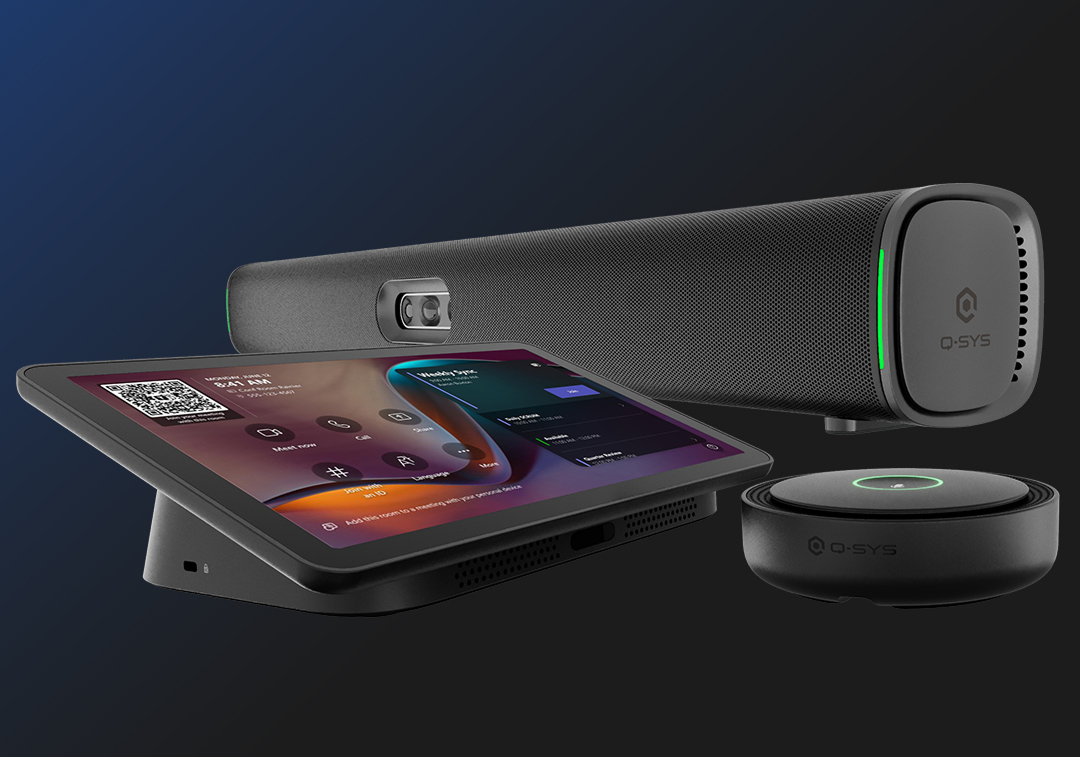
Q-SYS Collaboration Bar and included Scheduling Panel.
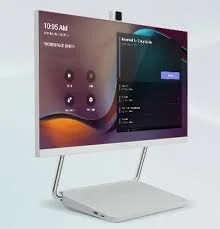
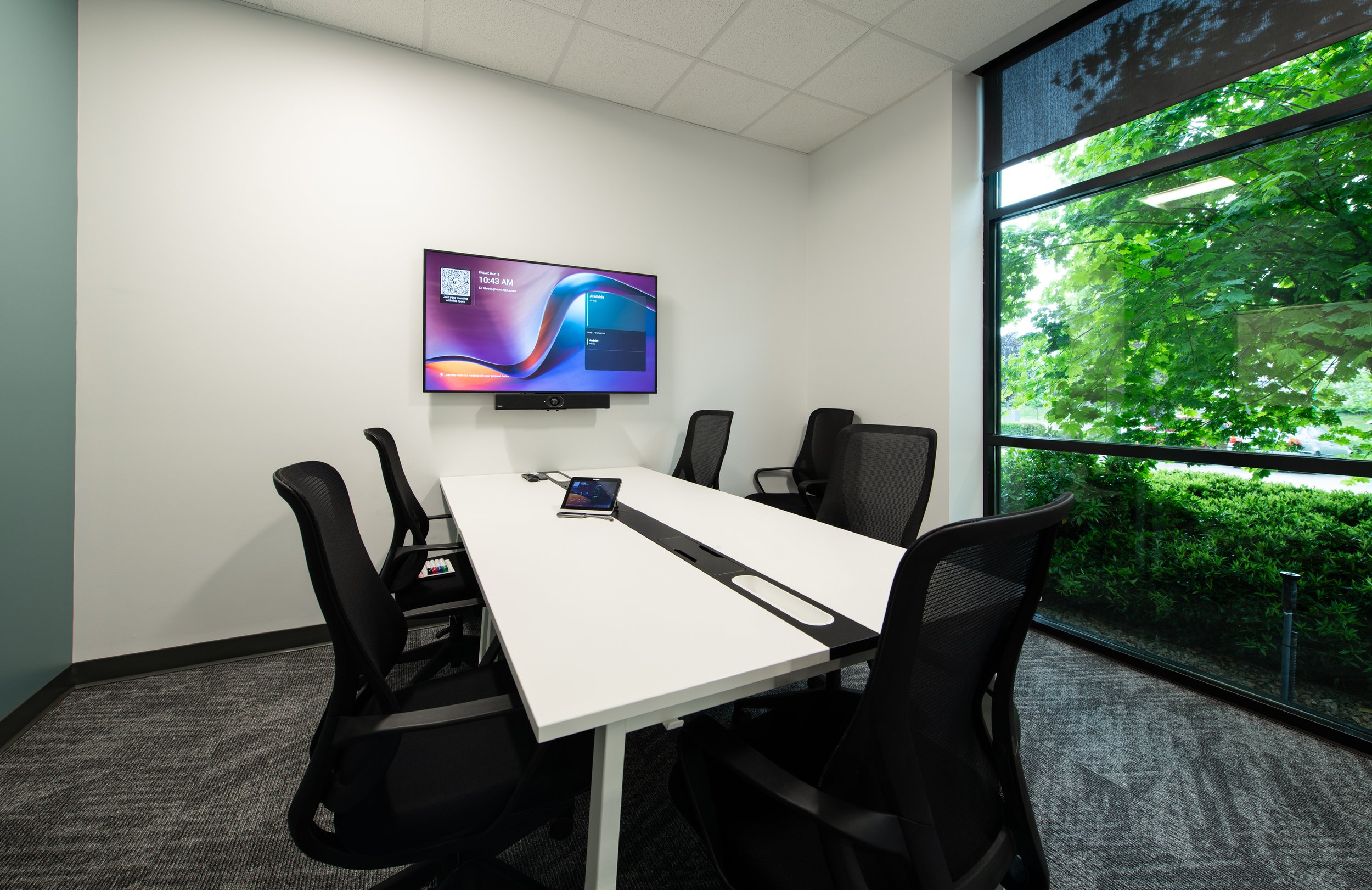
Q-SYS expanded its RoomSuite portfolio with a new Collaboration Bar and Scheduling Panel designed to simplify hardware, setup, deployment, and management. All devices use Q-SYS Reflect for remote monitoring and management, giving IT teams real-time actions and insights into the space.
The Windows-based Collaboration Bar combines audio and video in a single room system and supports Microsoft Teams Rooms and bring-your-own-meeting applications. A dedicated touch panel provides room control, while optional table microphones can extend audio coverage for larger spaces.
Q-SYS has also introduced native integration with Sennheiser TeamConnect Ceiling microphones. The integration allows microphone beam position data to be shared directly with the Q-SYS platform, which can then use that information for camera tracking, room automation, and voice-driven control.
This type of integration is becoming increasingly important as meeting room systems become more interconnected. Instead of cameras, microphones, and control systems operating independently, they can use information from one another to respond more intelligently to what's happening in the room.
The Bigger Picture
The latest advancements in conferencing technology focuses on how the entire meeting room works together. Intelligent cameras can automatically adjust framing, microphones can provide information to room control systems, collaboration platforms can monitor room health, and centralized management tools can give IT teams visibility across the entirety of company meeting spaces.
For a team who’s planning to upgrade their department’s AV, or an organization in the market to overhaul the whole building, system design has become more important than ever. The right solution depends on the size and purpose of the space, the platforms your organization uses, how the room needs to operate, and how the system will be managed over time.
With so many devices and ecosystems available, figuring out which technologies work best together can be challenging. Our team can help evaluate the options, navigate the latest technologies, and design a collaboration solution that fits your space and your organization's needs.

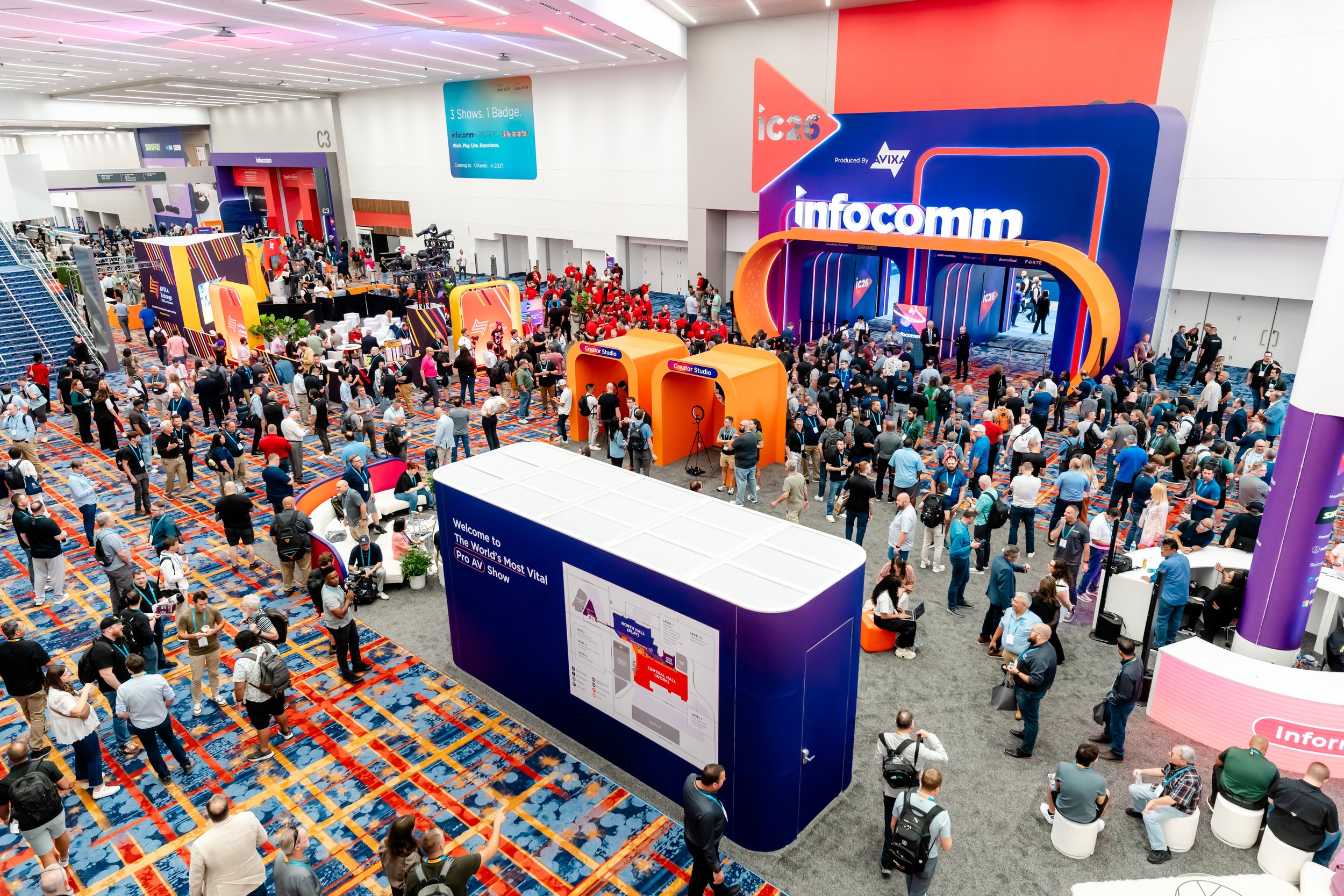
This is the third instalment in our InfoComm 2026 recap series. Check out our recap on all things digital displays here, and read about the latest and greatest audio advancements here.






Frequently Asked Questions
-
Some of the newest video conferencing technologies include AI-powered cameras, wireless BYOD solutions, integrated collaboration bars, room design tools, and centralized AV management platforms. Recent products from manufacturers including Microsoft, Logitech, Yealink, Barco, Crestron, and Q-SYS are focused on making meeting rooms more intelligent, flexible, and easier to manage.
-
Several new video conferencing products and updates were introduced over the summer, including the Logitech Rally Camera AI and Rally Camera AI Pro, Barco ClickShare Hub Wireless BYOD, Crestron Collab Room Builder, and Q-SYS RoomSuite Collaboration Bar and Scheduling Panel. Microsoft Teams Rooms and Yealink AV ONE also received new capabilities focused on AI, room intelligence, and centralized management.
-
As organizations deploy more meeting spaces, managing each room individually becomes increasingly difficult. Platforms such as Yealink AV ONE and Q-SYS Reflect provide centralized visibility into device health, firmware, room status, and system performance, allowing IT teams to identify and address issues remotely.
-
Intelligent cameras can automatically frame participants, track speakers, and adjust the camera view as people move around the room. This helps remote participants see and follow the conversation more naturally without requiring someone in the room to manually operate the camera.
-
The right technology depends on the size and purpose of the room, the conferencing platforms your organization uses, the required camera and audio coverage, BYOD requirements, and how the system will be managed. For larger deployments, standardizing room designs and selecting technologies that integrate well together can also make installation and long-term support easier.
-
An AV integrator can evaluate the room, recommend compatible video conferencing and collaboration technologies, design the system, and manage installation and programming. For organizations with multiple meeting spaces, an integrator can also help develop standardized room designs and management strategies that make systems easier to support as they scale.