
Council Chamber AV: What to Know Before Upgrading
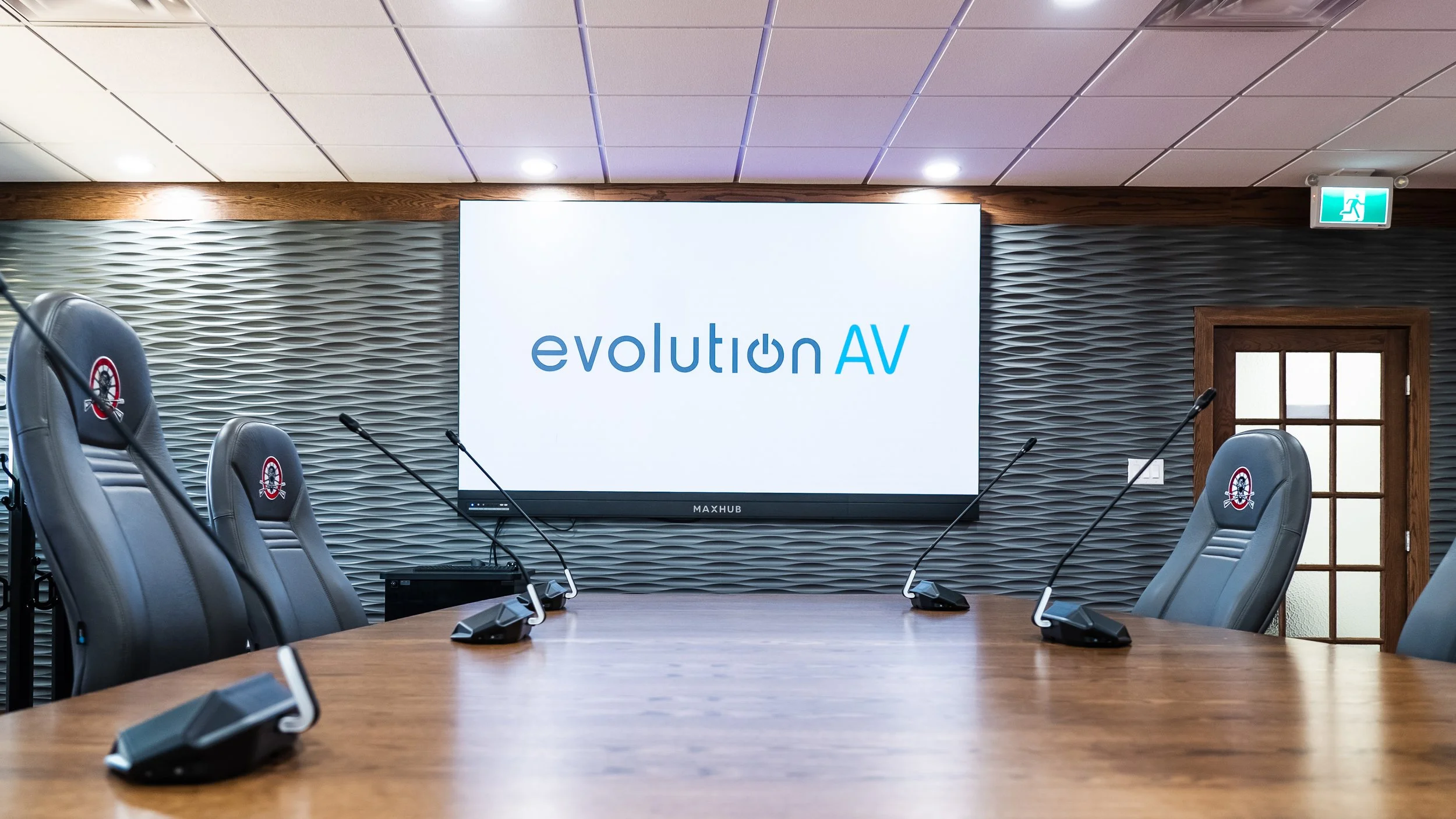
Fall is election season for most Canadian municipalities, and this year voters in British Columbia, Ontario, Manitoba, Prince Edward Island, and rural Saskatchewan are choosing new councils. This brings new faces around the table with new priorities, ideas, and potentially new expectations for how meetings run.
Today’s council meetings are used for more than just in-person debates. People in the room and online need to clearly hear each other and easily see presentations. Staff need a simple way to present, record, and run meetings without a technician or IT support on standby.
For municipalities working with older equipment, the start of a new council term is an opportunity to review what’s working and what might need upgrading.
Microphones, Audio Quality, and Room Acoustics
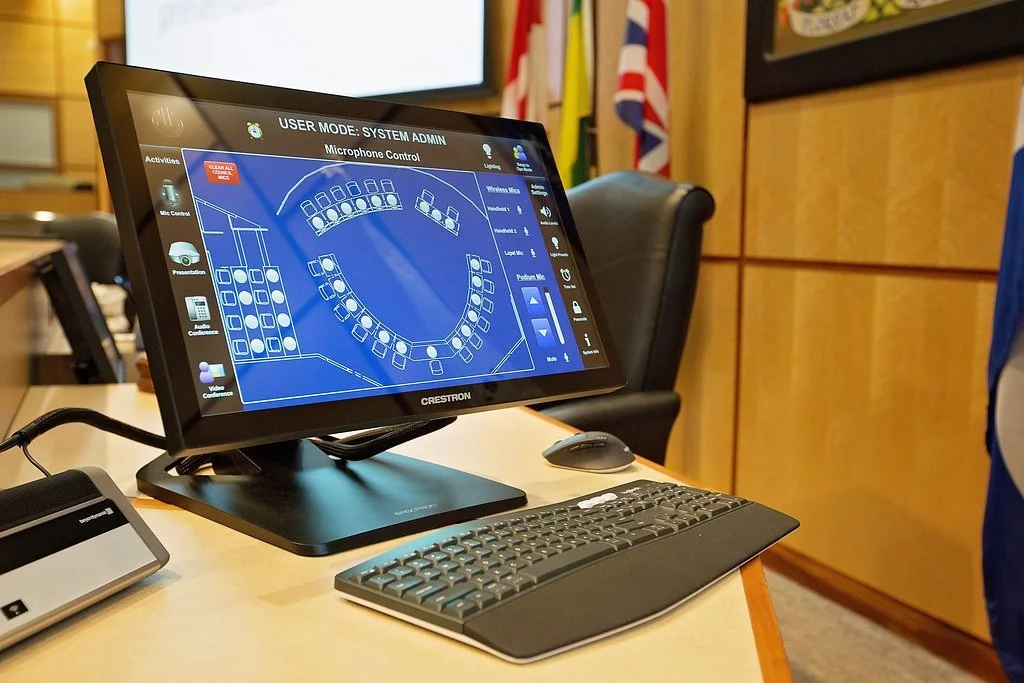
Audio is one of the most important parts of a council chamber AV system. Depending on the layout and architecture, there are several different styles of microphones that can be integrated into the room.
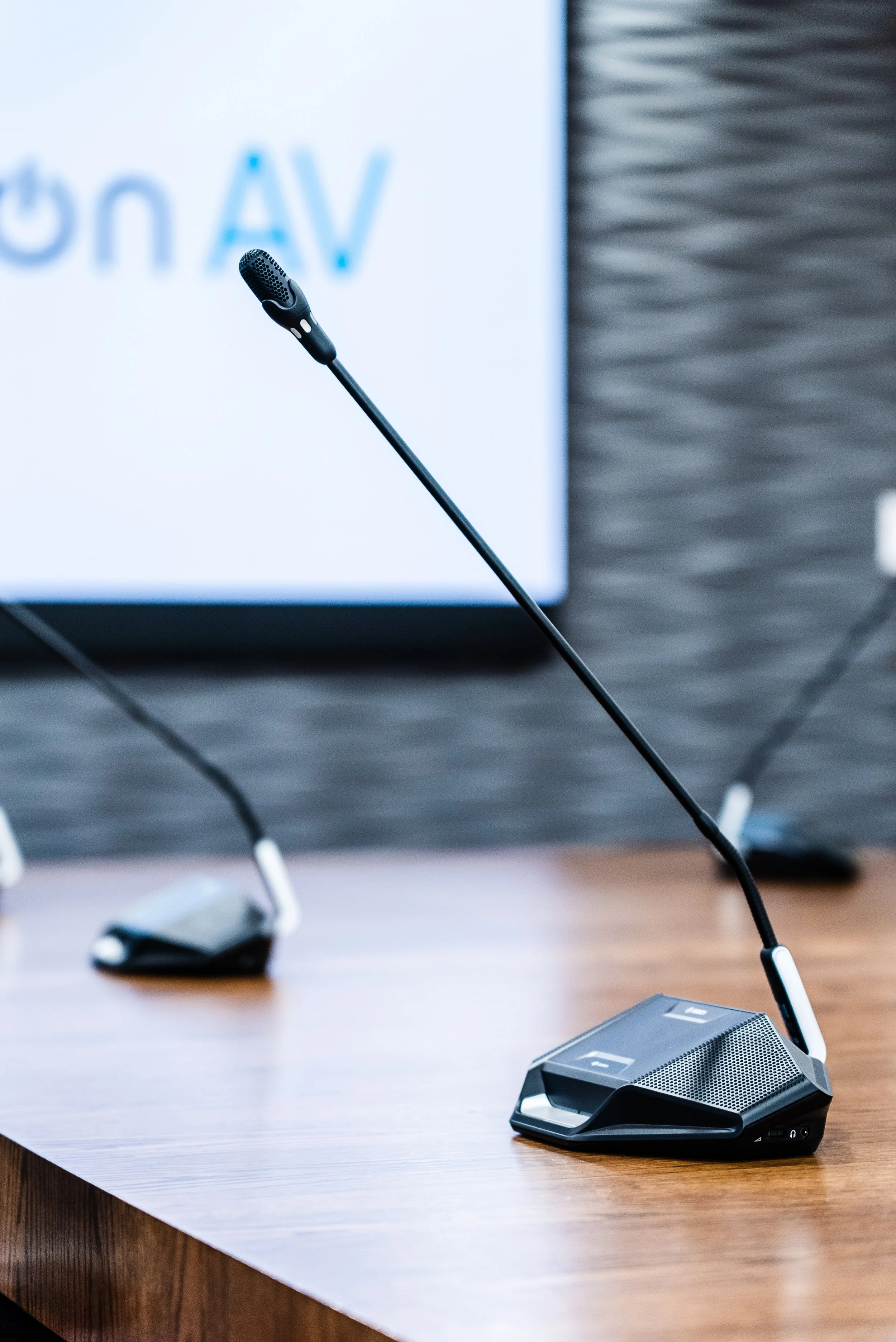
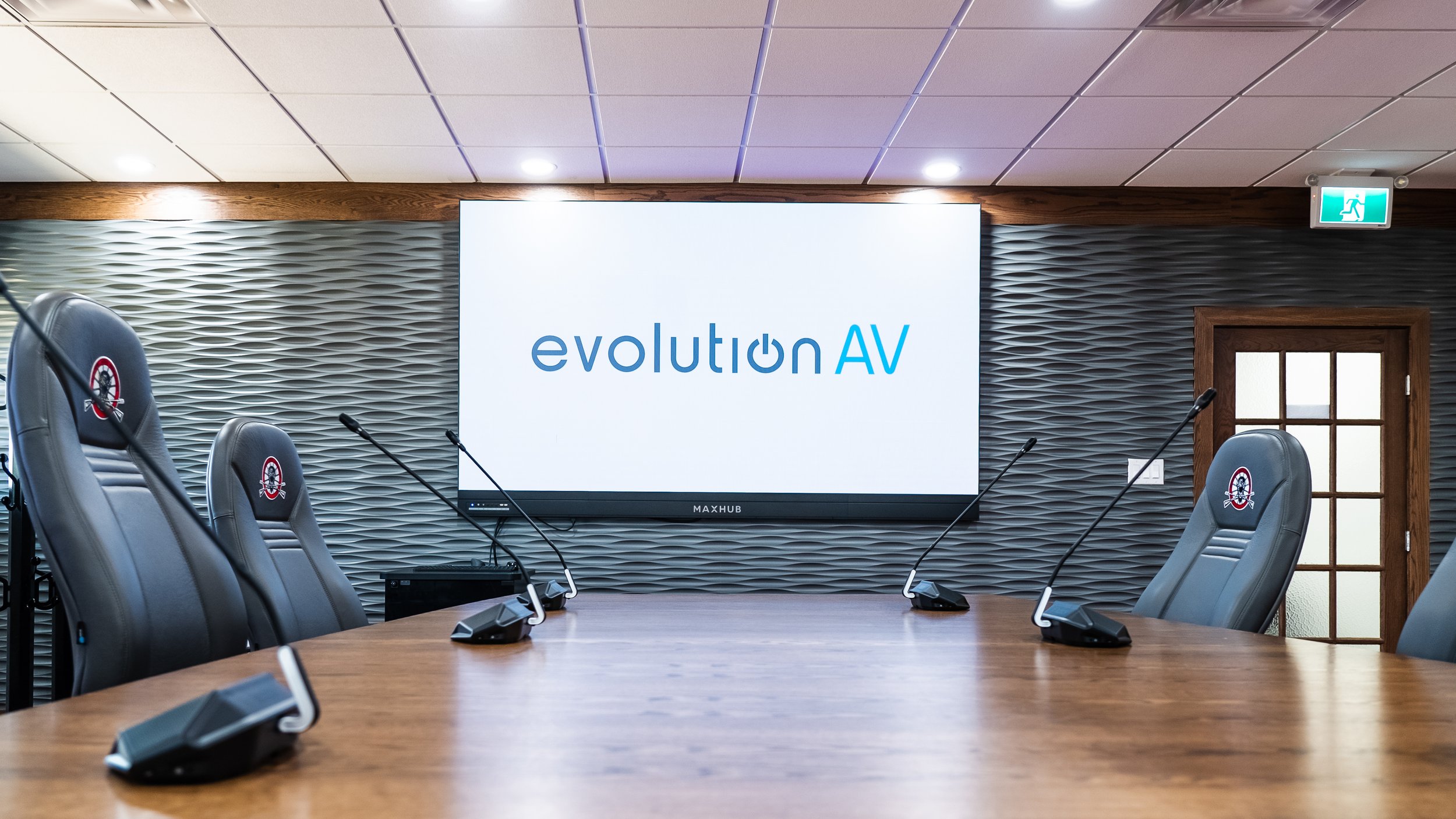
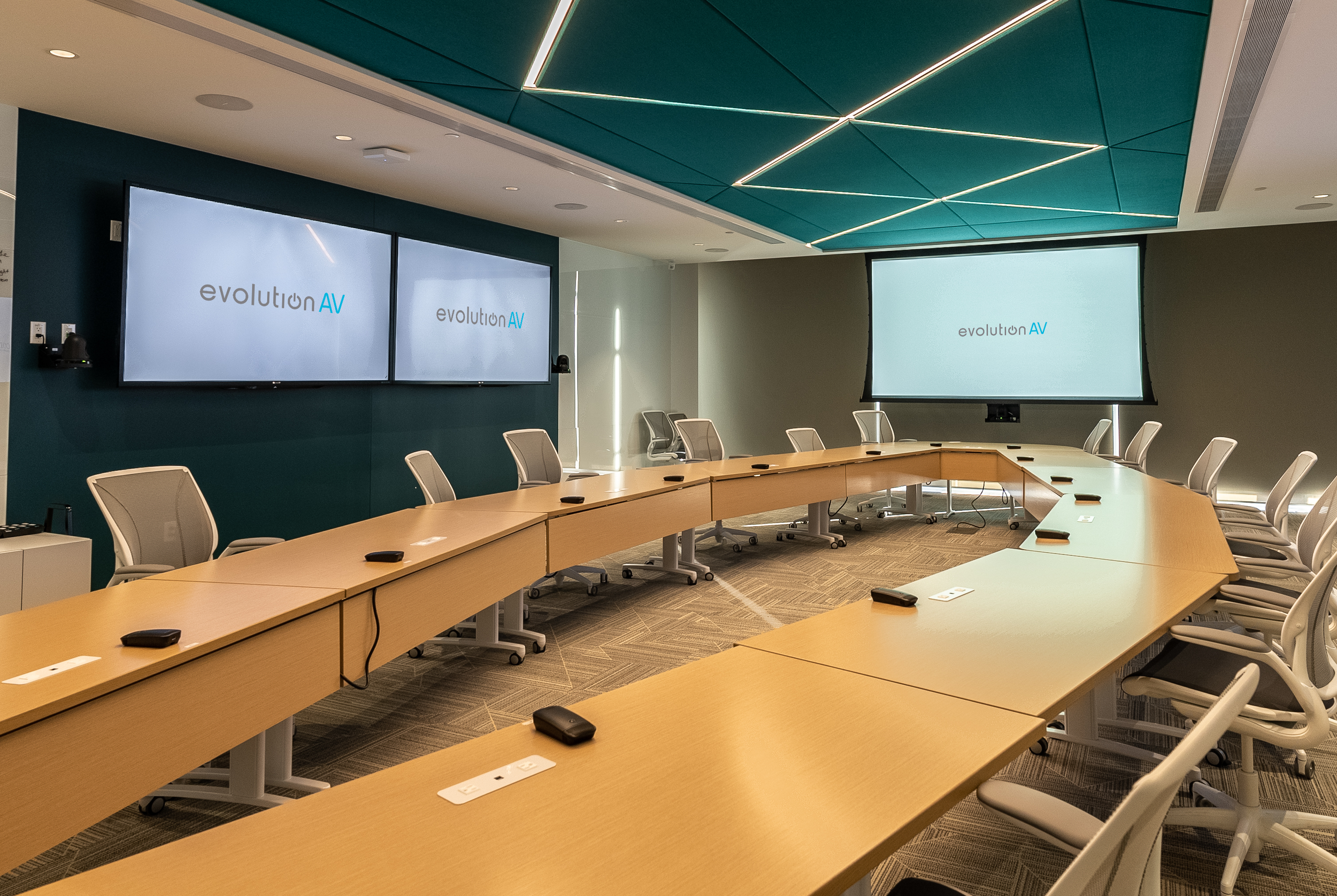
Some discussion and conference systems have gooseneck microphones with push-to-talk buttons and indicator lights at each seat, giving individual members control over their own microphone. Others use a centralized panel with priority controls that allows the chairperson to manage the speaking order. Either way, microphone controls should be straightforward. Members shouldn't have to fumble around just to activate their microphone, and a microphone shouldn't stay live during a side conversation.
Wireless handhelds, stationary podiums, table pods, and ceiling microphones are all different audio solutions depending on the space and how it gets used. Features like echo cancellation keep remote participants from hearing their own voices bounce back, and proper audio processing keeps the room speakers from feeding back into live microphones. A separate livestream mix makes sure the people watching at home hear a clean, balanced feed, not just whatever the room speakers are playing.
Proper room acoustics are equally important to the audio quality. Older heritage buildings and newer modern chambers can have high ceilings and reflective surfaces that make audio harder to understand. Acoustic treatment can make a significant improvement to speech intelligibility.
Cameras, Displays, and Sightlines
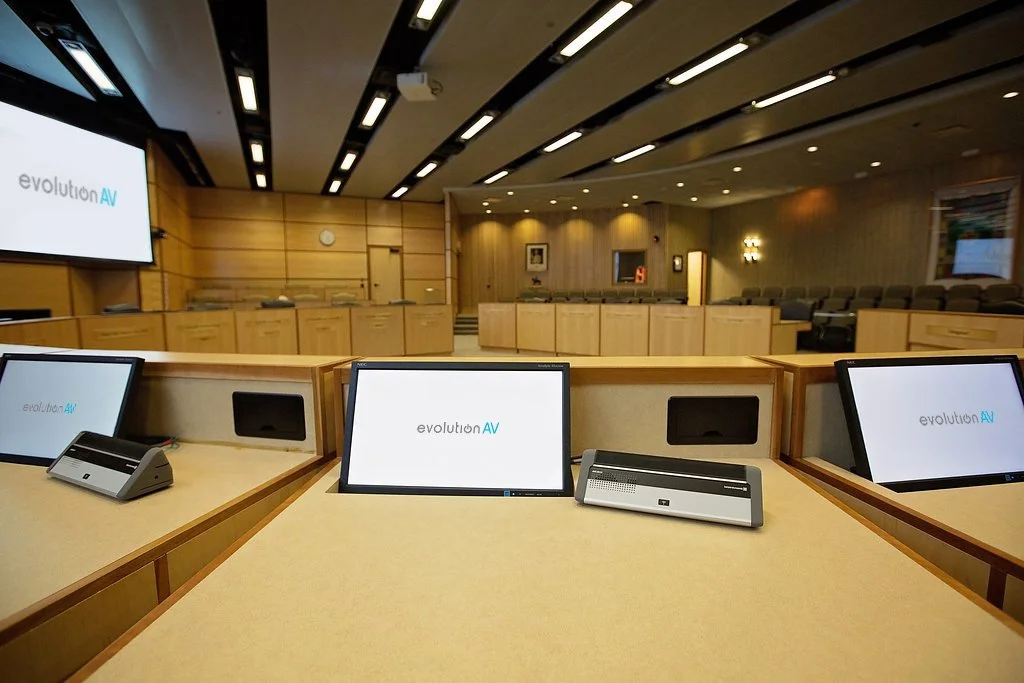
Anyone watching or attending remotely needs to see who is speaking and what they are talking about. Camera positioning, microphone integration, and display content all play a role in making that possible.
Fixed cameras can provide consistent views of the council table, chair, and podium, while PTZ cameras can move between seating zones and zoom in on individual council members. Some cameras can be integrated with a compatible microphone system to automatically frame the active speaker without needing someone to physically operate the camera.
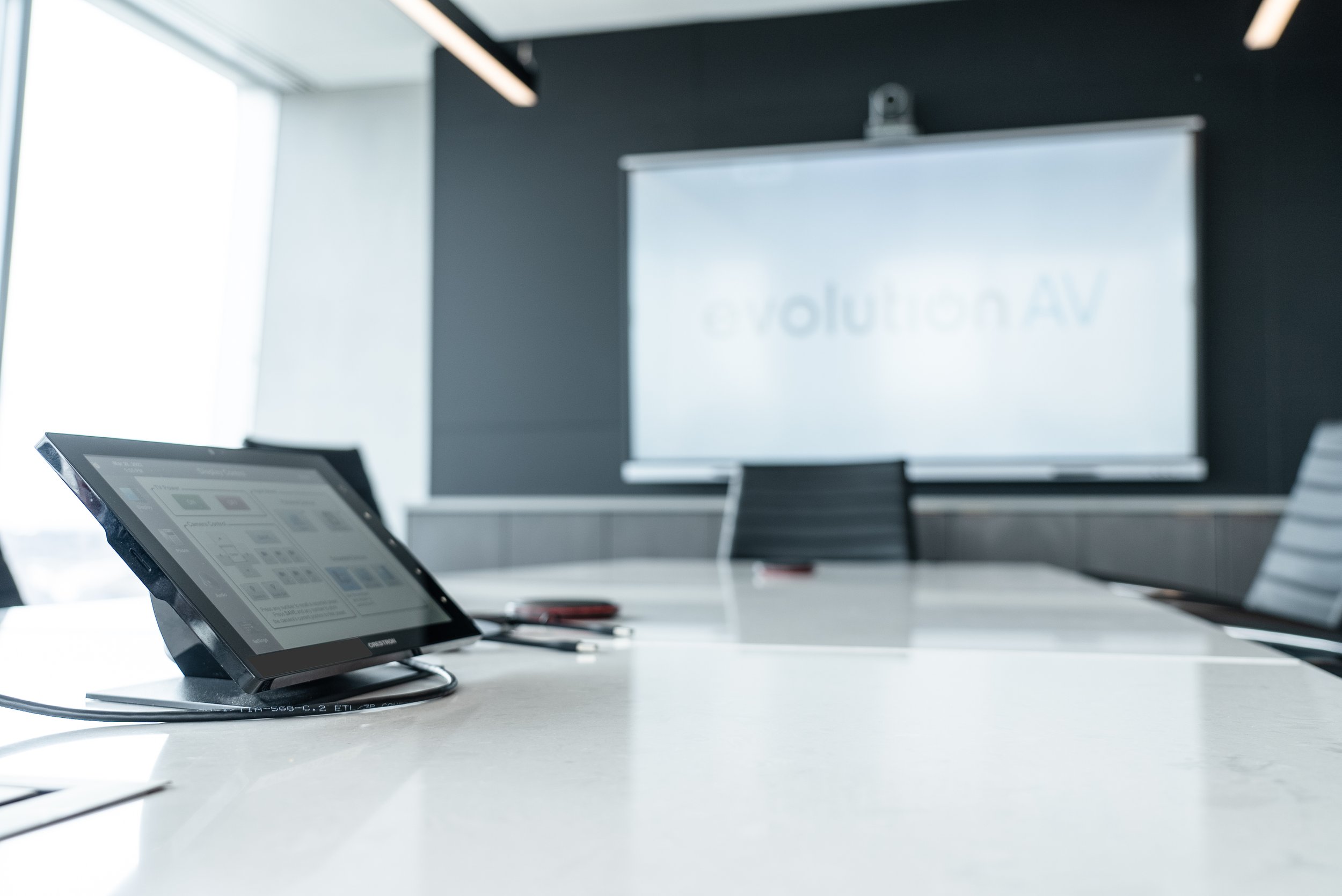
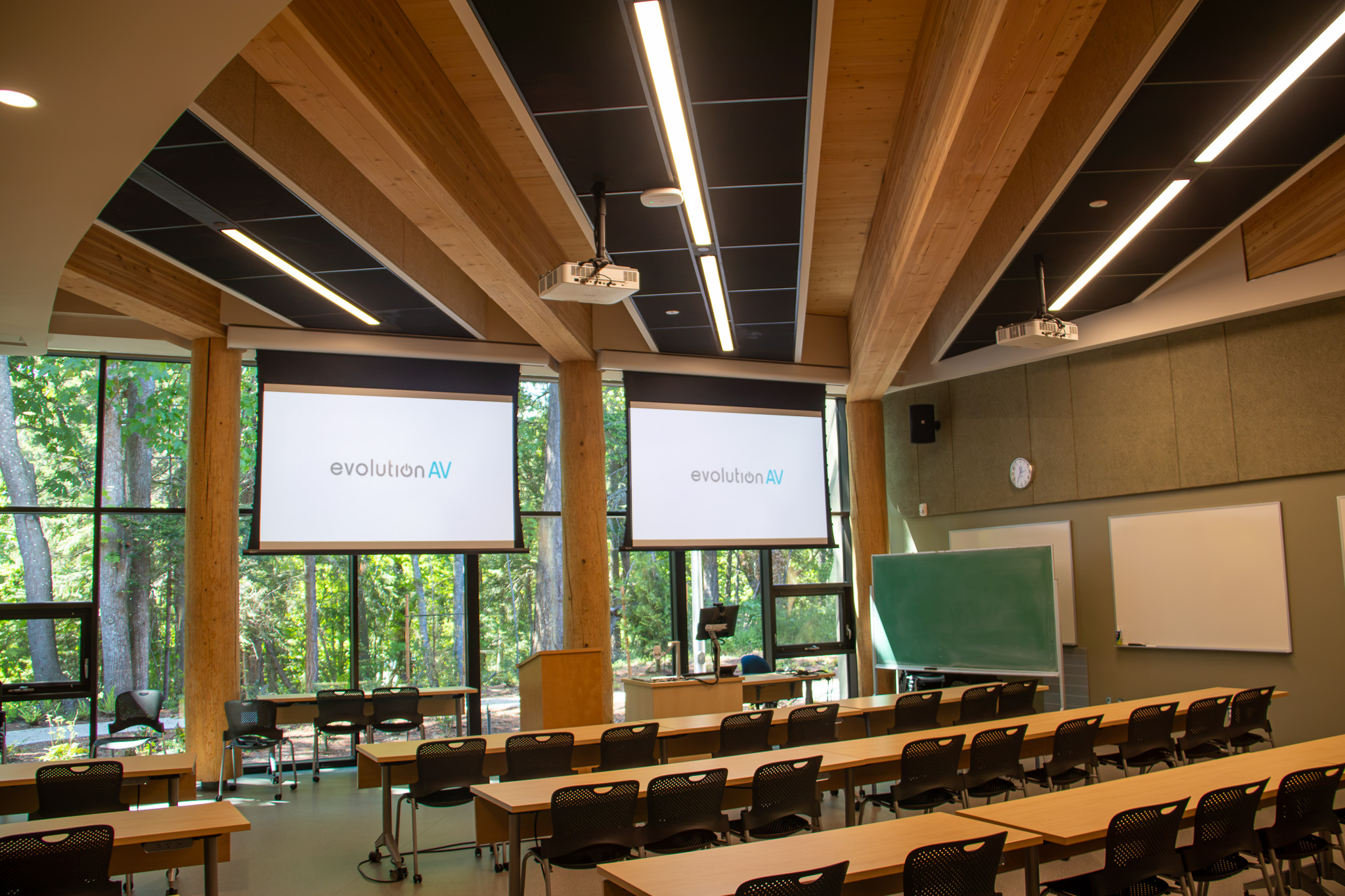
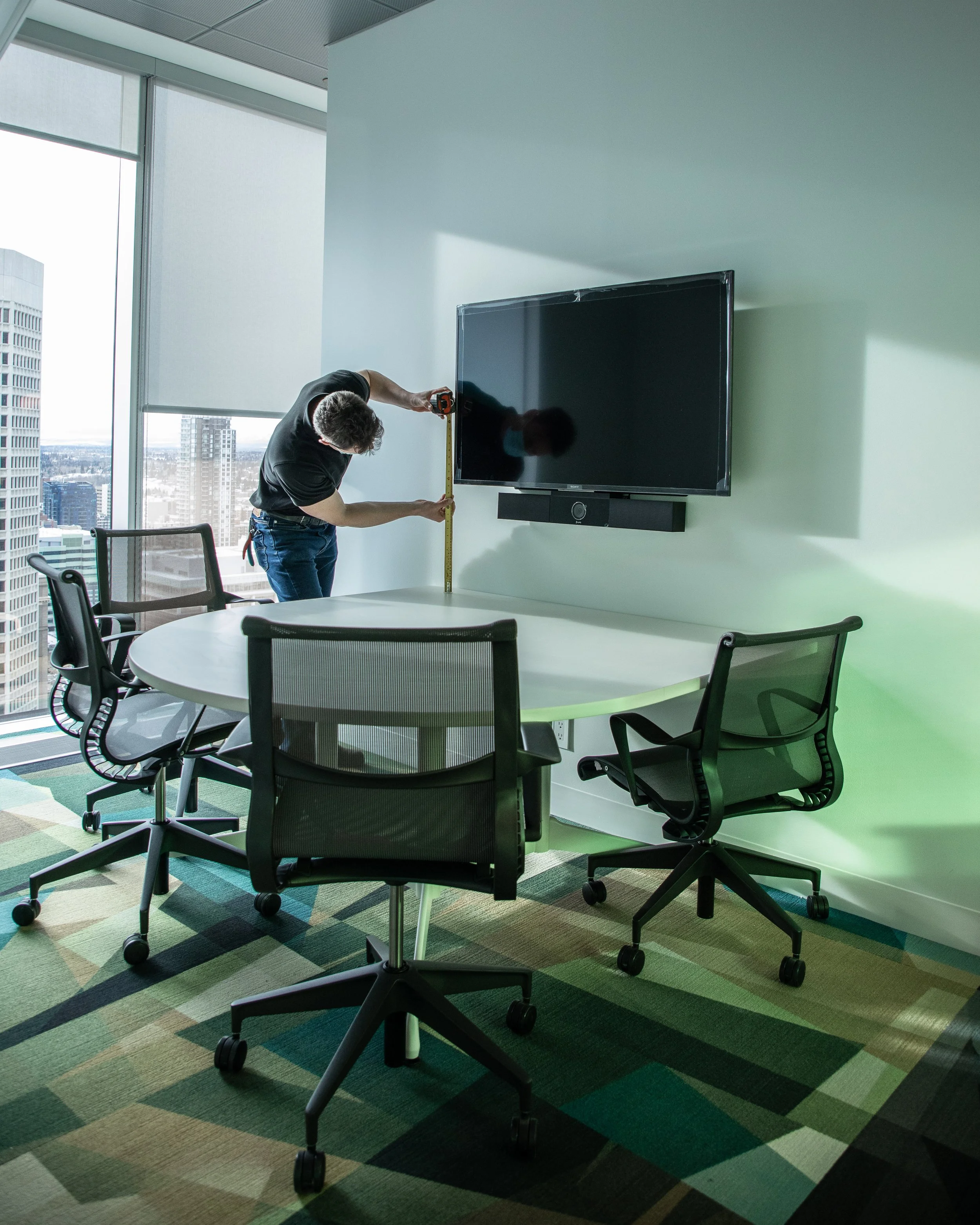
Digital displays need to be large enough for everyone to see what’s being shared on the screen. Some chambers can benefit from multiple displays that allow presentations, documents, and remote attendees to appear at the same time. Another display option is having individual monitors at each seat to give council members a close-up view of shared content without having to look across the room. Display size and placement will depend on the room layout, viewing distances, sightlines, and how council members use the room.
Security, Accessibility, and Meeting Records
Municipal council and committee meetings are generally open to the public, but that doesn't mean the technology behind the broadcast should be. Cameras, microphones, control systems, and streaming equipment all need to be secured, particularly when they're connected to the municipal network.
Being open to the public also means the technology needs to be accessible to everyone who wants to participate. For residents watching online, clear camera views, readable speaker names, and balanced audio go a long way toward a livestream people can easily follow along. Live captioning is another option that can be added depending on the meeting platform.
For in-person attendees, assistive listening technology, like hearing loops or receiver-based systems, can help people with hearing loss. Display placement, text size, microphone accessibility, and clear sightlines should also be considered when planning the room.
Public meetings need public records. Meetings can be recorded through the video conferencing platform or a dedicated recording system, depending on municipal requirements. Reliable recording and archiving make it easy for clerks to publish meetings alongside agendas and minutes to be referenced later.
Is Your Council Chamber Ready?
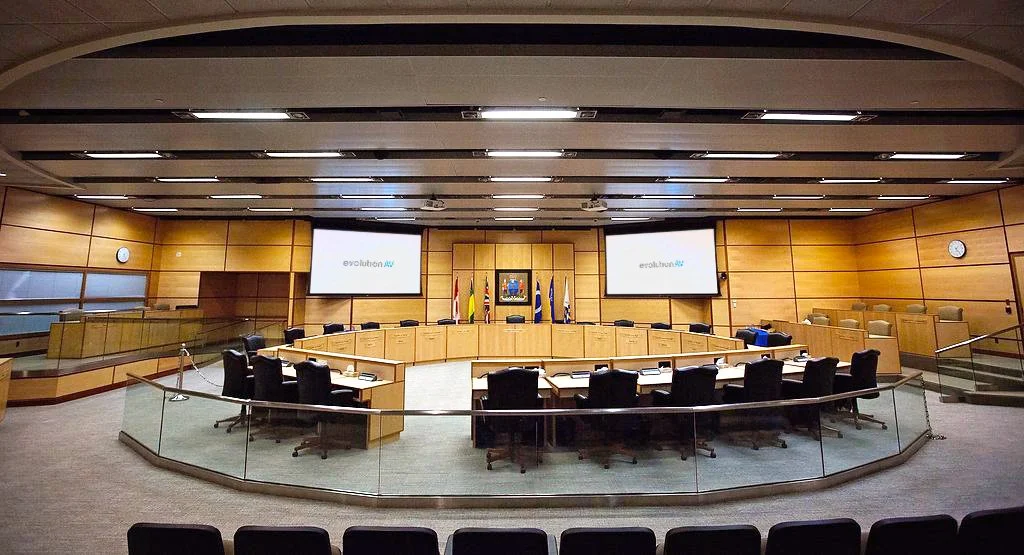
The start of a new council term is a good opportunity to review whether the chamber is meeting the needs of those who rely on it. When the AV works properly, council members can focus on the discussion, staff can focus on running the meeting, and the community can follow along without struggling to hear or see what's happening.
Sometimes that means a full system upgrade. In other cases, improving audio, updating cameras, or simplifying controls is enough to make meetings easier to manage.
Evolution AV has worked with countless municipalities across Canada to design, install, and support their council chamber AV systems. If your council chamber needs a closer look, our team can help identify practical next steps.
Interested in learning more?
Frequently Asked Questions about Council Chamber AV
-
A typical council chamber AV system may include microphones, speakers, cameras, displays, video conferencing equipment, livestreaming and recording systems, and a central control system. The exact setup depends on the room size, seating arrangement, meeting format, and whether meetings include remote participants or public livestreams.
-
Hybrid council meetings allow members to participate both in person and remotely. This usually requires a video conferencing system, cameras that capture speakers in the room, microphones that provide clear audio, and displays for viewing remote participants. The audio and video systems should be integrated so everyone can hear and see the discussion, regardless of where they are joining from.
-
Gooseneck microphones with push-to-talk controls are common because they give each council member a dedicated microphone. Other options include podium microphones, wireless handhelds for delegations, and ceiling microphones where table-mounted equipment isn't practical. The right choice depends on the room layout, acoustics, and how speaking order is managed.
-
Yes. Compatible PTZ cameras can be integrated with a microphone or discussion system to automatically frame the active speaker. This reduces the need for someone to manually operate the cameras during a meeting. Multiple camera positions can also provide views of the council table, chair, podium, and wider room.
-
Clear audio starts with the right microphone placement and speaker coverage. Echo cancellation and audio processing help manage sound during hybrid meetings, while a separate livestream audio mix can provide a more balanced feed for online viewers. Room acoustics also matter. Hard surfaces and high ceilings can create echo and make speech difficult to understand, so acoustic treatment may be worth considering.
-
Accessibility features can include live captioning for online viewers, assistive listening systems for in-person attendees, accessible microphone and podium positions, readable display text, and clear sightlines. Hearing loops and receiver-based assistive listening systems are two options for helping people with hearing loss follow discussions in the chamber.
-
Start by assessing the existing equipment and identifying the biggest issues. This may include poor microphone coverage, outdated cameras, limited presentation options, unreliable livestreaming, or complicated controls. Municipalities should also consider future needs, accessibility requirements, integration with meeting platforms, and how recordings are managed and published. An upgrade doesn't always require replacing the entire system.