
The Complete Guide to Commercial Digital Displays
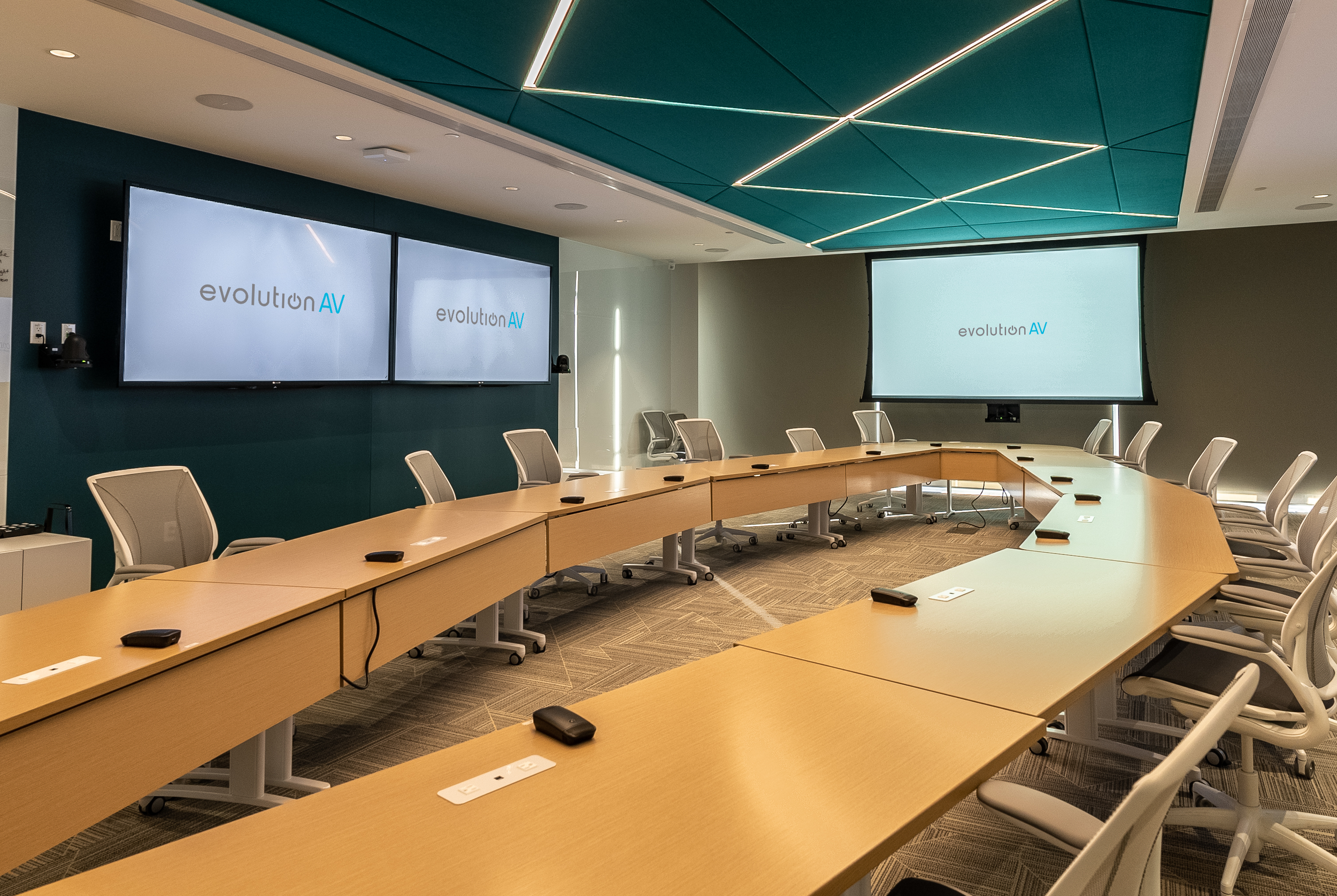
Whether you're outfitting a new meeting room, replacing an aging projector, or installing digital signage across multiple locations, choosing the right commercial display can be overwhelming. With LCD displays, Direct View LED, interactive touch displays, and projection systems all offering different advantages, knowing where to start isn't always easy.
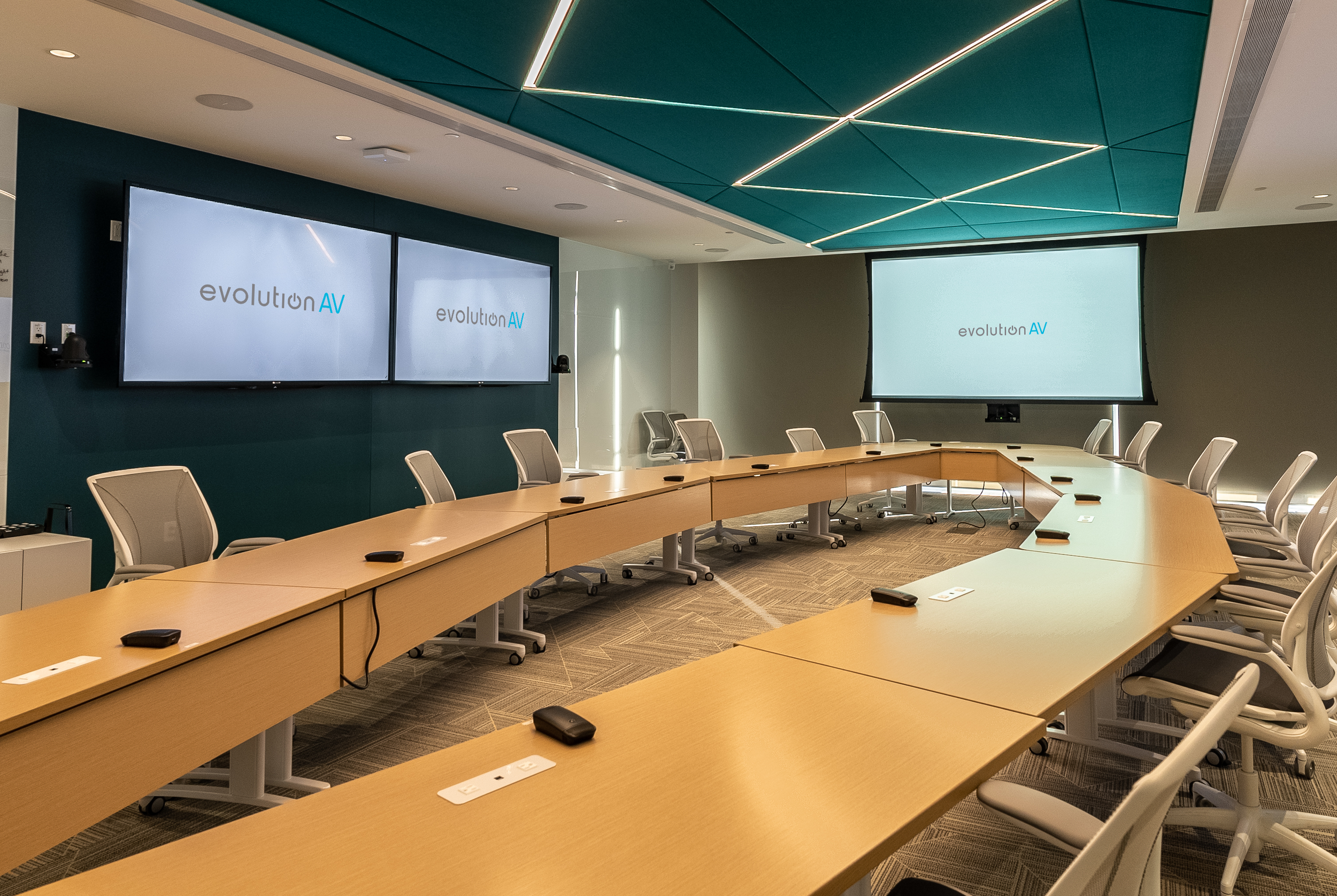
From boardrooms and classrooms to retail stores, hospitals, restaurants, and corporate lobbies, digital displays have become one of the most important communication tools. Businesses rely on them to share information, engage customers, and create better experiences for employees and visitors alike.
With so many options available, choosing the right solution comes down to understanding how the space will be used, who will be viewing the content, and what the end goal is.
What is a Commercial Digital Display?
Technically speaking, a digital display is an electronic device that projects visual content like images, videos, and text. When people think of digital displays, they often picture a television mounted on a wall. Although they may look like consumer TVs, commercial displays are built specifically for business environments.
Unlike residential televisions, commercial displays are designed to operate for long hours, often 16 or 24 hours a day, and are vibrant enough to be seen clearly in bright environments. They're also easier to manage remotely with the ability to update content instantly across one display or hundreds of locations from a centralized platform.
Commercial digital displays include a variety of technologies, including LCD displays, Direct View LED (dvLED), laser projection, and interactive touch displays, each offering different advantages depending on where they’re installed.
Understanding the Different Types of Commercial Displays
Not every display is designed for the same purpose. Factors like room size, viewing distance, content, lighting conditions, and budget all influence which technology is the best fit.
LCD
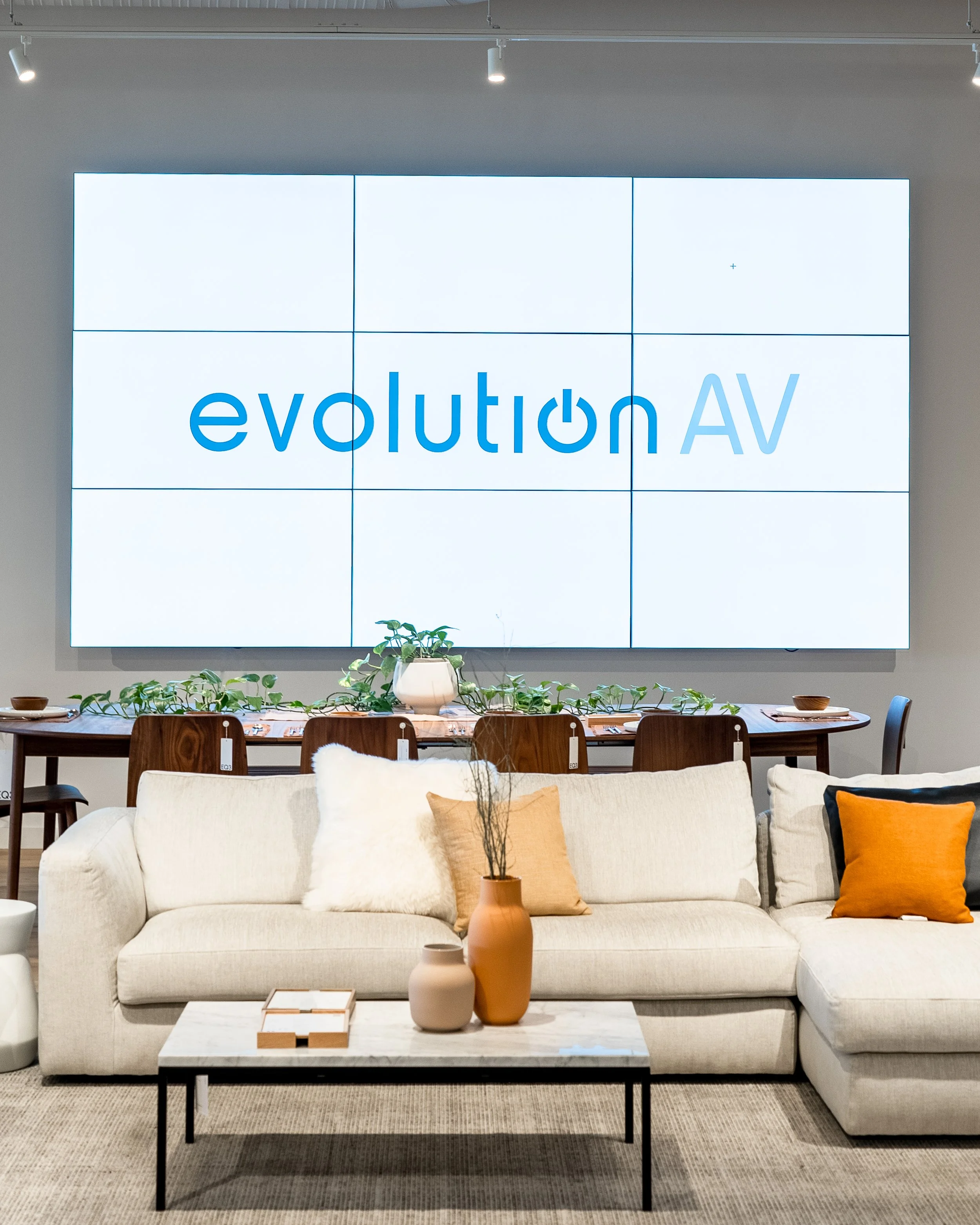
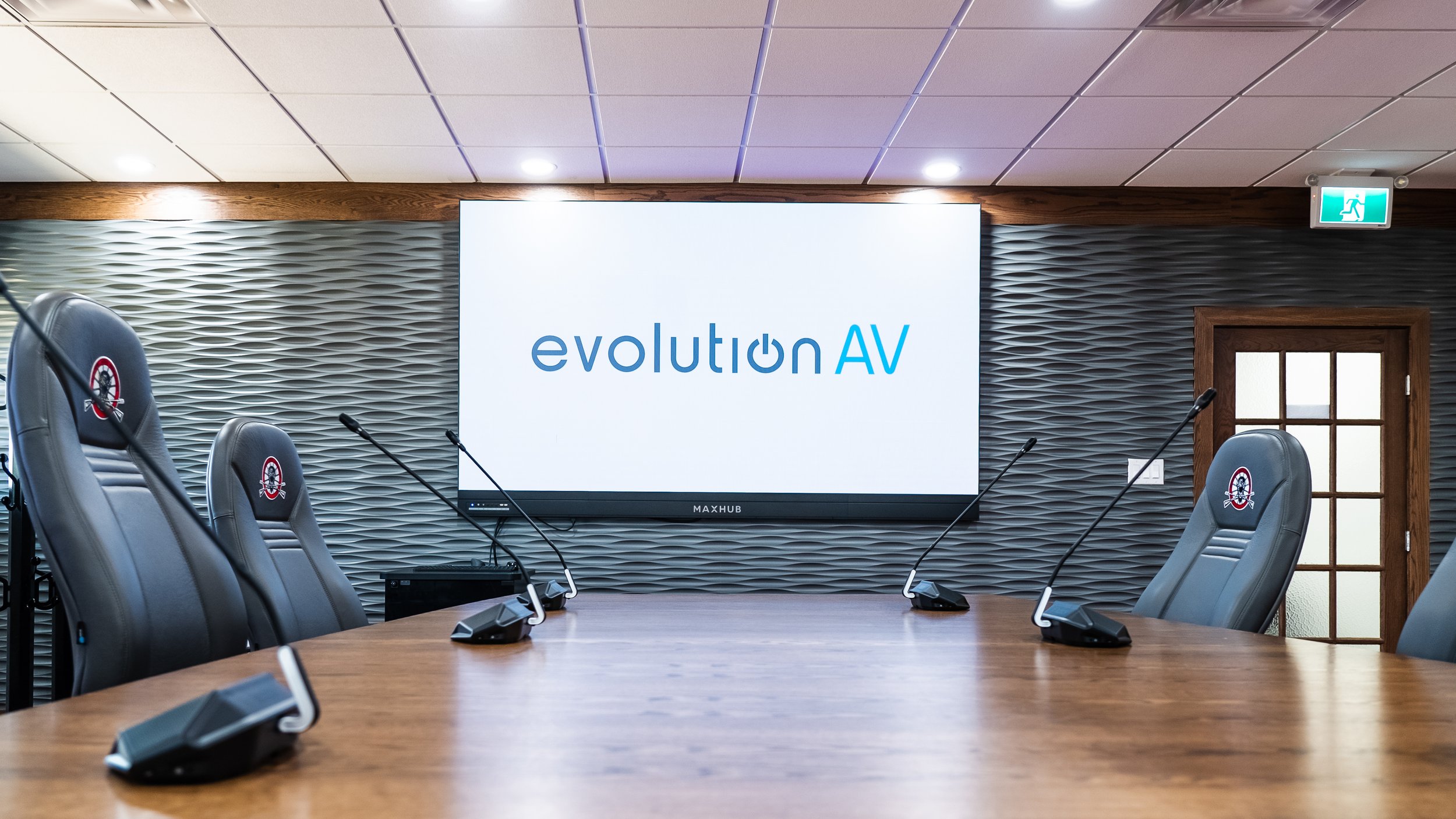
LCD (liquid crystal displays) are a versatile, cost-effective option for meeting rooms, classrooms, lobbies, and digital signage. They deliver excellent image quality, high brightness, and are designed for daily commercial use with features like anti-glare coatings, portrait or landscape mounting, and remote device management.
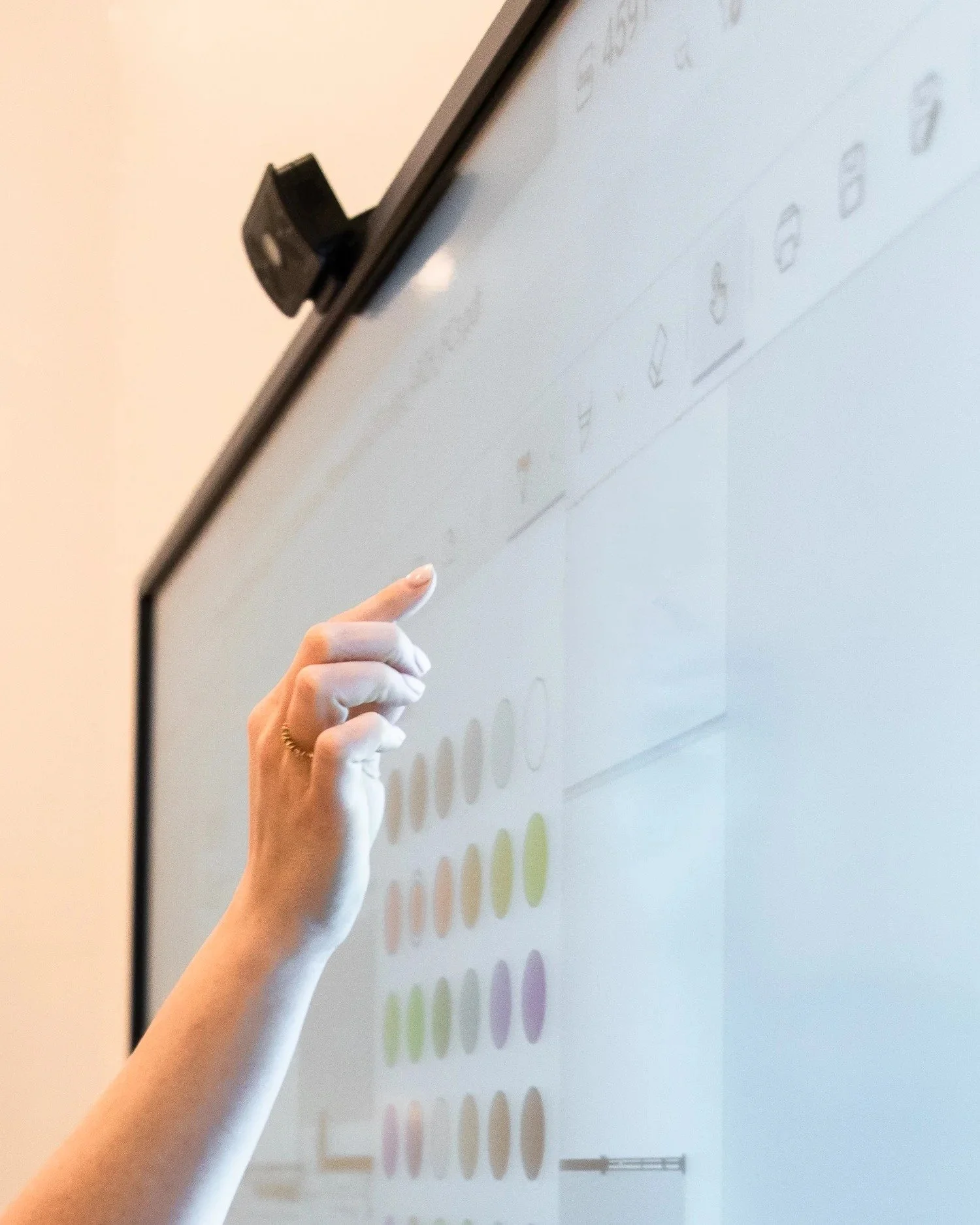
Many commercial LCD displays are also available as interactive touch displays, allowing users to write, annotate, and collaborate in real time. These have become increasingly popular in classrooms, training spaces, and hybrid meeting rooms where engagement and collaboration are priorities.
Displays like the Sony BRAVIA Professional Series, Sharp NEC MultiSync, and LG UH5N are excellent examples of commercial LCD solutions.
Direct View LED (dvLED)
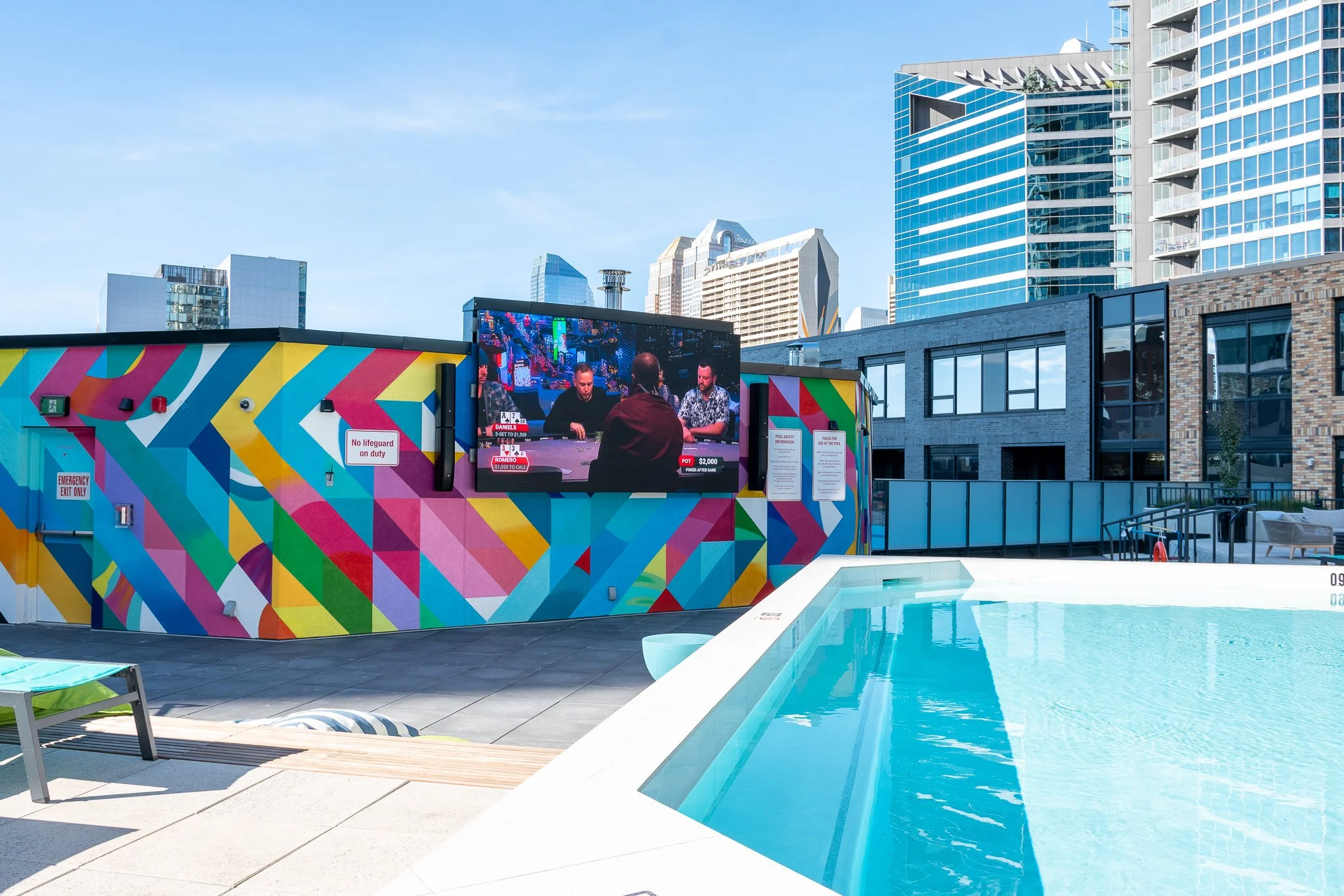
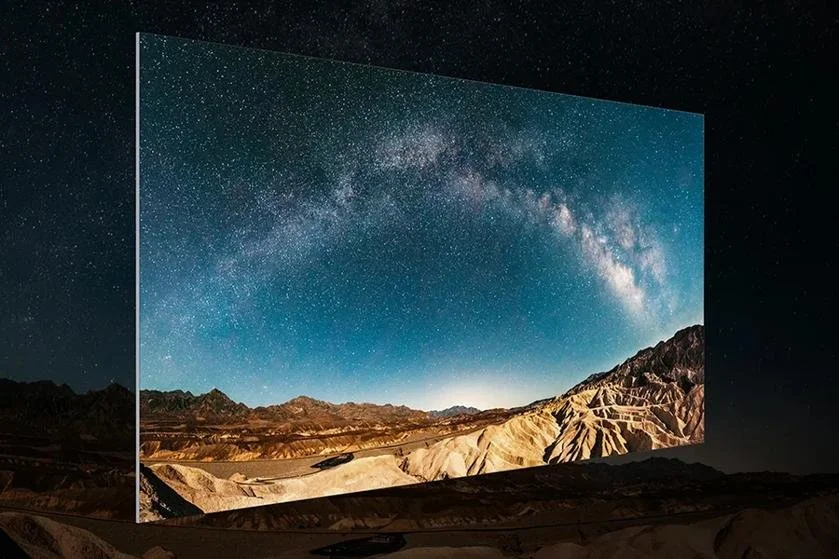
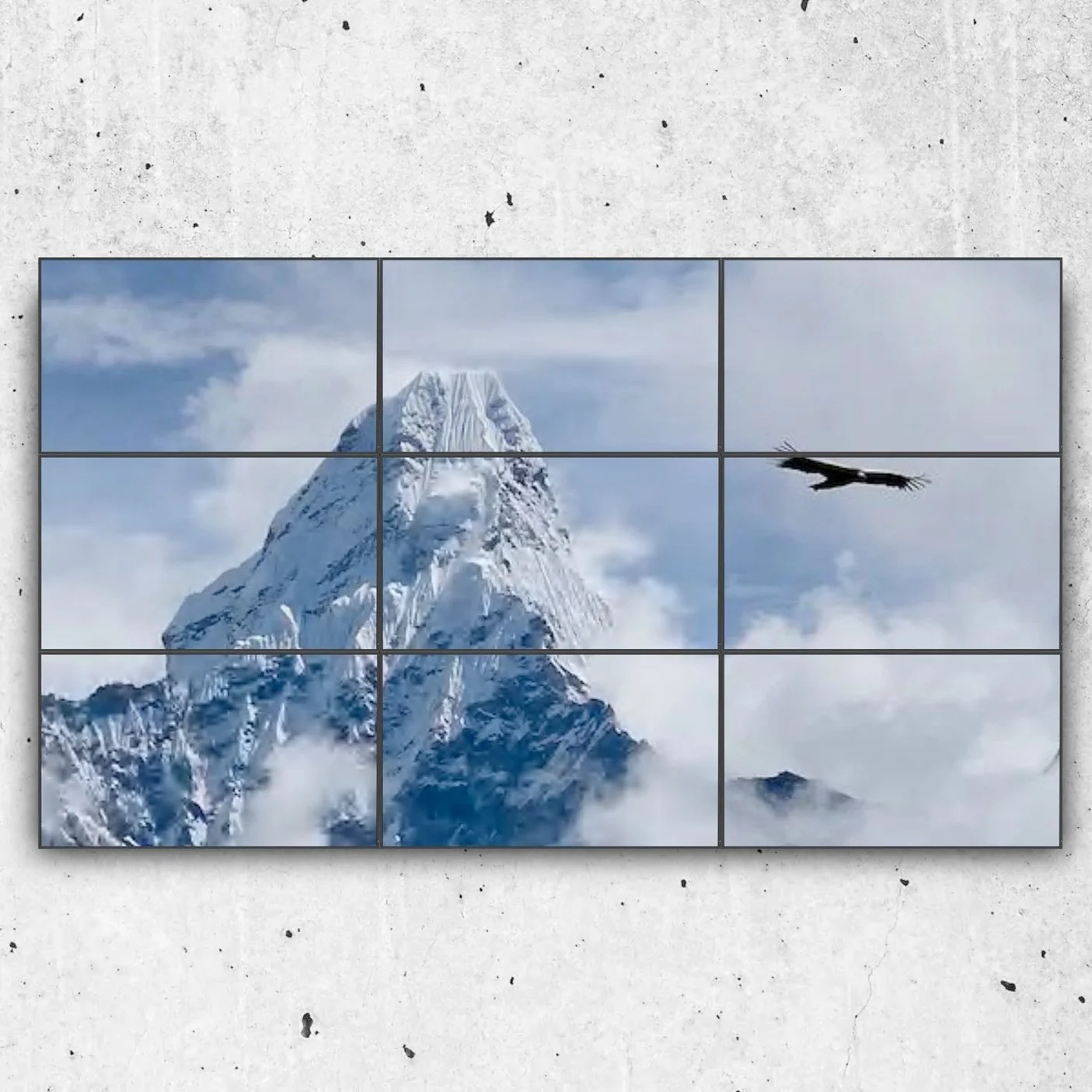
Direct View LED displays are built from individual LED modules that connect together to create one seamless image without visible bezels. Because they're modular, they can be built in virtually any size or aspect ratio, making them a popular choice for large, high-impact installations in lobbies, auditoriums, and event facilities.
Each LED acts as its own light source that produce exceptional brightness, colour accuracy, wide viewing angles, and seamless images that are ideal for premium applications.
Solutions such as Samsung The Wall, Sony Crystal LED, and LG MAGNIT demonstrate how far LED technology has evolved, offering stunning image quality for premium applications.
(If you'd like to learn more about large scale video walls with LCD and LED technology, check out our blog What Are Video Walls and Why Are They Important?, where we explain how LED video walls compare to traditional display solutions.)
Laser Projection
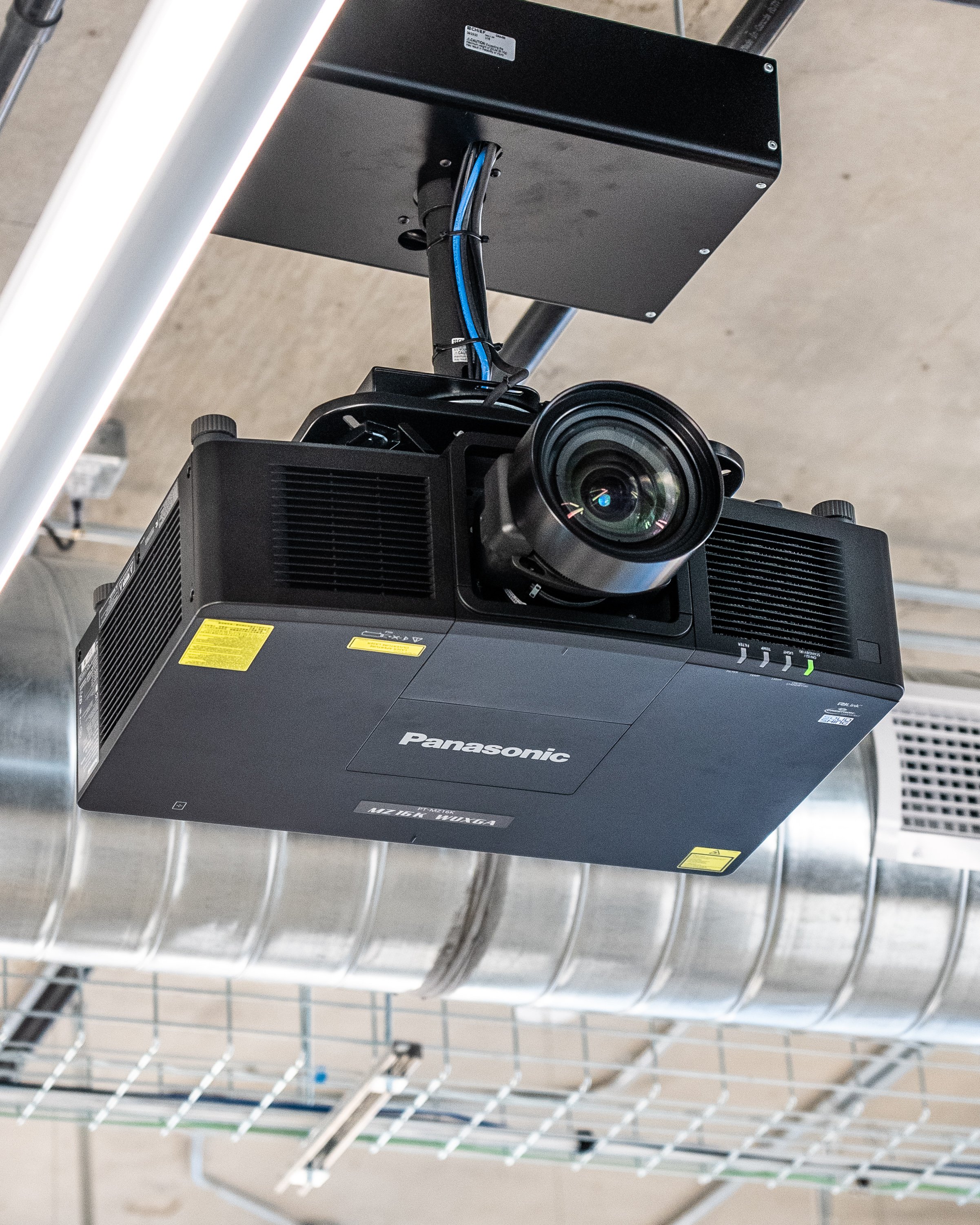
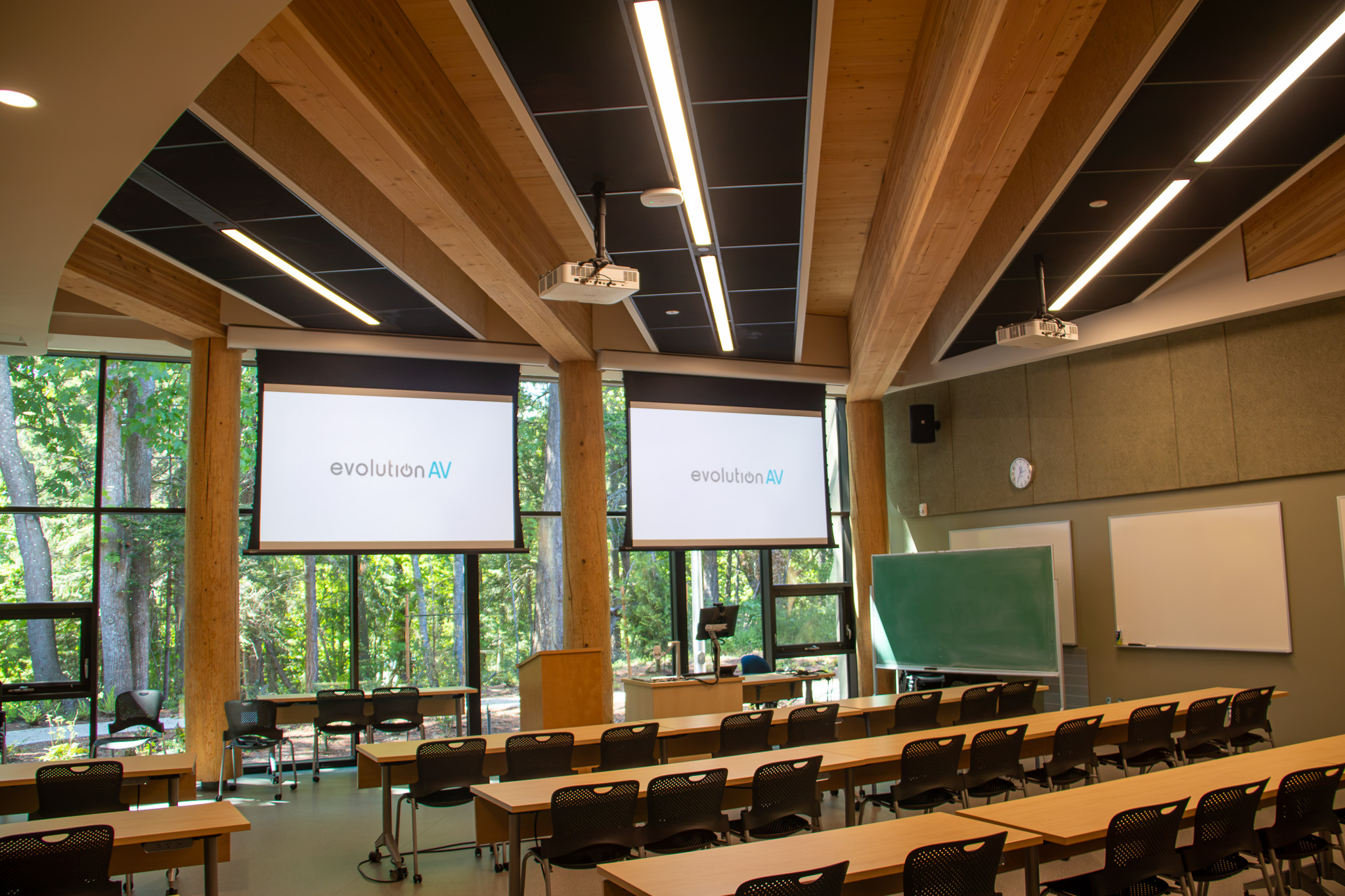
Modern laser projectors provide longer operating life, lower maintenance, and significantly better brightness than older lamp-based systems, making them an excellent option when very large images are required. They also offer greater installation flexibility through interchangeable lenses and short or directional-throw options.
Products like the Epson EB-PU Series and Panasonic PT-RQ Series are commonly used in education, houses of worship, museums, auditoriums, and other large venues where projection remains the most practical solution.
How to Choose the Right Commercial Display
Choosing the right commercial display starts with understanding how the space will be used. While screen size is important, it's only one part of the decision. The best commercial display is one that fits the environment, supports the type of content being shown, and provides a great viewing experience for everyone in the room.
Start by considering the physical space. Room size, viewing distance, and ambient lighting all influence which display technology will perform best. A meeting room with large windows may require a brighter commercial LCD display to reduce glare, while a large lobby or auditorium may benefit from a dvLED display that remains clear and vibrant from greater distances. For LED installations, pixel pitch is another important factor, as it determines how sharp the image appears based on how close viewers are to the screen.
Next, think about how the display will be used every day. A boardroom display designed for presentations and video conferencing has very different requirements than a retail digital signage display, a restaurant menu board, or an interactive classroom display. Understanding the type of content being shown, whether it's presentations, live video, promotional messaging, or wayfinding, will help determine the most appropriate commercial display solution.
Finally, look beyond the initial purchase price and consider the long-term value of your investment. Commercial digital displays are designed for extended operating hours, professional AV integration, and easier remote management than consumer televisions. Choosing the right display technology from the start can improve reliability, reduce maintenance costs, and ensure your system continues to meet your organization's needs as your business grows.
Choosing the Right Commercial Display for Your Industry
Every industry uses digital displays differently. While the technology may be similar, the way it's deployed, and the problems it's designed to solve, can vary significantly.
Corporate Offices
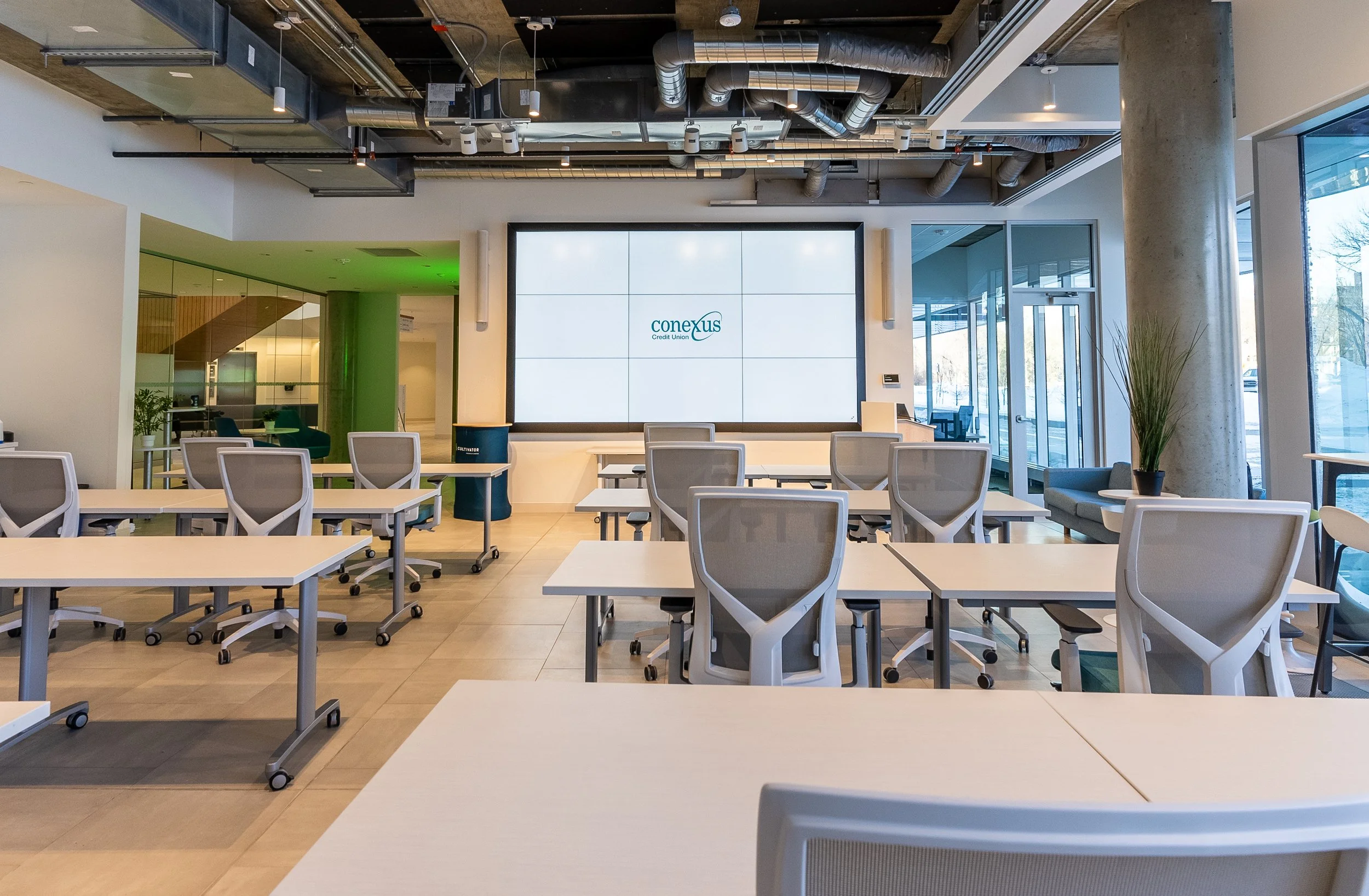
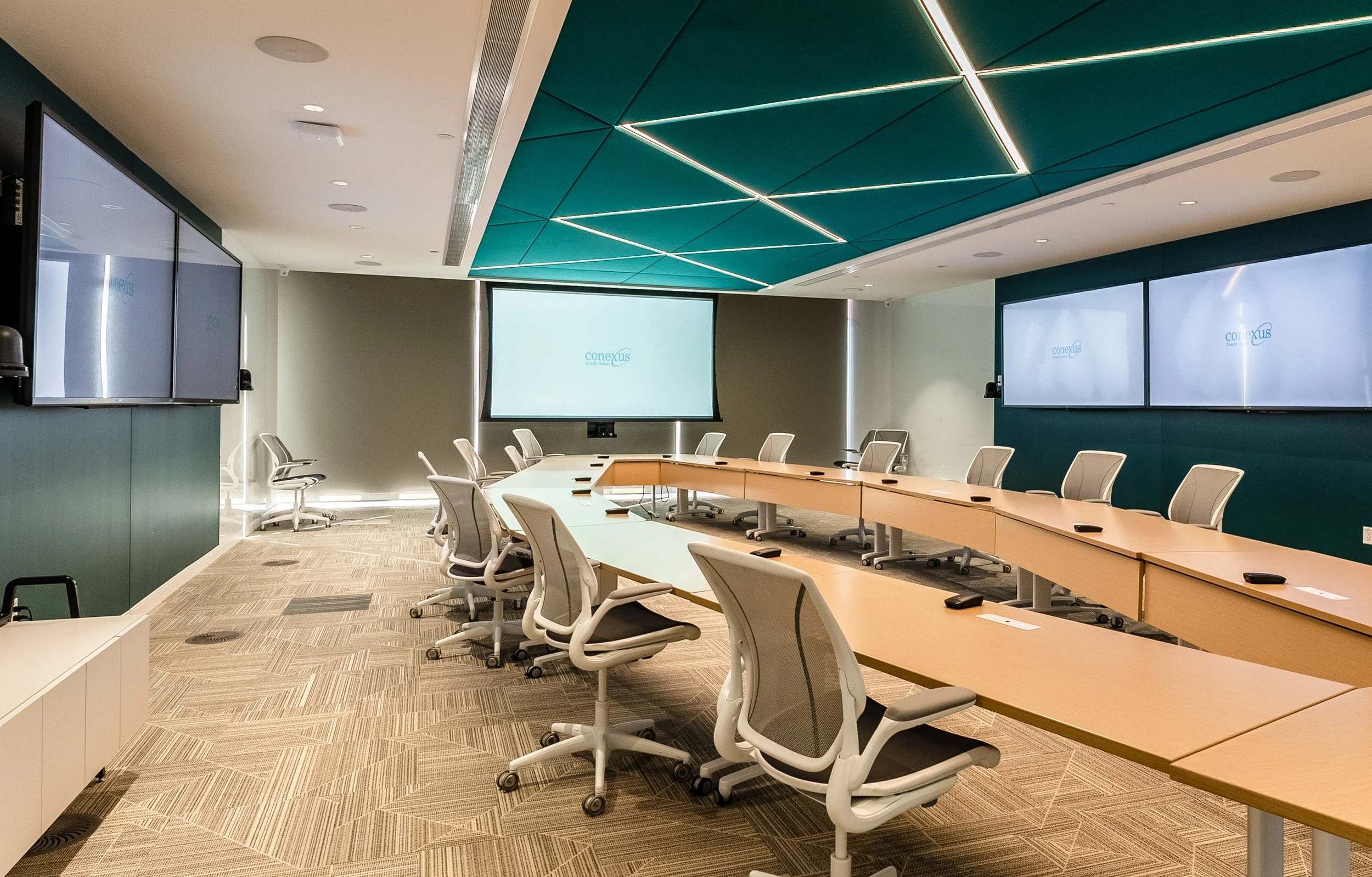
In corporate offices and workplace environments, digital displays are used for video conferencing, digital room scheduling, employee communications, and creating welcoming reception spaces.
For most meeting rooms, commercial LCD or interactive displays offer the ideal balance of image quality and value. Larger corporate environments may also benefit from LED displays in executive briefing centres or lobbies, where seamless, high-impact visuals can leave a lasting impression on clients and visitors.
Education
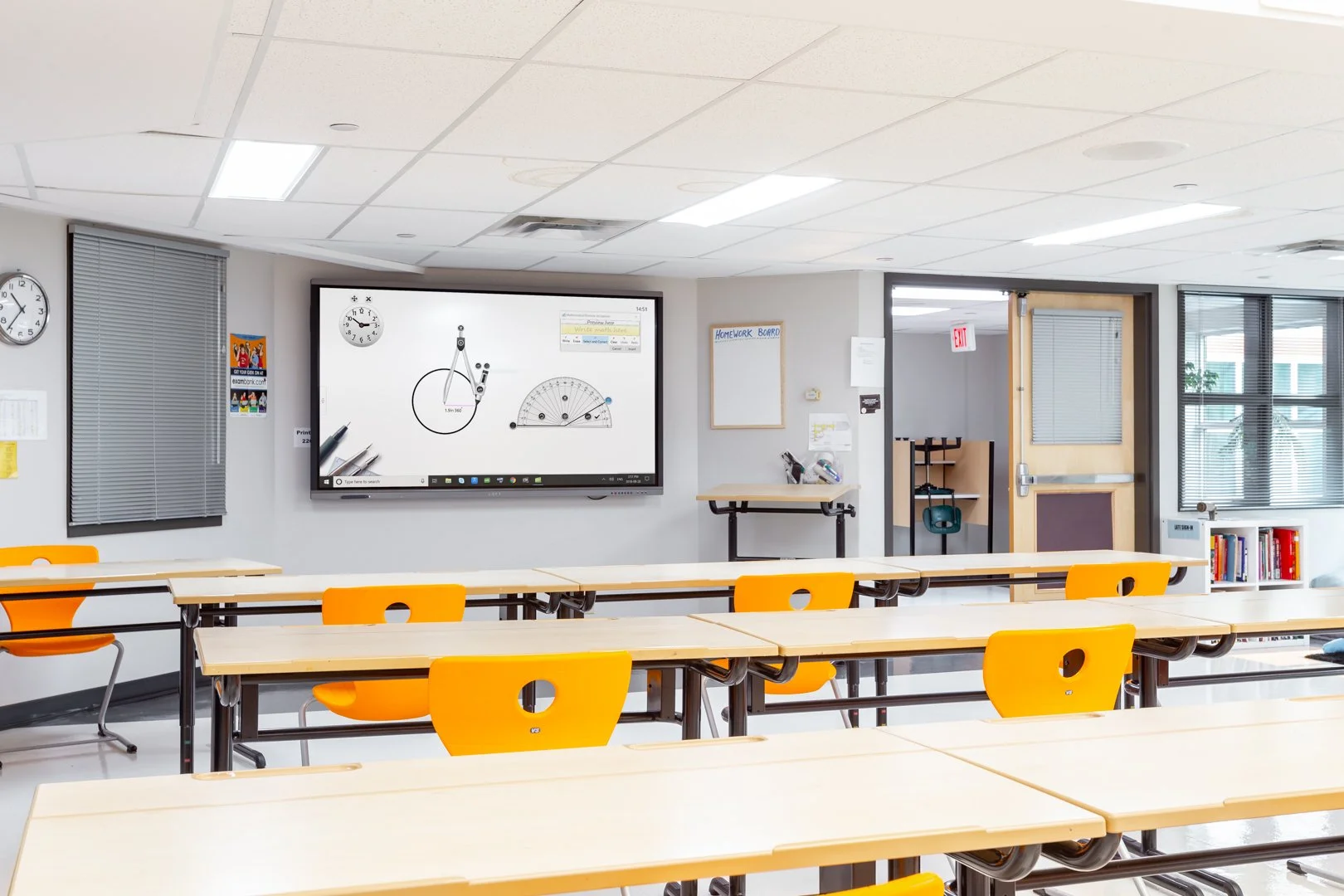
Educational spaces need flexible technology. Displays need to remain visible from anywhere in the room, withstand daily use, and support everything from lessons and presentations to assemblies and school events. In many schools, projection remains a practical solution for large teaching spaces, while commercial LCD displays work well in classrooms and collaboration areas. LED displays are also becoming increasingly popular in gymnasiums and multi-purpose spaces because they can serve as presentation displays, scoreboards, and event screens all in one.
Healthcare
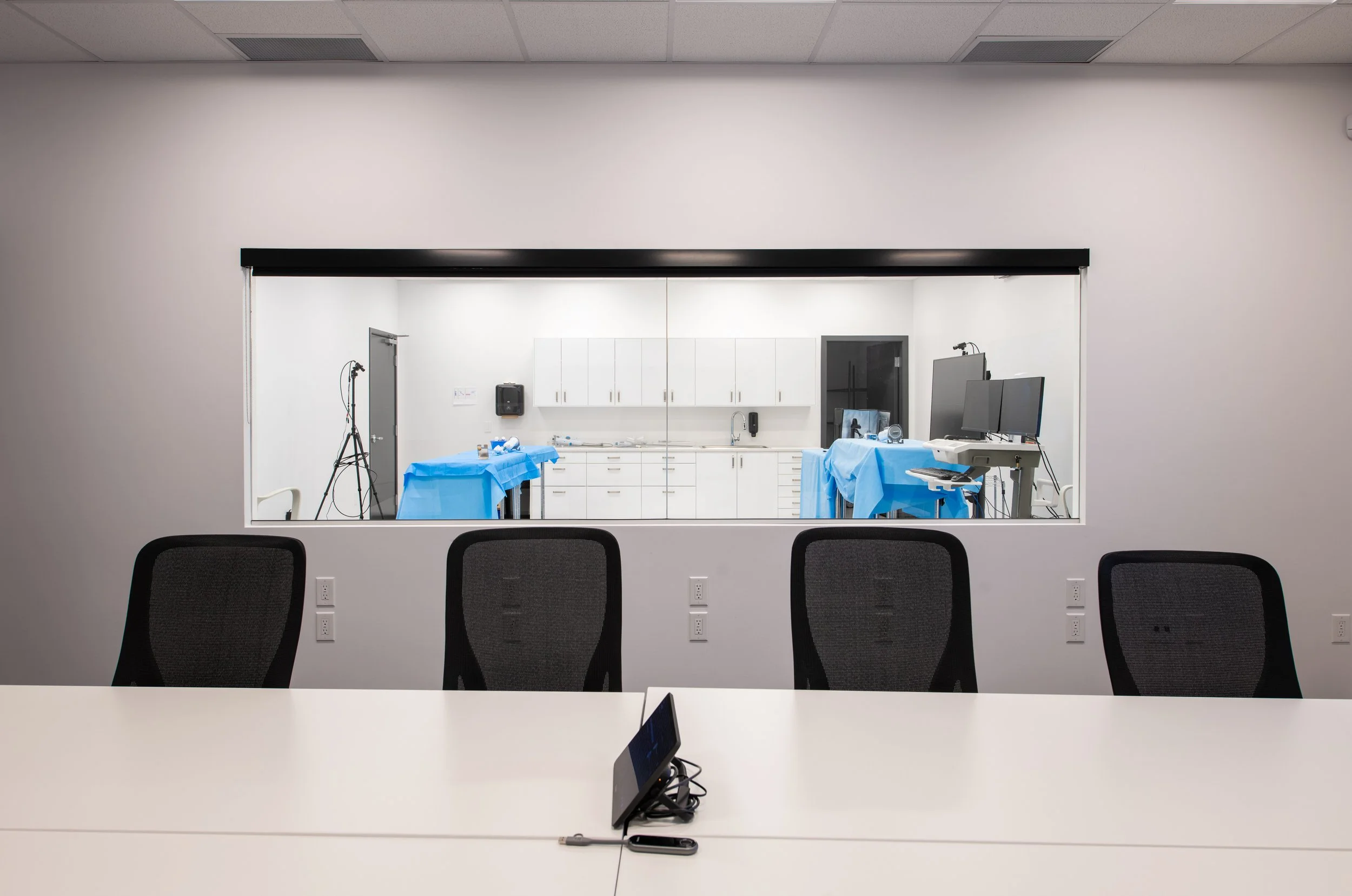
In healthcare environments, displays often part of the patient experience. Wayfinding displays help visitors navigate complex facilities, waiting room screens provide important information and entertainment, and digital signage allows hospitals to quickly communicate updates across multiple departments. Behind the scenes, staff also rely on displays in meeting rooms, training spaces, and operations centres.
Retail, Hospitality, and Restaurants
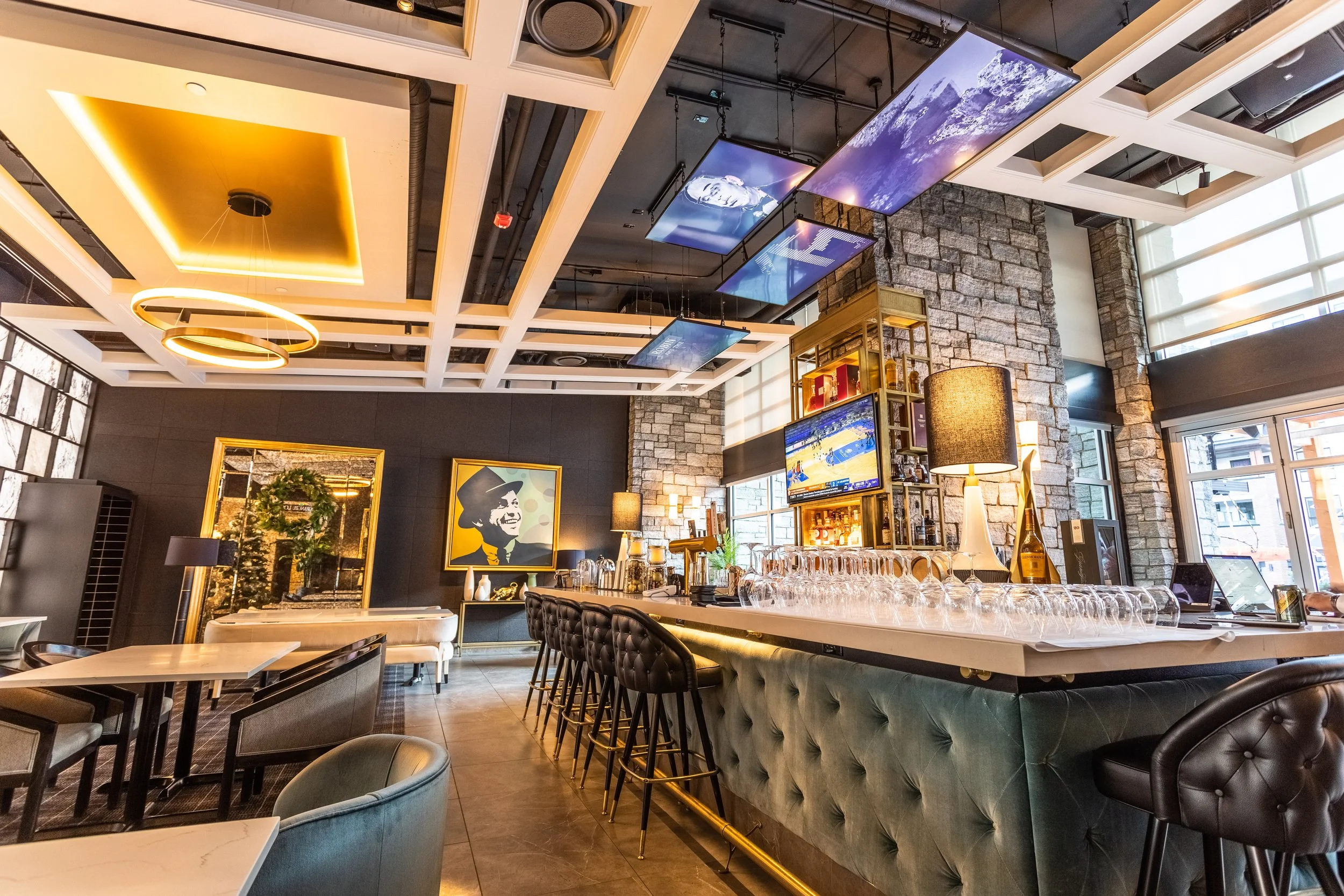
Whether it's a retail storefront, hotel lobby, or restaurant, digital displays make it easy to update promotions, menus, event schedules, and branded content without replacing printed signage. Many organizations are also incorporating LED feature walls and interactive displays to create more engaging customer experiences.
For businesses that regularly update messaging, digital displays provide a level of flexibility that traditional printed signage simply can't match.
How Much Does a Commercial Display Cost?
One of the first questions organizations ask is how much a commercial display will cost. The answer depends on several factors, including the size of the display, the technology being used, brightness requirements, mounting solutions, and whether additional equipment like media players, video wall controllers, or AV control systems are required. Installation, mounting hardware, content management software, and integration with other AV equipment can also affect the overall project cost.
In general, commercial LCD displays offer the lowest upfront investment and are often the best choice for meeting rooms, classrooms, and digital signage. Projection systems can provide a cost-effective solution for very large images, while dvLED typically has the highest initial investment due to its modular design and installation requirements.
It's also important to consider the total cost of ownership. Commercial displays are designed for longer operating hours, require less maintenance than consumer televisions, and integrate more easily with professional AV systems. Over time, these benefits often outweigh the difference in initial purchase price.
Finding the Right Display Starts with Understanding Your Space
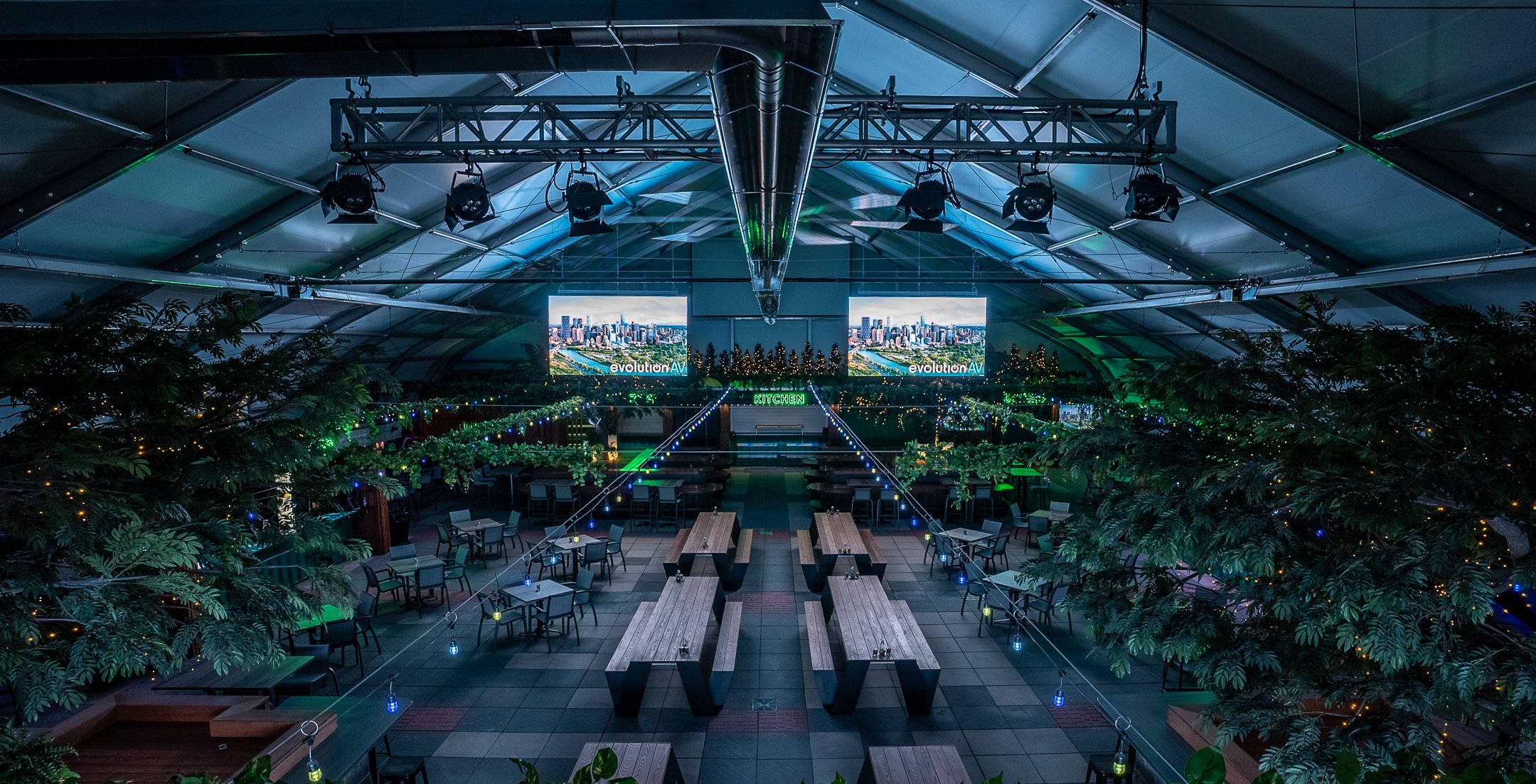
Choosing the best commercial display isn't just about getting the biggest screen and best resolution, it’s about finding one that best supports the people using it. Whether that's improving collaboration in a meeting room, engaging customers in a retail space, or simplifying communication across an organization, choosing the right technology starts with understanding your space and your goals.
Every project is different, and the right solution depends on much more than the display itself. If you're planning a commercial display upgrade or exploring digital signage for your organization, our team can help you evaluate your options and design a solution that's built for long-term success.



Frequently Asked Questions
-
While they may look similar, commercial displays are built specifically for business use. They offer higher brightness levels, longer operating hours (often 16/7 or 24/7), remote management capabilities, and are designed to integrate with professional AV systems. Consumer TVs are intended for occasional home use and typically aren't designed to withstand the demands of commercial environments.
-
For most meeting rooms, a commercial LCD display is the best choice. It provides excellent image quality, supports video conferencing and wireless presentations, and offers a cost-effective solution for everyday collaboration. Larger executive spaces or briefing centres may benefit from a Direct View LED display if a larger, seamless image is required.
-
Commercial LCD displays use a single panel to display content and are ideal for meeting rooms, classrooms, and digital signage. Direct View LED displays are made up of individual LED modules that create one seamless image without bezels. They offer greater brightness, flexibility, and scalability, making them well suited for large-format installations such as corporate lobbies, auditoriums, and experience centres.
-
Commercial displays are designed for long-term reliability and continuous use. Depending on the technology and operating schedule, many commercial displays provide years of dependable performance while requiring significantly less maintenance than consumer televisions.
-
The cost of a commercial display depends on several factors, including the display size, technology, brightness, installation requirements, and any additional AV equipment needed. Commercial LCD displays typically provide the most cost-effective solution, while Direct View LED systems generally require a larger upfront investment but offer unmatched flexibility for large-scale applications.
-
Choosing the right display starts with understanding how the space will be used. Factors like room size, viewing distance, ambient lighting, content type, operating hours, and budget all influence which technology is the best fit. Working with an experienced AV integrator can help ensure your display solution is designed to meet both your current needs and future growth.