
Interactive Displays for Canadian Meeting Rooms
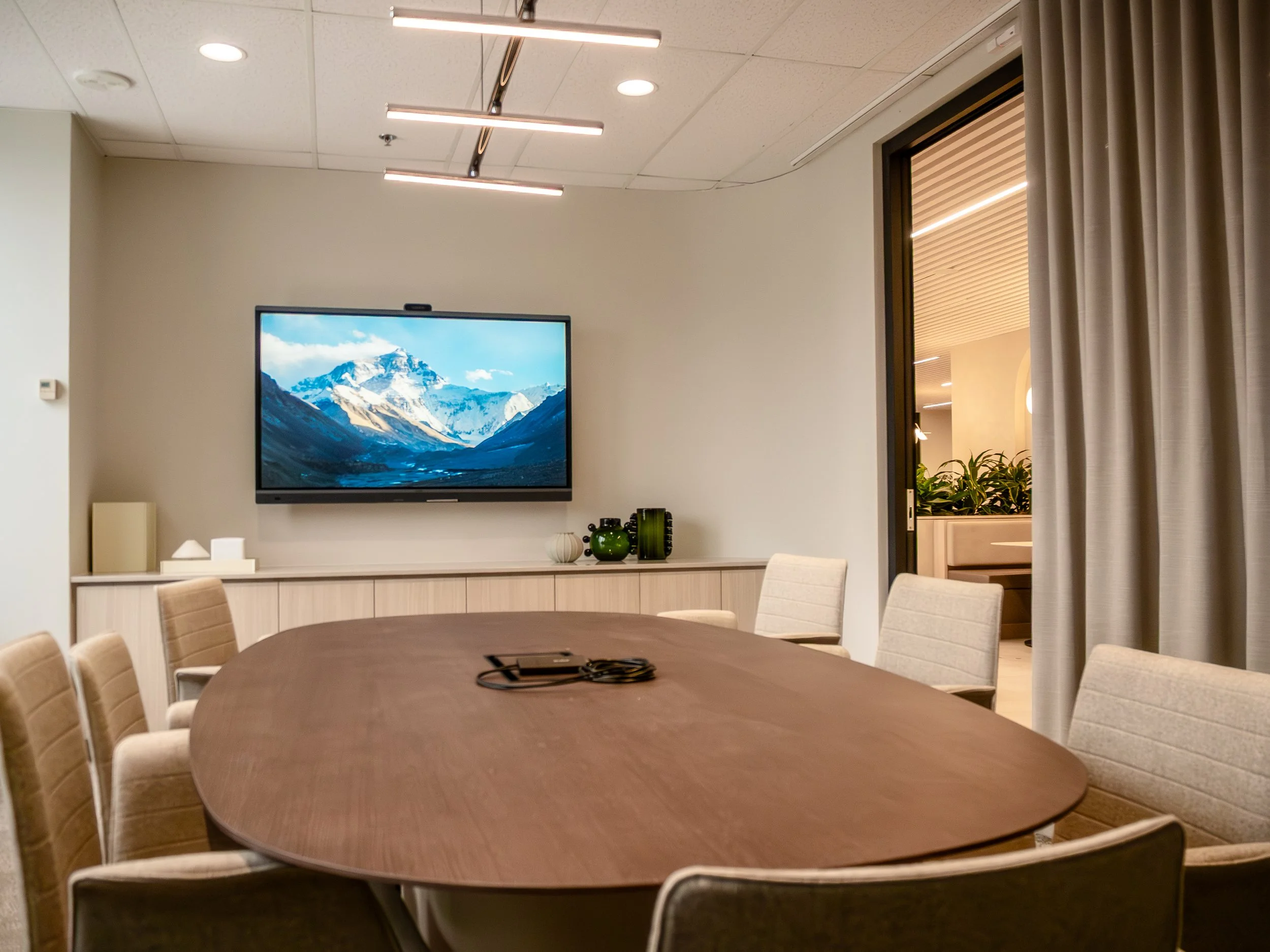
Meeting rooms are changing, and the display is starting to do a lot more than just show a presentation.
Interactive displays bring whiteboarding, annotation, content sharing, video conferencing, and collaboration into one screen. That can be useful in a huddle room where people are working through ideas together, or in a larger meeting space where documents and presentations need to be marked up in real time.
Not every interactive display is designed the same way. Some are primarily focused on touch and collaboration, while others combine the display with cameras, microphones, speakers and video conferencing software. Screen size, touch capabilities, connectivity, and the way the room is used all matter when deciding what type of display makes sense.
For Canadian organizations looking at new huddle rooms or updating existing spaces, here are some of the features worth considering.
Touch and Collaboration
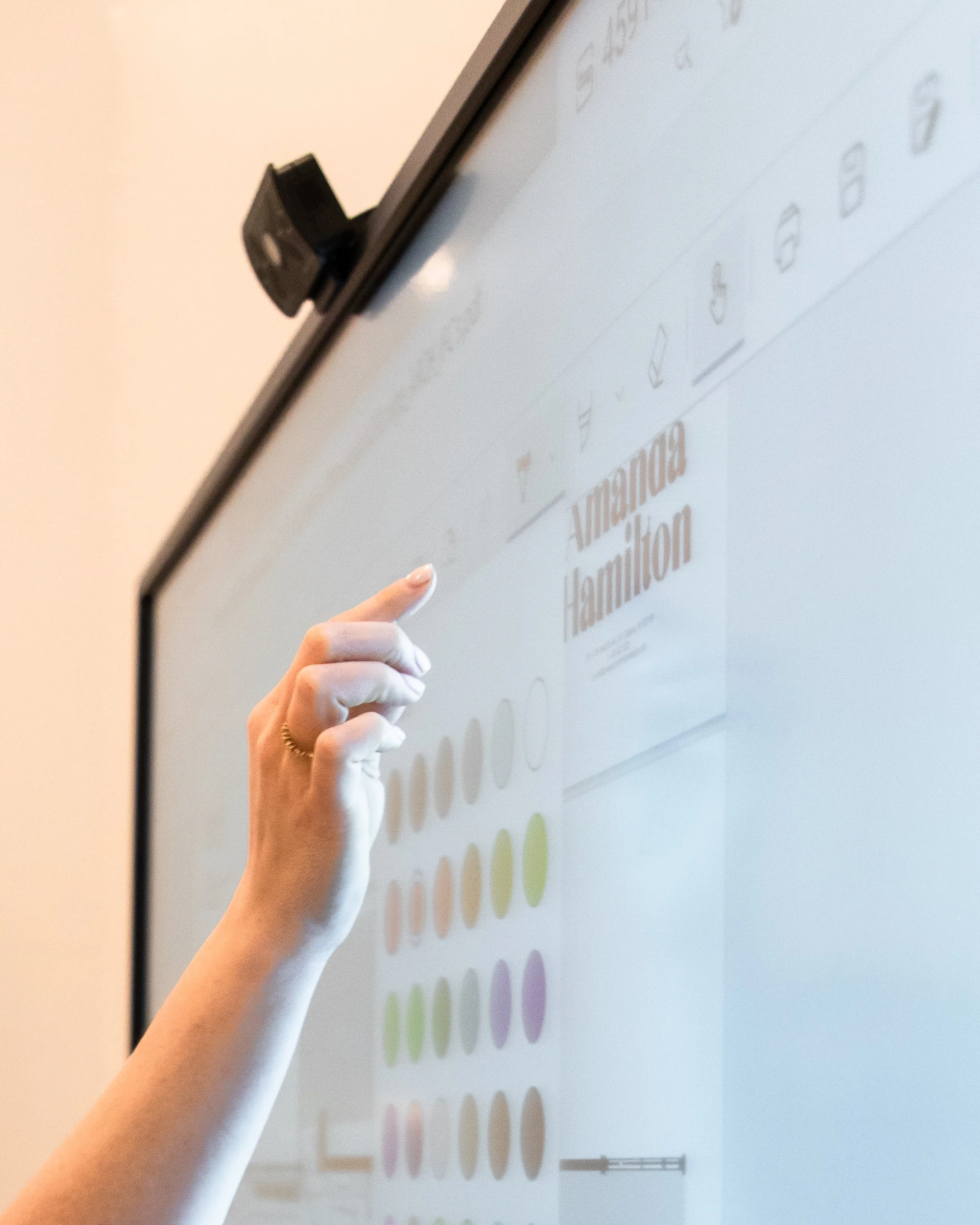
If meetings often involve brainstorming, reviewing drawings, working through documents or collaborating on ideas, having an interactive display can become an important part of the room. The useful features can vary between displays, though, so it is worth looking into the touch points.
Single-touch systems only allow for one point of contact at a time, whereas multi-touch systems support more than one person interacting with the board at a time. Some take it a step further, like the Samsung Flip, by recognizing different brush widths that allow users to digitally paint on the display.
Most manufacturers offer additional pens to draw on the board with, but the pens themselves can have different features. The SMART MultiStylus and ViewSonic AirPen, for example, can be used as a mouse or pointer, allowing users to interact with the display from a distance.
Video Conferencing and Audio
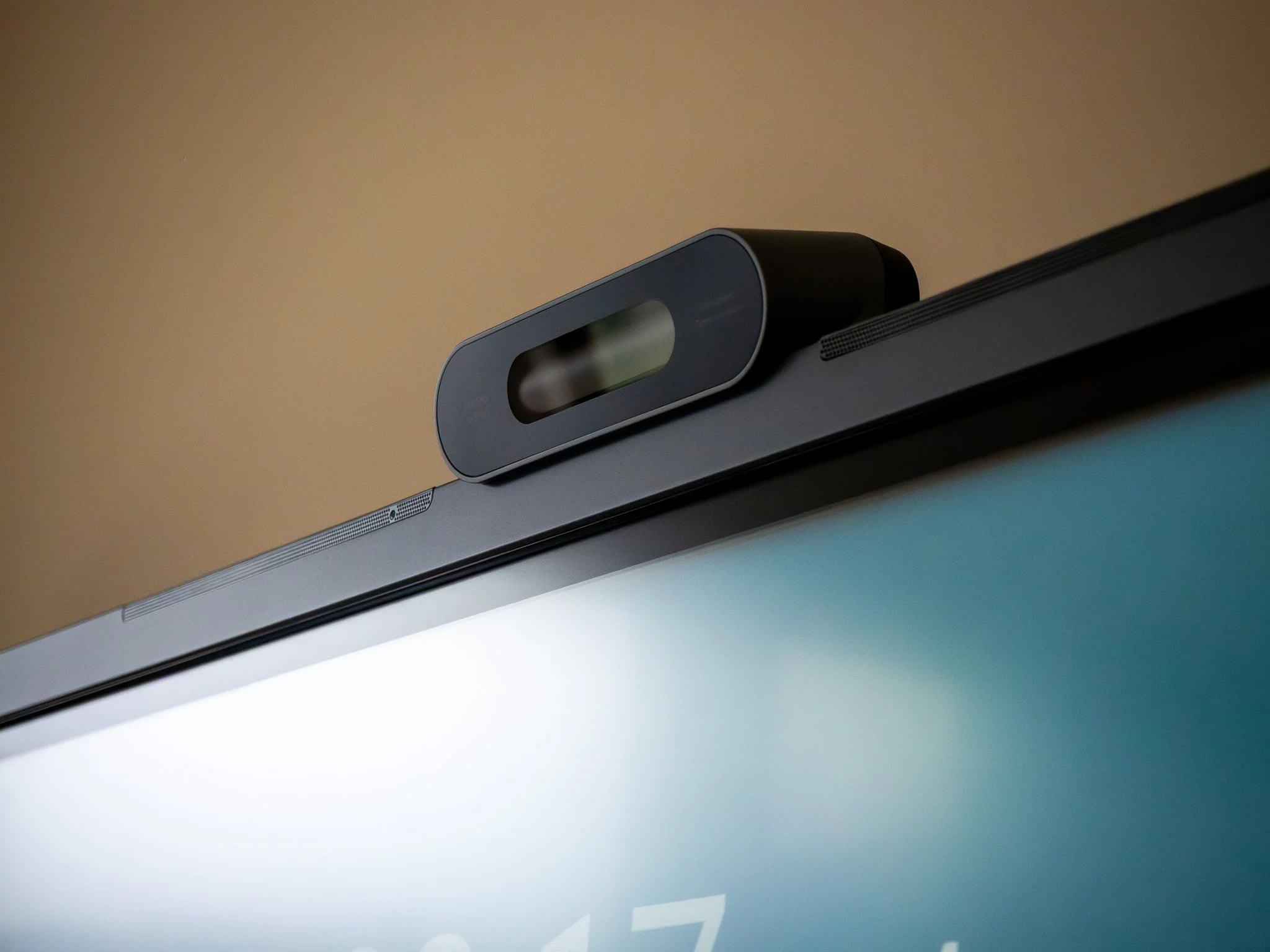
A big difference between types of interactive displays is the inclusion of video conferencing capabilities. Some displays focus solely on digital whiteboarding, while others offer an all-in-one solution.
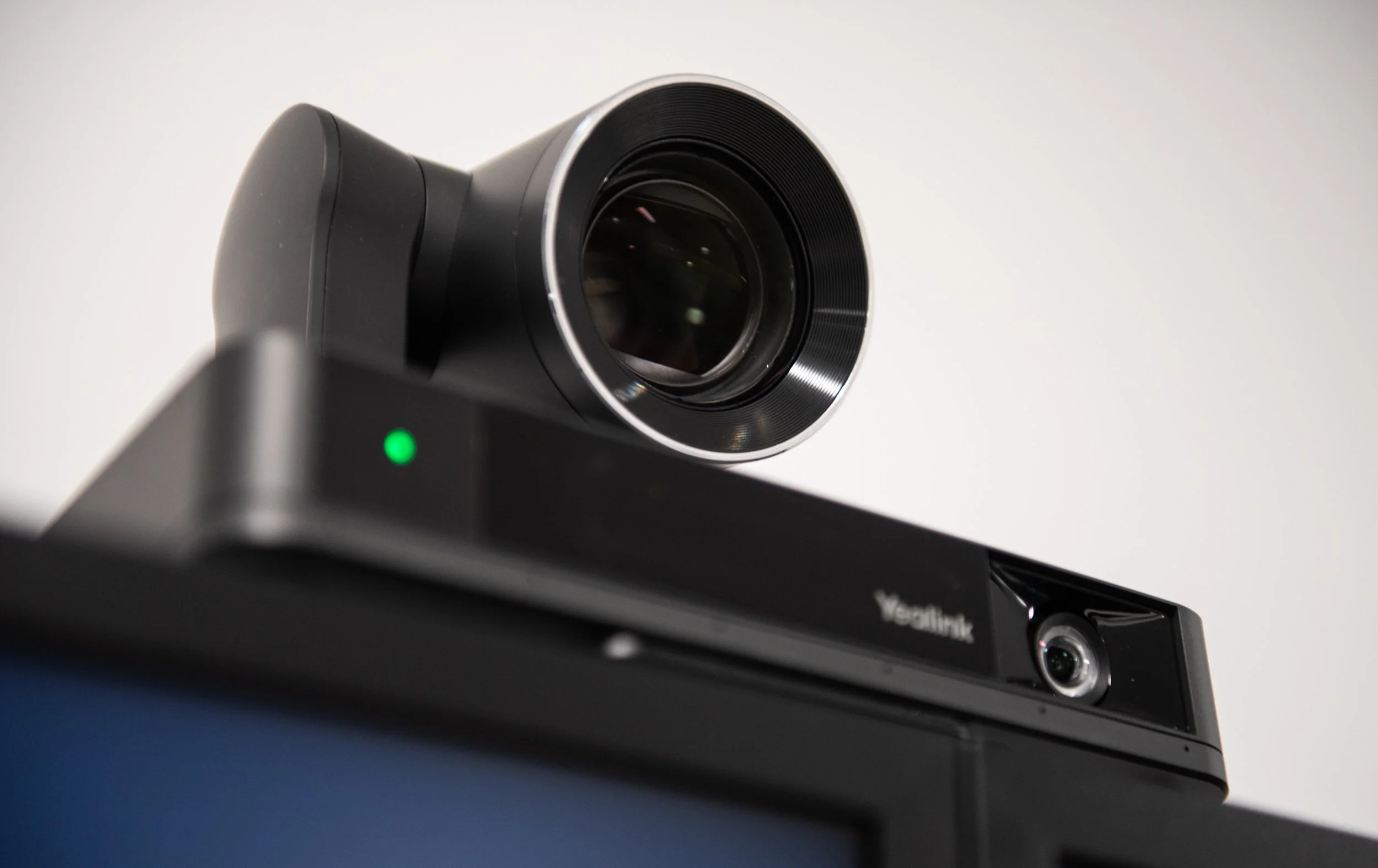
All-in-one models combine the screen, camera, microphones, speakers, and conferencing capabilities in one device, but the camera and audio design can vary considerably between devices. Some use a single camera, while others use multiple cameras to provide wider room views and closer shots of participants. The number of speakers, microphone design, camera configuration, and room coverage can all affect performance.
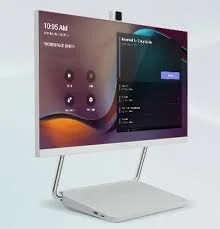
Some boards, like the Logitech Rally Board, have a built-in camera that can be positioned above or below the screen, depending on the room layout. Others, like the Yealink MeetingBoard Pro, use a multicamera system to capture the whole room or focus on individual participants.
These different approaches are ways of ensuring everyone can see and hear properly in a remote meeting. The right approach depends largely on how the room is used. Regardless, all-in-one boards offer a simplified AV system by reducing the amount of equipment needed in a space.
Connectivity and Room Design
USB-C, HDMI, wireless sharing and BYOD capabilities can all affect how easily people connect laptops and share content. Compatibility with platforms such as Microsoft Teams and Zoom may also be important, particularly when video conferencing is built into the display.
A display needs to fit into the organization's existing IT environment. A room that is easy for employees to connect to and use will generally be more successful than one with a long list of features that creates a complicated setup process.
Physical installation matters too. Wall mounting can work well in a dedicated meeting room, while a mobile stand may make more sense in a flexible training or collaboration space. Camera sightlines, mounting height, furniture placement and accessibility should all be considered before the display is installed.
What Size Display is Best for a Meeting Room?
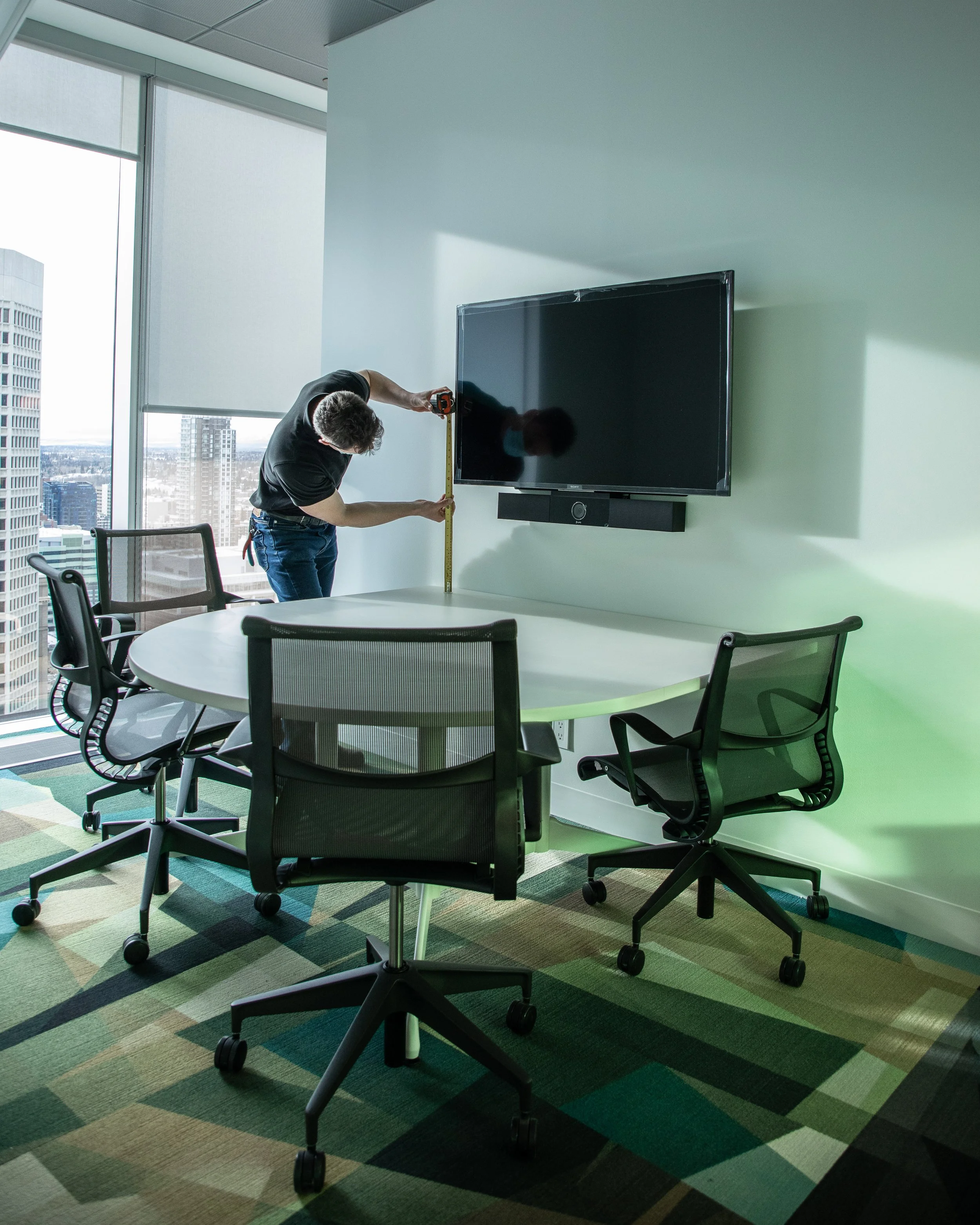
Interactive displays come in a wide range of sizes. Some are small enough for personal desks or focus rooms, like the Neat Board 32, and others are the size of four 55-inch displays put together, like the ViewSonic ViewBoard IFP110.
Room size makes a big difference when choosing a display. AV integrators can use industry standards such as DISCAS (Display Image Size for 2D Content in Audiovisual Systems) to help determine the appropriate screen size for a space. DISCAS is a scientific formula that considers factors such as viewing distance, image height, resolution and content size.
For a simpler way to estimate display size, the 4/6/8 rule provides a useful starting point. The guideline was widely used in the AV industry before AVIXA revised its approach in 2016, and it relates screen height to the approximate maximum viewing distance for different types of content.
Four times the screen height is generally used for detailed content such as small text, dense spreadsheets, and detailed drawings. Six times the screen height works for standard presentations and video conferencing, and eight times the screen height is intended for general information where fine detail is less important.
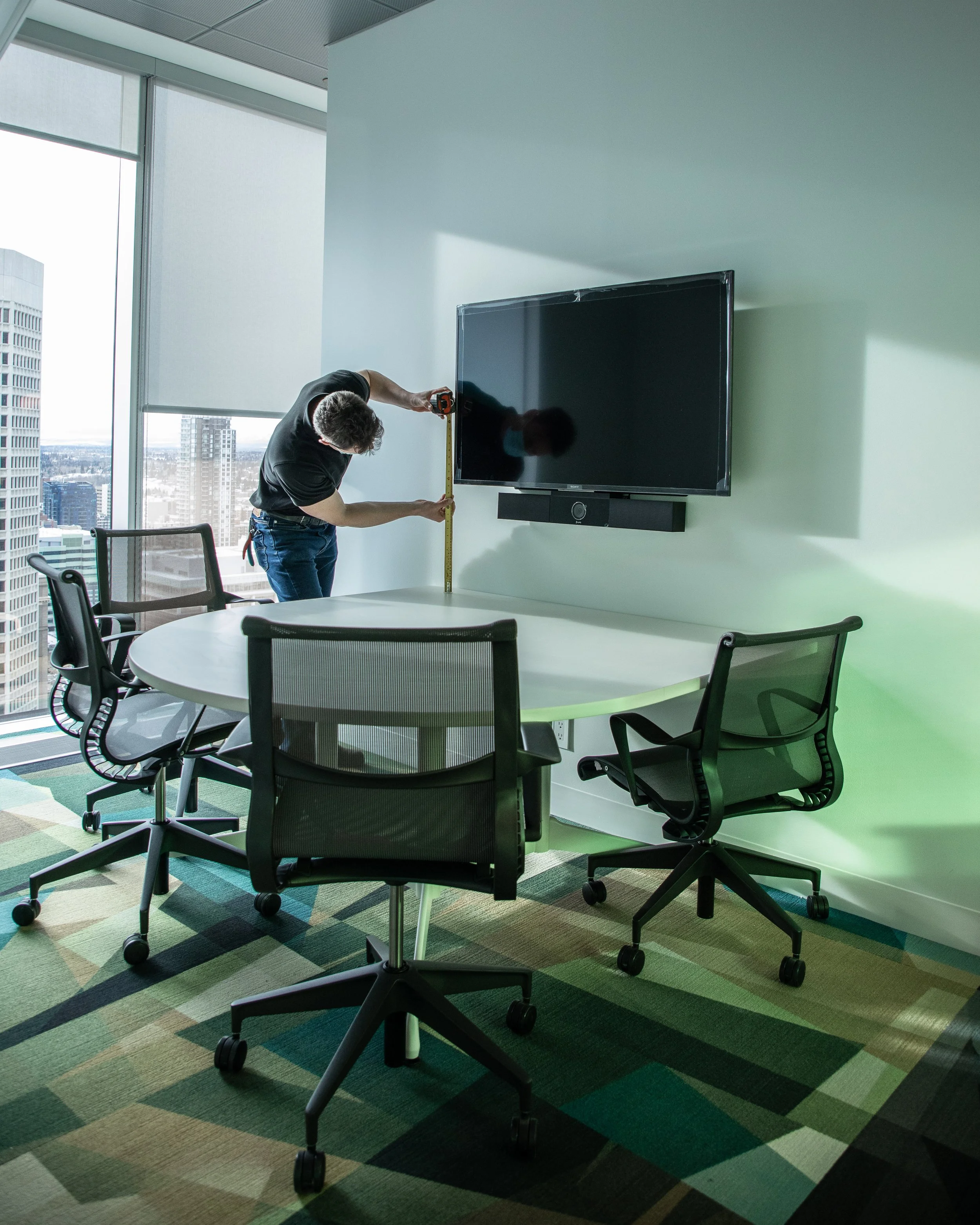
For example, the height of a typical 55-inch display is 27 inches. For general viewing, the standard is 6 times that measurement, meaning the farthest someone should sit from the screen for a hybrid meeting is 162 inches or 13.5 feet. However, if participants need to read documents, the farthest seat should be roughly 9 feet from the screen.
A 55-inch display works well for a small, intimate huddle room, but would be difficult to see in a large boardroom. A 65-inch display works for a standard meeting room built for 6 to 10 people. Larger boardrooms benefit from having a screen larger than 75 inches.
Camera placement matters too. An interactive display with a built-in camera needs to be positioned so the camera has a clear view of the room without creating awkward sight lines for people sitting at the table.
Interactive Display or Traditional Display?
The decision really comes down to how the room will be used. Adding touch functionality when people rarely interact with the screen does not necessarily make the space more useful. If the meeting room is mainly used for Teams calls, presentations, and screen sharing, a traditional commercial display paired with dedicated conferencing equipment may provide everything the room needs.
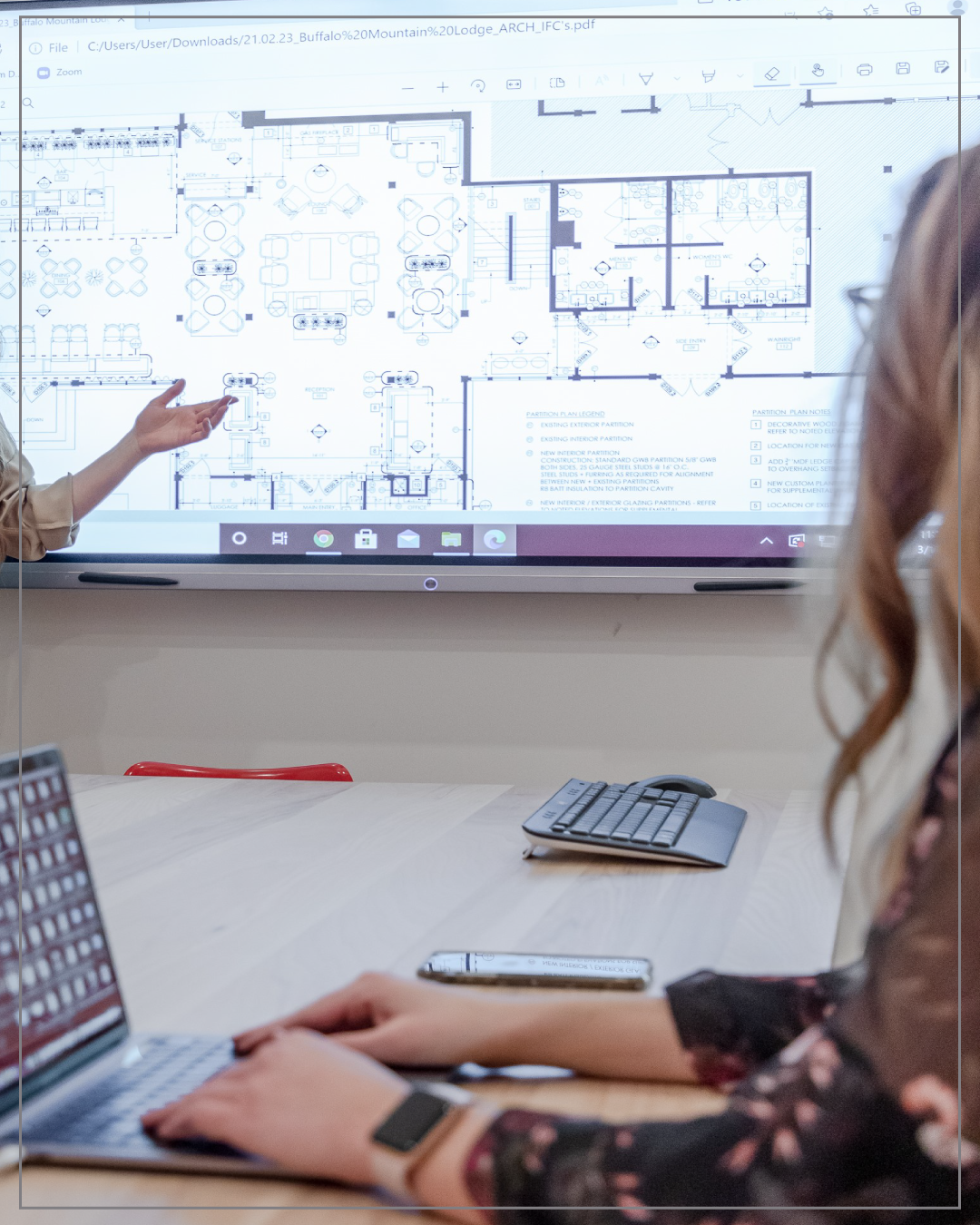
Interactive displays become more useful when the screen is part of the work happening in the room. It becomes a critical part of the workspace where people brainstorm on a digital whiteboard, annotate drawings and presentations, review documents, work through project ideas, or make changes to content in real time. That can be especially useful in hybrid meetings, where people in the room and remote participants need to work from the same content.
The goal is to choose technology that supports what people actually need to do in the space.
There Isn't One Standard for Every Huddle Room
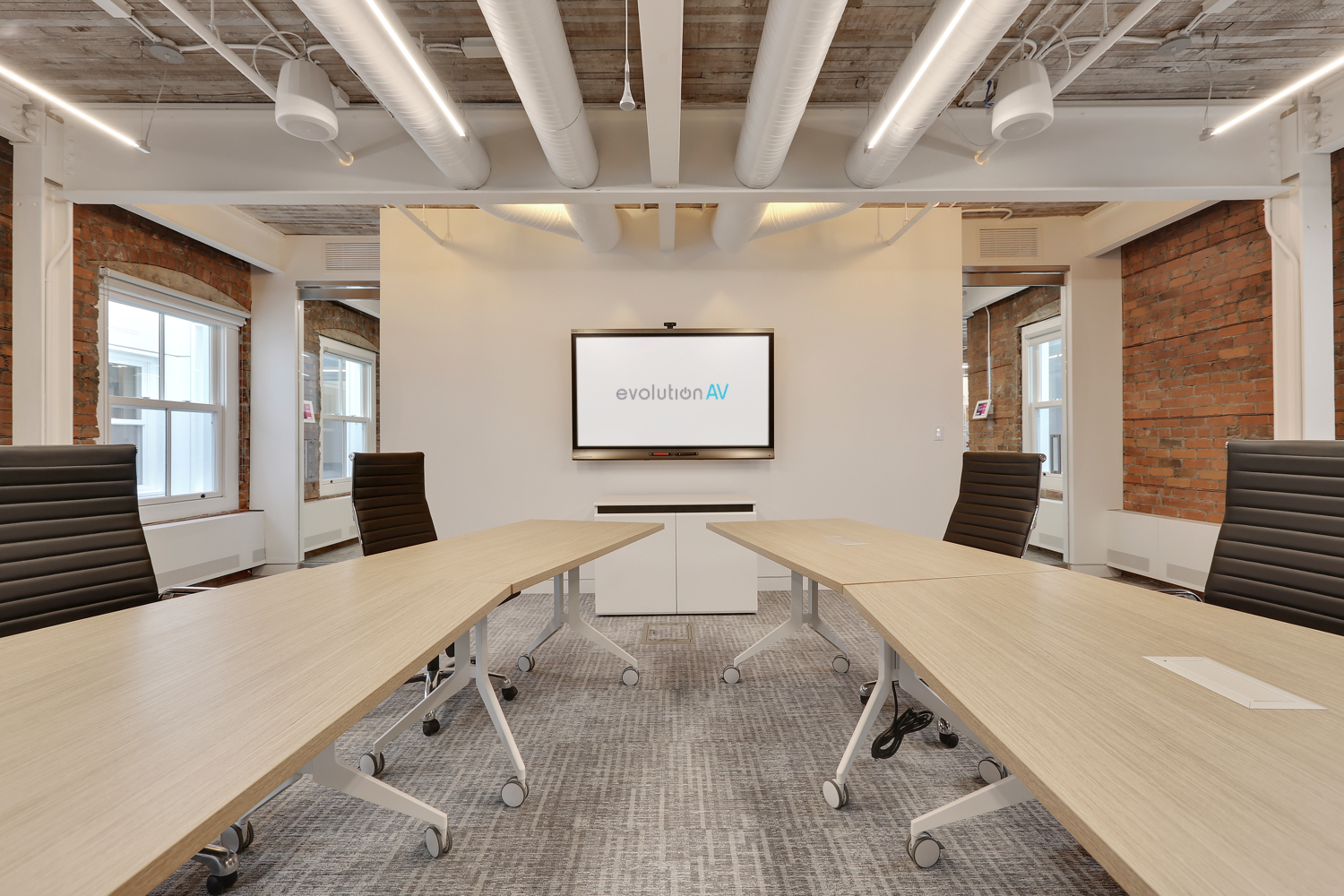
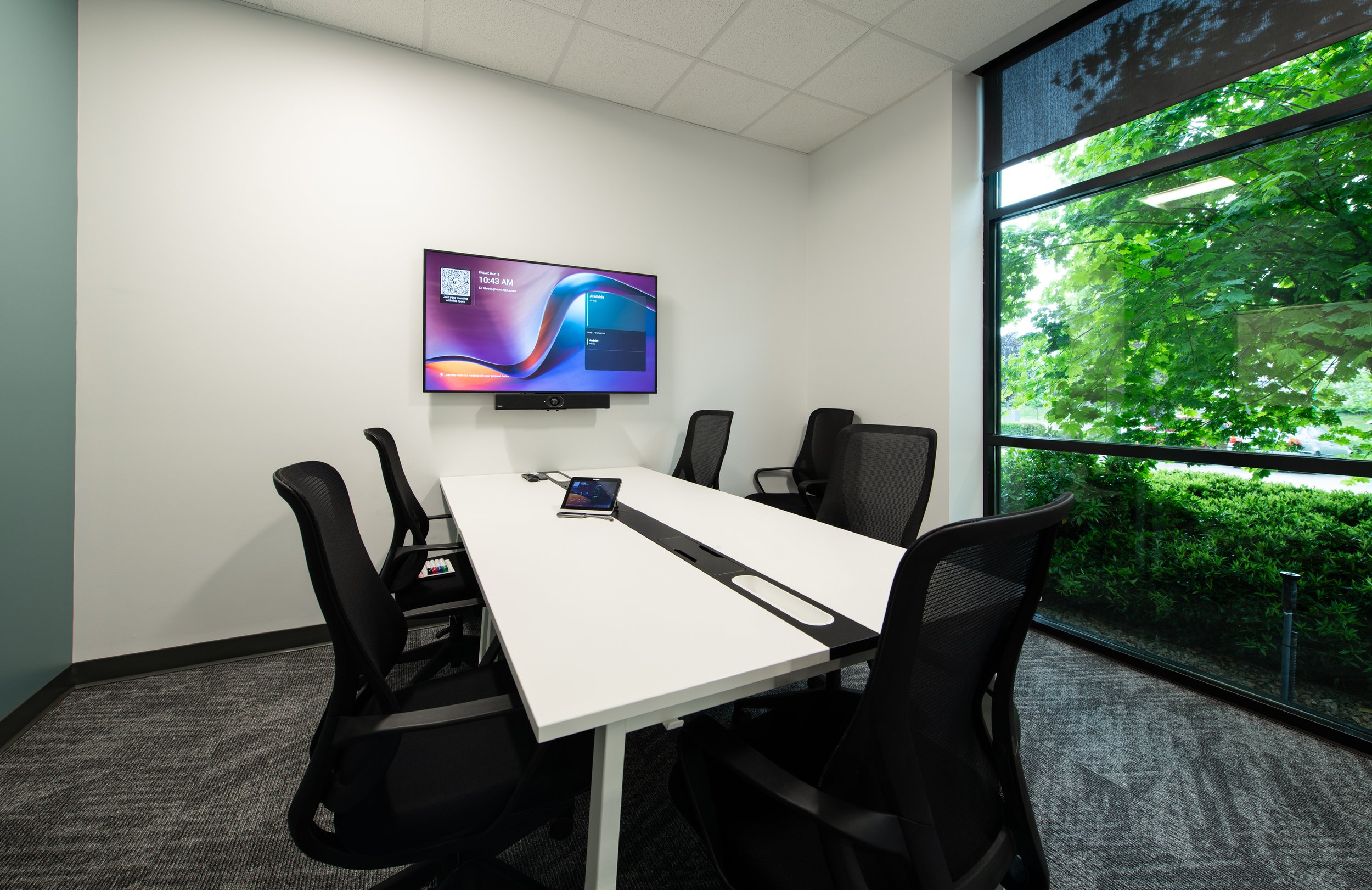
There isn't one standard setup for every huddle room. A large training room might need a 98 or 110-inch display with dedicated conferencing equipment, while a compact huddle room might be better suited to an all-in-one interactive display.
The important part is looking at the room as a complete system. How many people use it? How far are they sitting from the screen? Are meetings mostly in person or hybrid? Is whiteboarding a useful addition? How much control does IT need? How does the display fit with the organization's existing Teams, Zoom, or BYOD setup?
Our team takes these questions into account for each project. Instead of a one size fits all solution, the display, conferencing, audio, and collaboration technologies are carefully designed for each space and how it’s used.
Evolution AV works with a wide range of trusted AV manufacturers, giving our team access to different display, conferencing, audio, and collaboration technologies to find the right combination for each project. From all-in-one interactive displays to larger, more complex AV systems, the goal is to build a solution that works together from the start.
Planning a new huddle room or upgrading an existing meeting space? Connect with Evolution AV to explore the right display and AV options for the space.



Frequently Asked Questions
-
An interactive display is a touchscreen display that allows users to interact directly with content on the screen. Depending on the model, it can support digital whiteboarding, annotation, content sharing, video conferencing, and other collaboration tools.
-
Interactive displays can be a good fit for meeting rooms where teams regularly collaborate, brainstorm, review documents, annotate presentations, or work through ideas together. For rooms primarily used for presentations and video calls, a traditional commercial display with dedicated conferencing equipment may be a better fit.
-
The appropriate display size depends on the room dimensions, viewing distance, number of participants, and type of content being displayed. Smaller huddle rooms may work well with 55- or 65-inch displays, while larger meeting and training rooms may require displays of 75 inches or more. Industry guidelines such as DISCAS can help determine the appropriate screen size based on the room and content.
-
A traditional commercial display is primarily designed to show content, while an interactive display allows users to touch, write, annotate, and interact directly with what is on the screen. Some interactive displays also include built-in cameras, microphones, speakers, and video conferencing software.
-
Some interactive displays include built-in cameras, microphones, and speakers, creating an all-in-one video conferencing system. Others are designed primarily for touch and collaboration and require separate conferencing equipment. The right option depends on the room's size, layout, conferencing platform, and existing AV system.
-
Interactive displays can support hybrid meetings by combining video conferencing, content sharing, digital whiteboarding, and annotation in one system. Models with built-in cameras and audio can also reduce the amount of separate equipment required in smaller meeting spaces.
-
IAn AV integrator considers factors such as room size, viewing distance, seating layout, content type, conferencing requirements, connectivity, IT standards, and how the space will be used. Working with multiple AV manufacturers can also provide more flexibility when selecting the combination of display, conferencing, audio, and collaboration technology that fits the space.